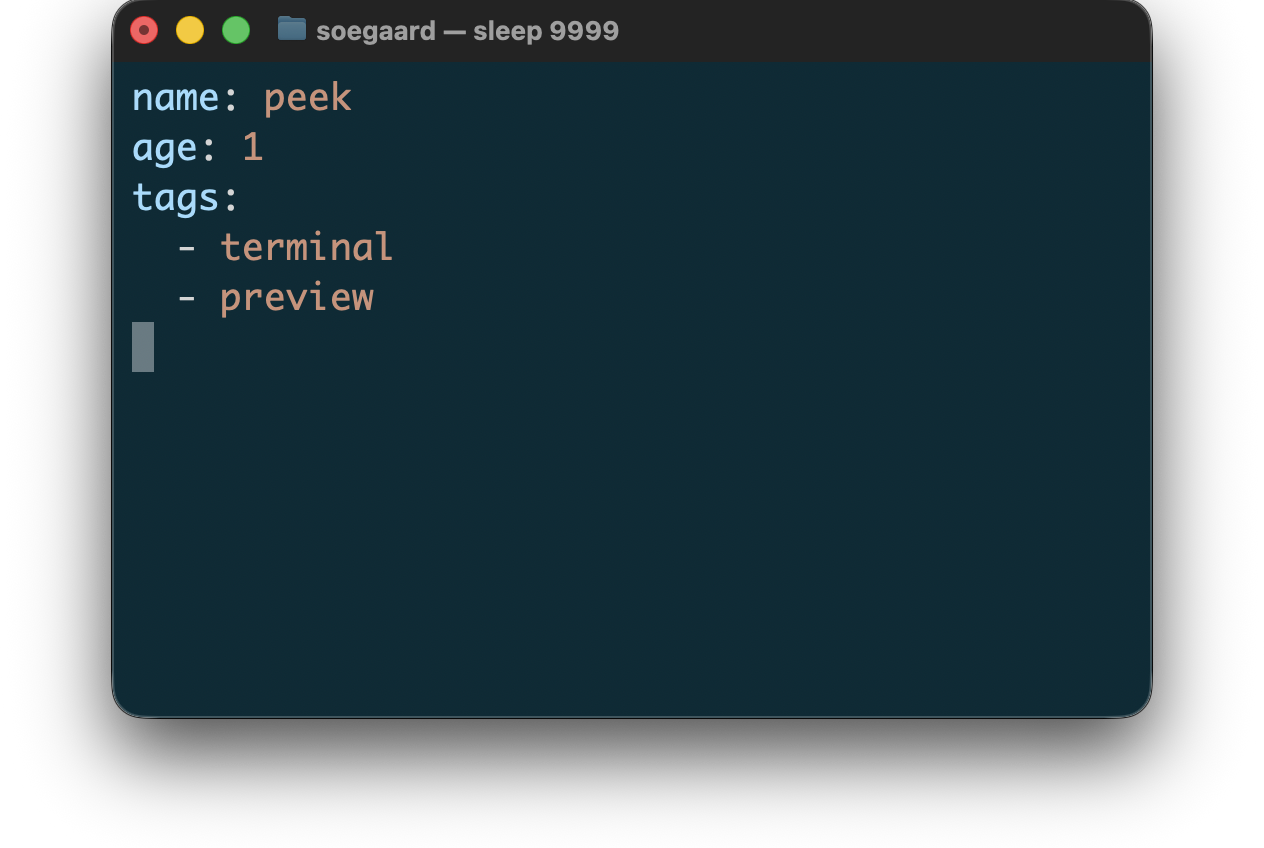
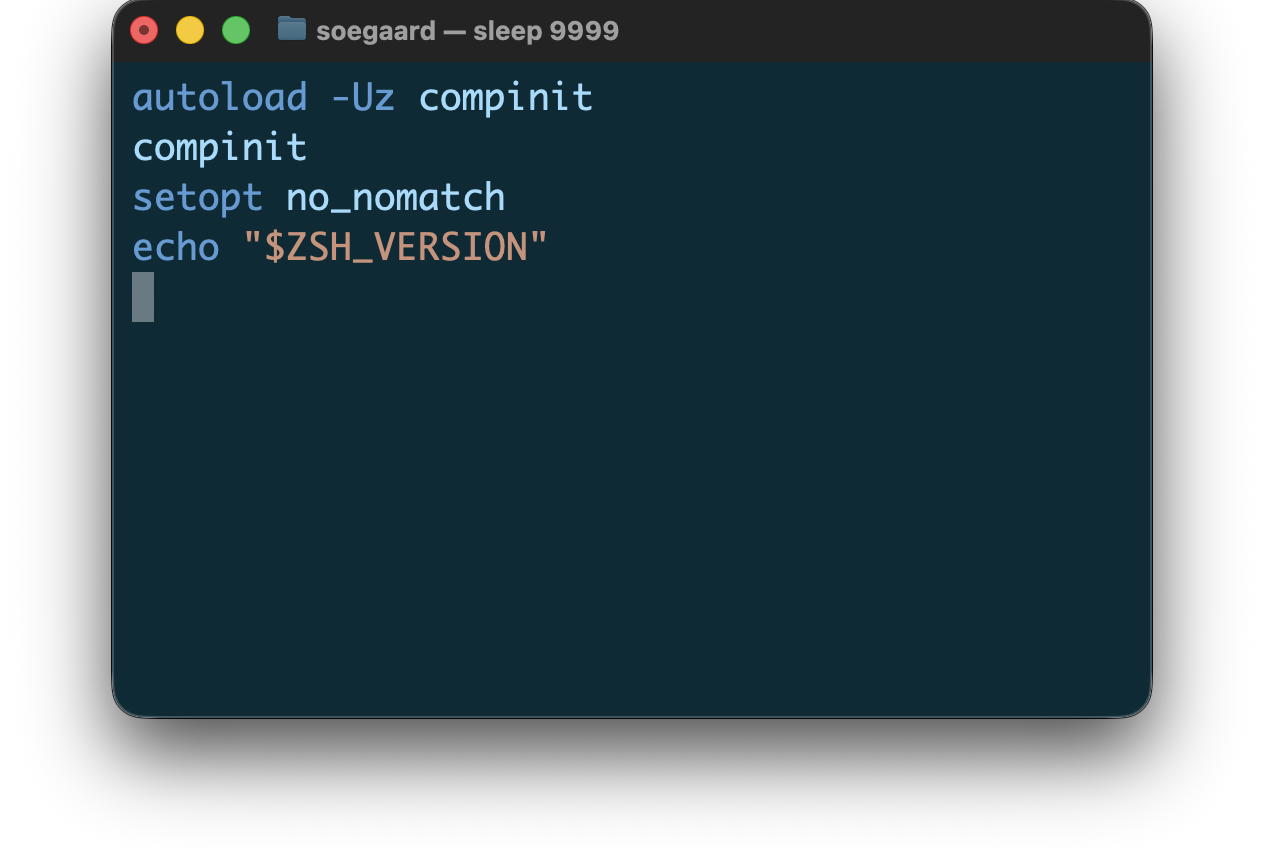
peek
Note: The peek package and this documentation were written with Codex.
1 Guide
peek previews files directly in the terminal, with syntax-aware coloring for supported file types, flat listings for directory paths, tree previews for supported archives, and a binary fallback for non-text data.
It is meant as a command-line viewing tool, not as a general-purpose library. After installing the package, you get a peek launcher alongside the other Racket command-line tools.
1.1 Quick Start
The fastest way to get a feel for peek is to run it on a file you already have:
peek path/to/file.css peek path/to/folder/ peek -P path/to/file.css cat path/to/file.json | peek --type json
By default, peek opens rendered output in a pager. Use --P or --no-pager when you want direct terminal output instead, and use --p or --pretty when you want a supported previewer to use its prettier terminal rendering, and use --type when reading from standard input or when you want to force a specific previewer such as archive or binary.
1.2 Supported Types
Supported file types are grouped in the reference chapter, but the current surface includes:
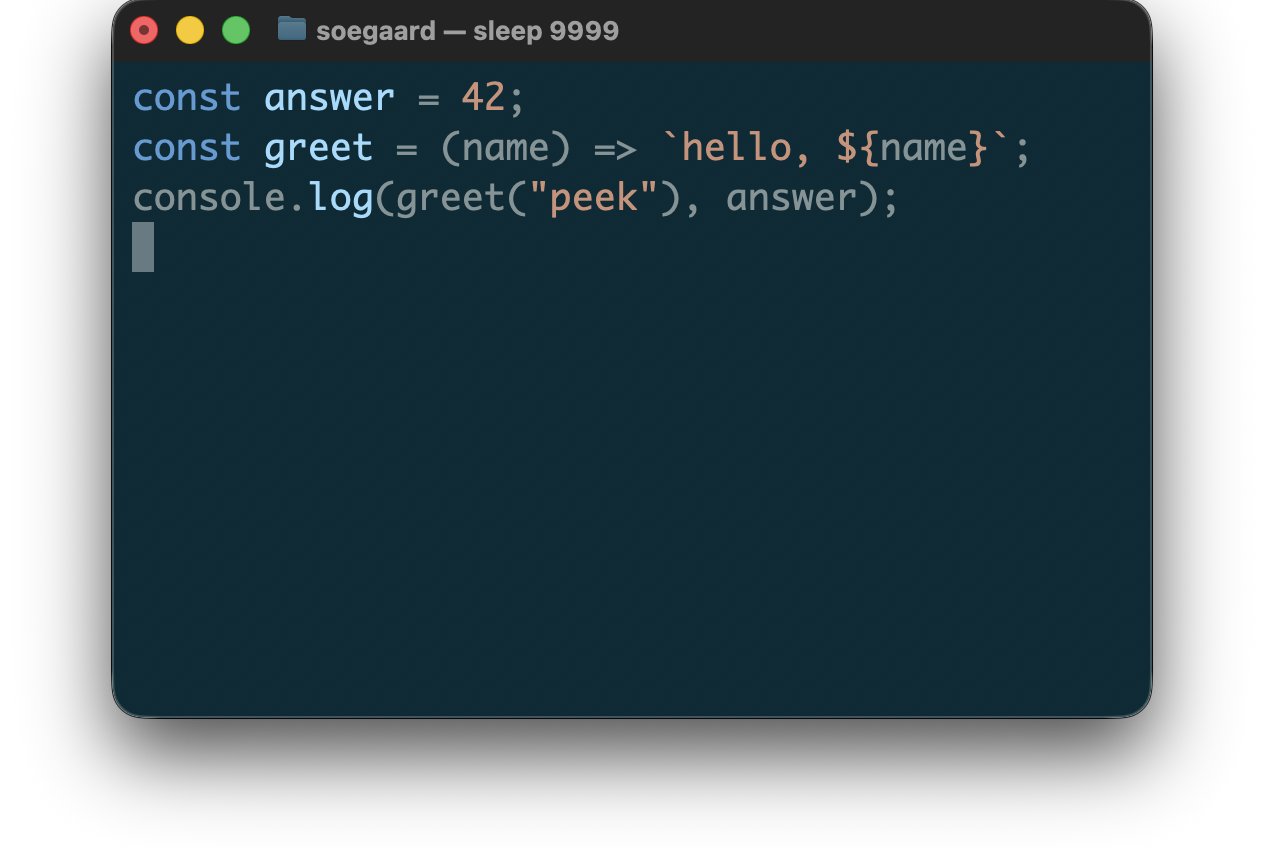
Web languages: CSS, HTML, JavaScript, and JSX
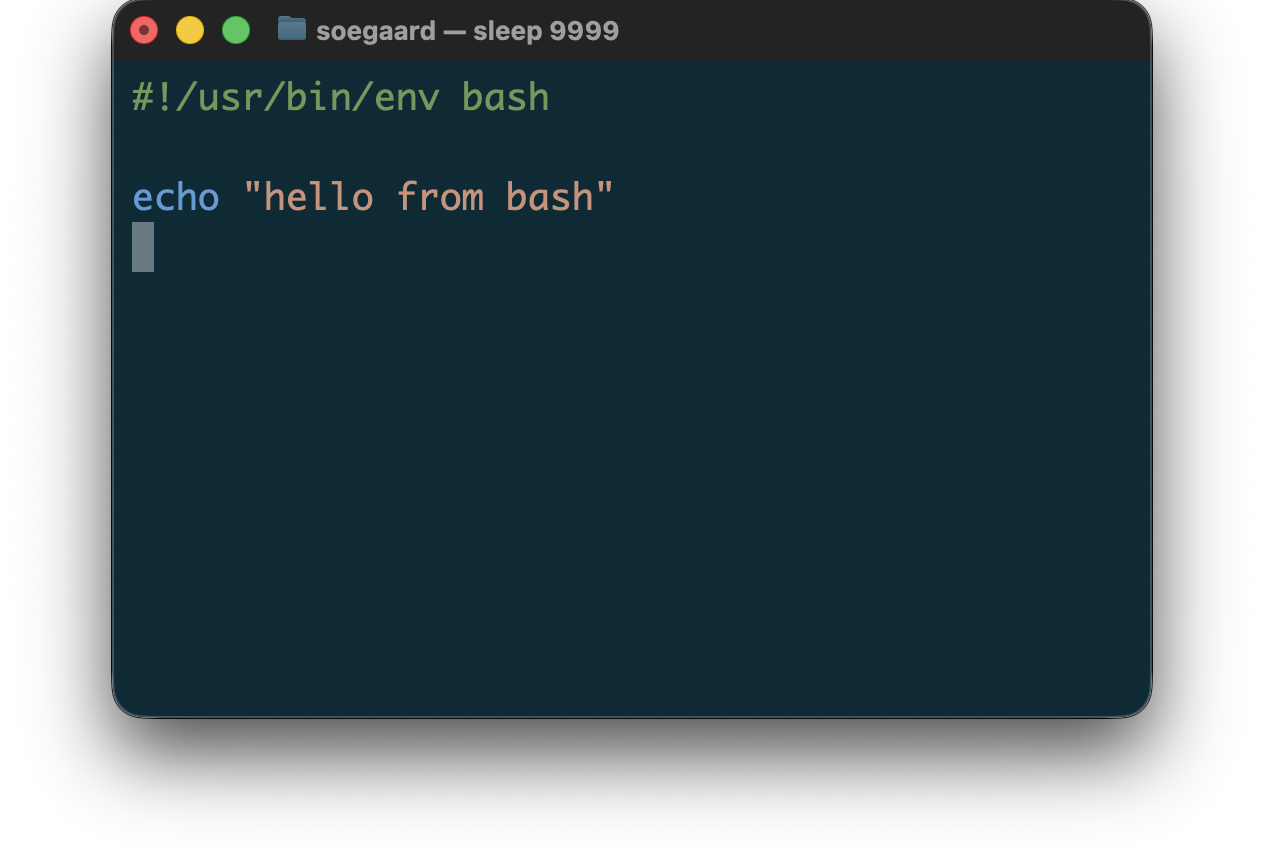
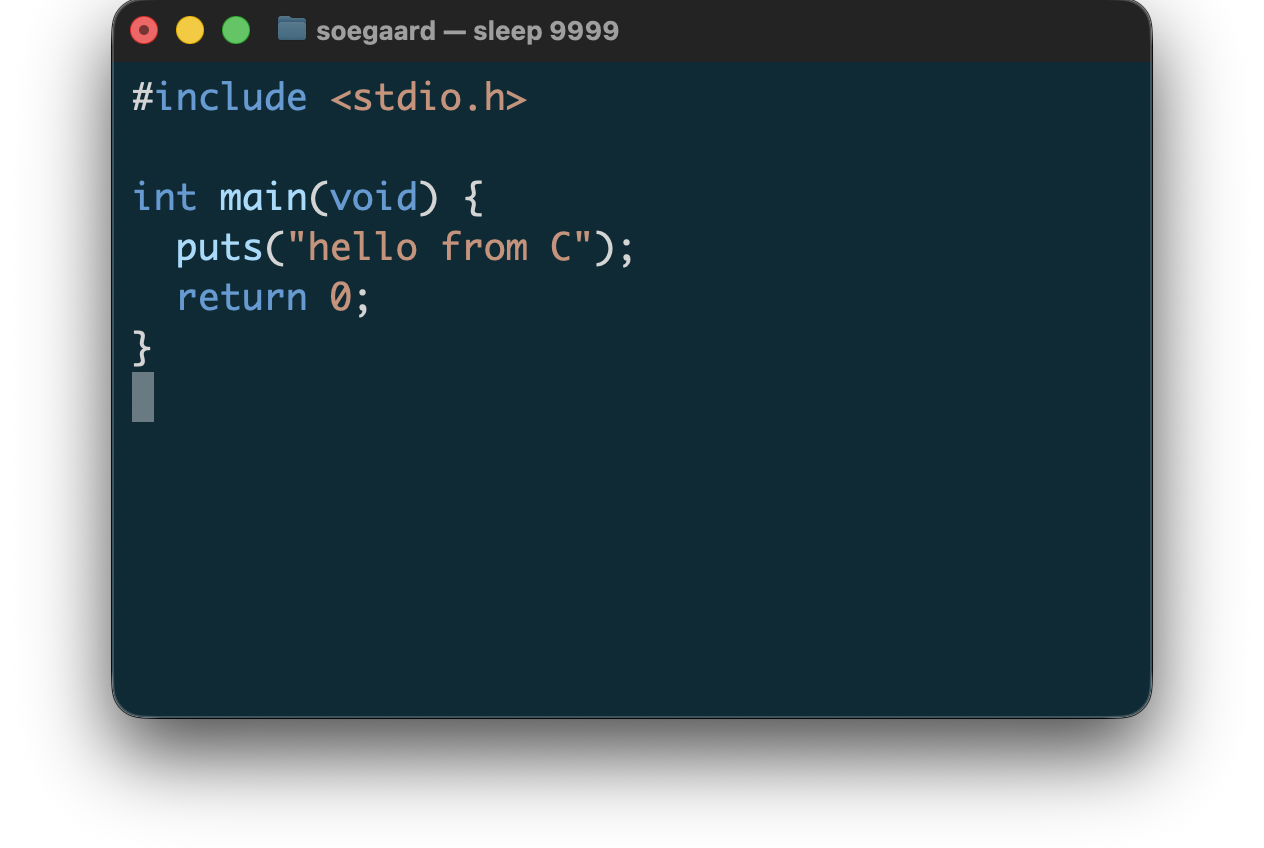
Programming languages: Bash, C, Objective-C, C++, Go, Haskell, Java, Mathematica, Pascal, PowerShell, Python, Rhombus, Racket, Rust, Swift, and Zsh
Data and tooling formats: CSV, JSON, Makefile, Plist, TSV, WAT, and YAML
Directory paths: Directory Paths
Archive files: Archive Files
Binary files: automatic binary detection plus explicit binary mode
See Reference for the detailed behavior, examples, and screenshots for each supported type.
1.3 What Makes Peek Useful
The previewers aim to stay terminal-first:
show useful syntax structure without rewriting the source into a document view
preserve source text and line breaks in the color-oriented previewers
use file-type-aware lexers where available instead of one generic text highlighter
show a flat listing for directory paths
show a directory tree for supported archives instead of raw bytes
fall back to a readable binary view for non-text input
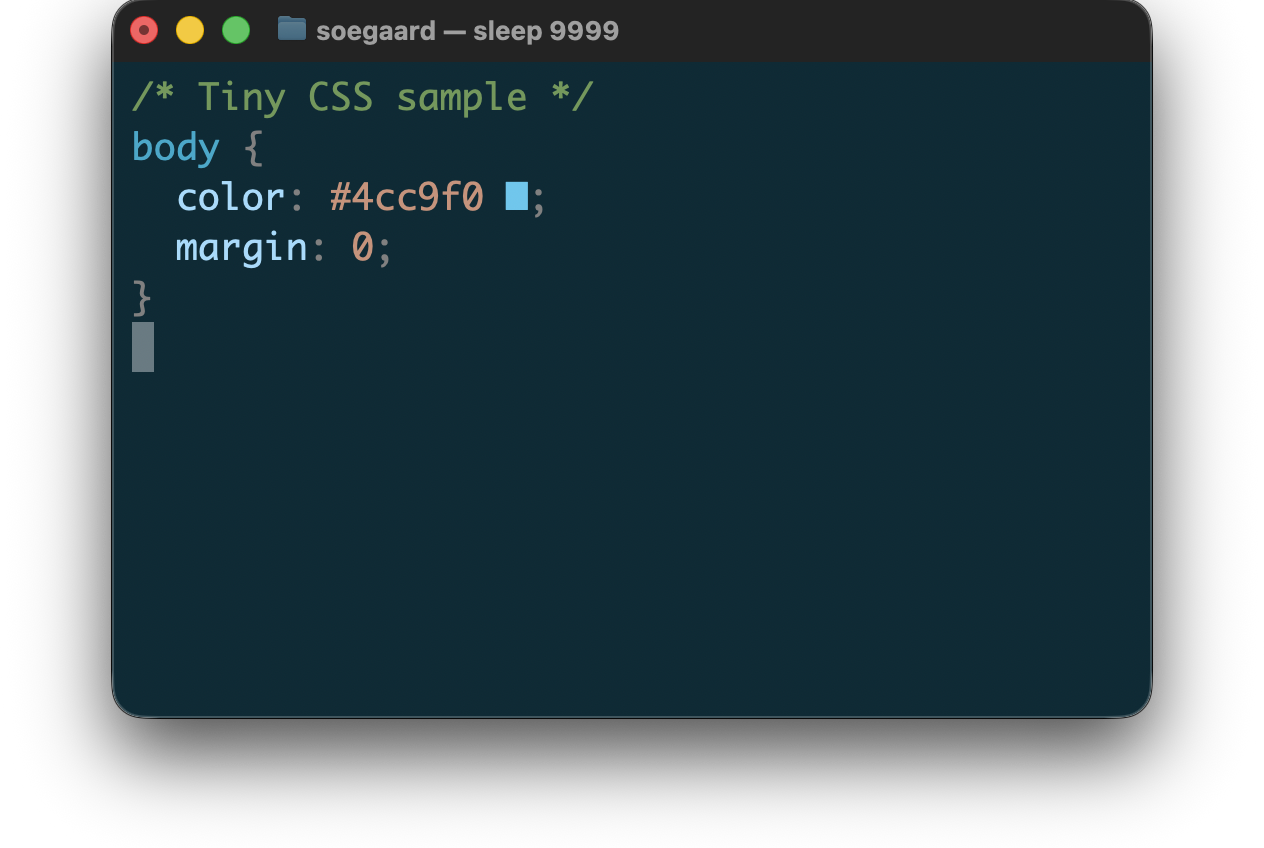
Here is a representative CSS preview:
1.4 Installation
Go to download.racket-lang.org to download and install Racket.
Use raco pkg install peek to install peek.
2 Command Line
After installing the peek package, the launcher is available as peek.
Typical file-preview usage looks like this:
peek path/to/file.css
Directory paths are previewed directly from the path:
peek path/to/folder/
When reading from standard input, use --type to select the previewer explicitly:
cat path/to/file.css | peek --type css
To inspect the complete set of explicit file type names:
peek --list-file-types
Useful command-line combinations:
peek -P path/to/file.css peek --diff path/to/file.rkt
2.1 Options
General options:
--–type type selects the input type explicitly. This is mainly useful for standard input. Supported values include archive, binary, bash, c, cpp, css, html, js, json, jsx, latex, mathematica, md, pascal, plist, powershell, python, rhombus, rkt, rust, scrbl, swift, tex, wat, yaml, and zsh. Use archive to force archive preview for a supported archive, or use binary to force the binary preview mode even when automatic detection would not select it.
--–list-file-types prints the currently supported explicit file type names, one per line, and exits.
--kind sorts directory previews by group, keeping directories first, then links, then regular files grouped by file kind such as Markdown files or Racket files. Entries inside each group are sorted alphabetically.
--size sorts directory previews by group, keeping directories first, then links, then regular files sorted by descending size.
--a, --–align enables CSS-specific alignment. This may rewrite spacing to improve the readability of declarations and aligned rule groups.
--–no-swatches disables CSS color swatches while keeping syntax coloring enabled.
--p, --–pretty enables pretty rendering when the selected file type supports it.
--n, --–line-numbers prefixes output lines with nl-style line numbers. For file previews, peek estimates the number-field width from the file size so it can start emitting immediately instead of counting lines first.
--–section title renders one named section when the selected file type supports it. Markdown currently matches section titles against ATX headings such as # Title or ## Subtitle.
--–grep regexp emphasizes rendered lines whose text matches a regular expression. Repeat the flag to add more patterns.
--–diff renders only the changed Git hunks for one file path, with a small amount of context around each hunk and normal syntax coloring inside the selected lines. Context lines use a two-space marker, removed lines use - , and added lines use + . With --n, context and added lines use the current-file line numbers, while removed lines use the old-file line numbers from Git.
--–pager sends preview output through the configured pager. This is the default behavior. peek uses the PAGER environment variable when it is set, and otherwise falls back to less -R.
--P, --–no-pager writes preview output directly to the terminal instead of opening a pager.
--–color always|auto|never controls ANSI color output. The default is always.
Binary preview options:
--bits shows each byte as bits instead of hex digits. This option only affects binary previews.
--search-bytes hex-pattern highlights raw byte sequences in white. Repeat the flag to add more patterns. This option only affects binary previews.
--search-text text highlights UTF-8 text sequences in white. Repeat the flag to add more patterns. This option only affects binary previews.
2.2 Color Modes
always always emits ANSI color and other terminal styling.
auto emits color only when the output port is a terminal.
never disables color and prints plain text.
2.3 Pagers
By default, peek opens its output in a pager. Use --P or --–no-pager when you want peek to write directly to the terminal instead.
By default, peek uses:
the command named by PAGER, if that environment variable is set
less -R, otherwise
On Unix-like systems, a common usage is:
peek path/to/file.css
or, with an explicit pager selection:
PAGER="less -R" peek path/to/file.css
On Windows, pager availability depends on what is installed. One practical approach is to point PAGER at an installed pager explicitly. For example, if less.exe is available from Git for Windows:
$env:PAGER = "C:\Program Files\Git\usr\bin\less.exe -R" peek path\to\file.css
If PAGER is not set and less is not installed, the default pager mode will fail with an error instead of silently falling back to plain output.
3 Reference
The current reference sections are:
Web languages: CSS, HTML, and JavaScript and JSX
Programming languages: Shell, C, C++, Objective-C, Go, Haskell, Java, Mathematica, Pascal, Python, Racket, Rhombus, Rust, and Swift
Tooling and config: Makefile
Directory paths: Directory Paths
Archive files: Archive Files
Binary files: Binary Files
3.1 Web Languages
3.1.1 CSS
For CSS, peek supports:
syntax coloring
color swatches for practical color literals and supported color functions
best-effort previewing on malformed input
optional alignment for declarations and simple repeated rule shapes
The CSS aligner is intentionally opinionated and terminal-focused. It may:
align property columns inside a block
align numeric values, including decimal/unit alignment
align repeated simple rule groups across sibling rules
align repeated function-call argument shapes, such as repeated rgba(...) calls, when that improves scanability
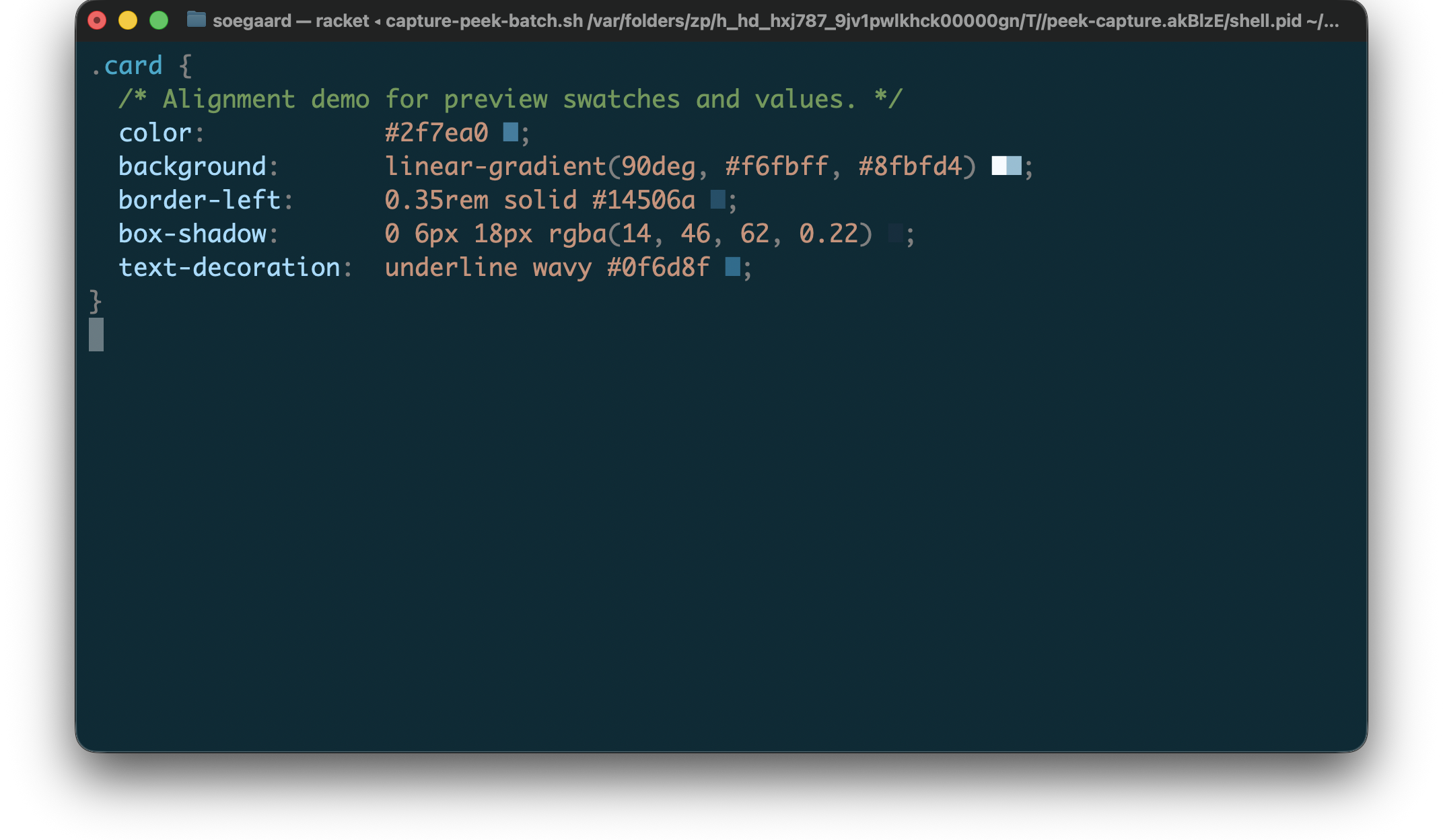
Swatches are part of the rendered output. Alignment is therefore computed from rendered width, not only from source-text width.
Example CSS preview input:
"example.css"
1 .card { 2 /* Alignment demo for preview swatches and values. */ 3 color: #2f7ea0; 4 background: linear-gradient(90deg, #f6fbff, #8fbfd4); 5 border-left: 0.35rem solid #14506a; 6 box-shadow: 0 6px 18px rgba(14, 46, 62, 0.22); 7 text-decoration: underline wavy #0f6d8f; 8 }
Rendered CSS preview:
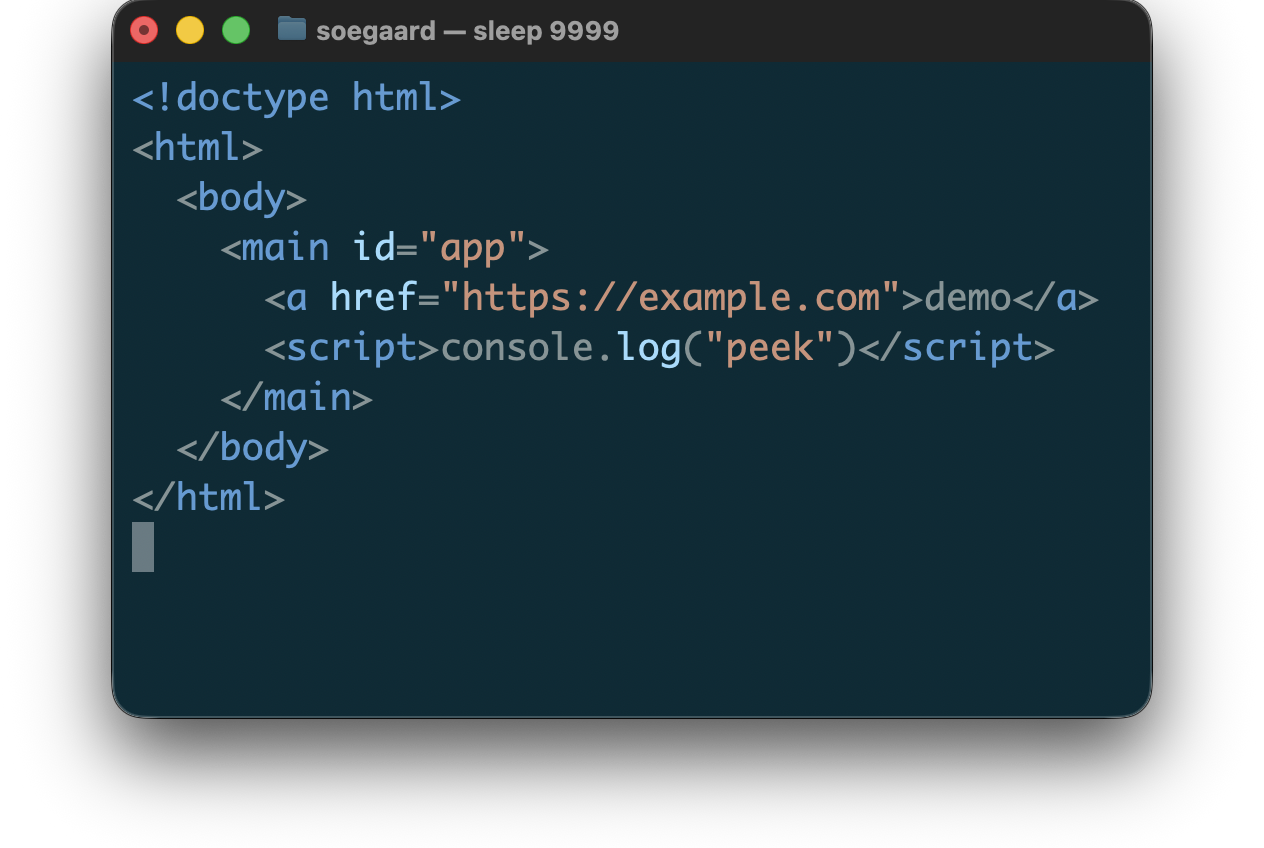
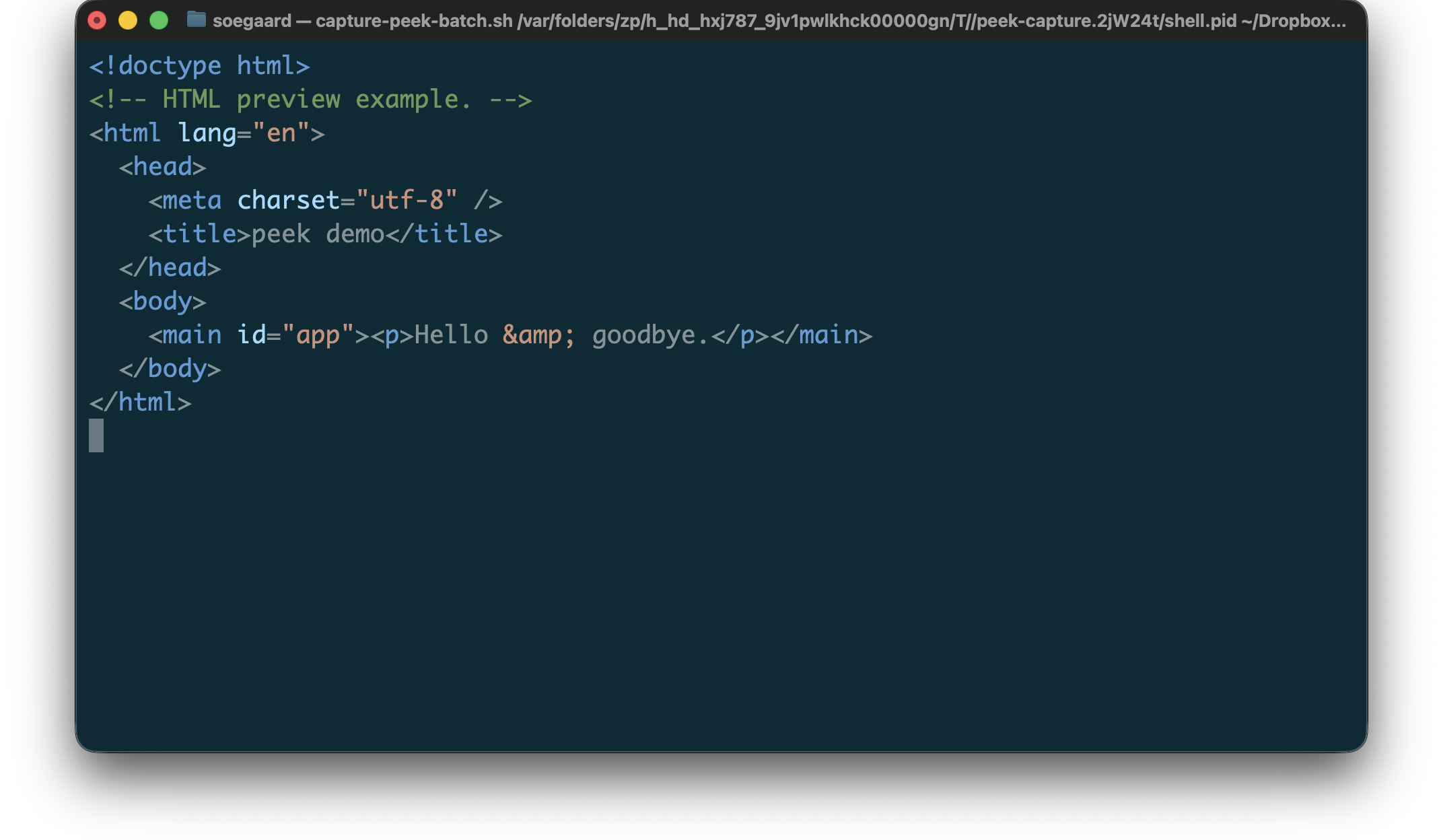
3.1.2 HTML
For HTML, peek currently supports:
syntax coloring for HTML structure such as tag names, attribute names, attribute values, comments, entities, and doctypes
best-effort previewing on malformed input
embedded CSS coloring inside <style> elements
embedded JavaScript coloring inside <script> elements
The first HTML pass is intentionally color-only. It does not yet add HTML-specific layout transforms, and it does not enable CSS swatches or alignment inside embedded <style> regions.
Example HTML preview input:
"example.html"
1 <!doctype html> 2 <!-- HTML preview example. --> 3 <html lang="en"> 4 <head> 5 <meta charset="utf-8" /> 6 <title>peek demo</title> 7 </head> 8 <body> 9 <main id="app"><p>Hello & goodbye.</p></main> 10 </body> 11 </html>
Rendered HTML preview:
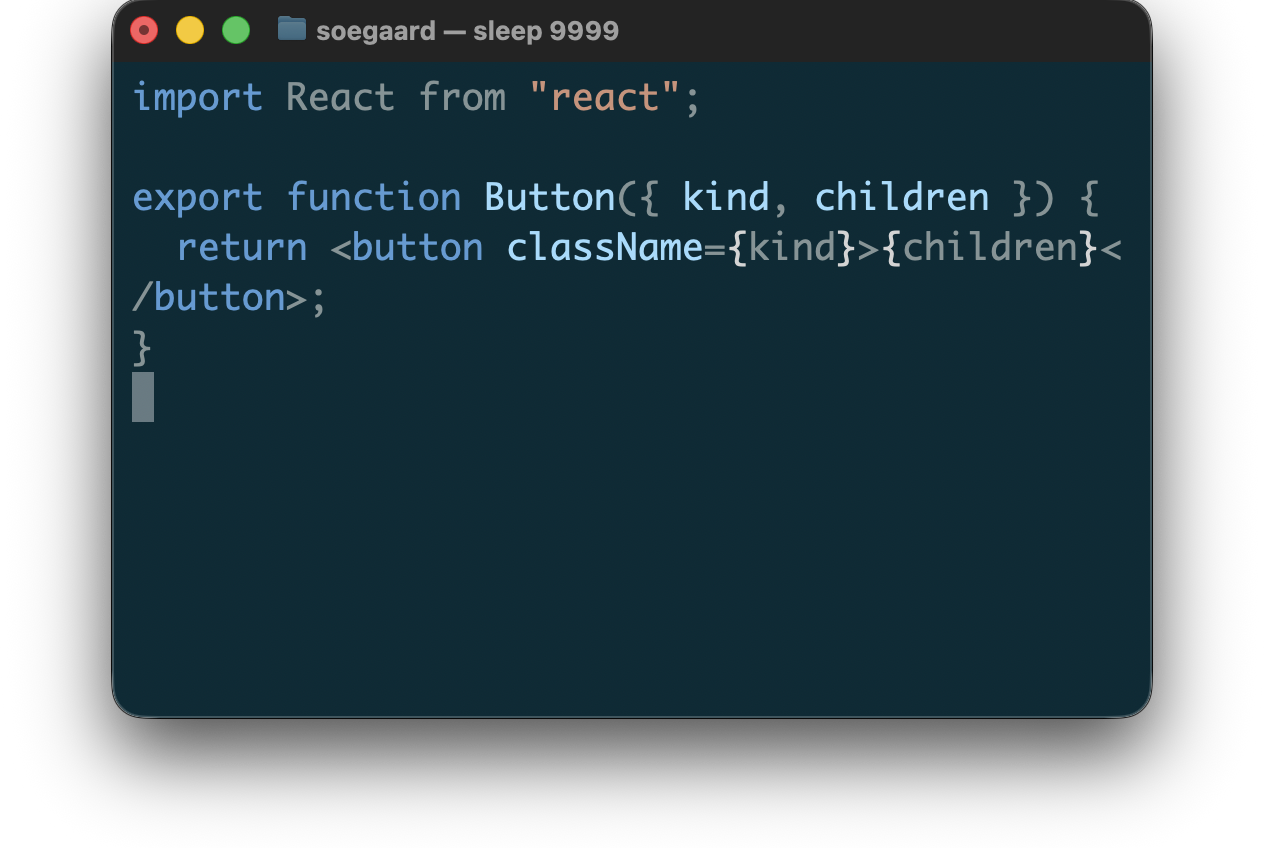
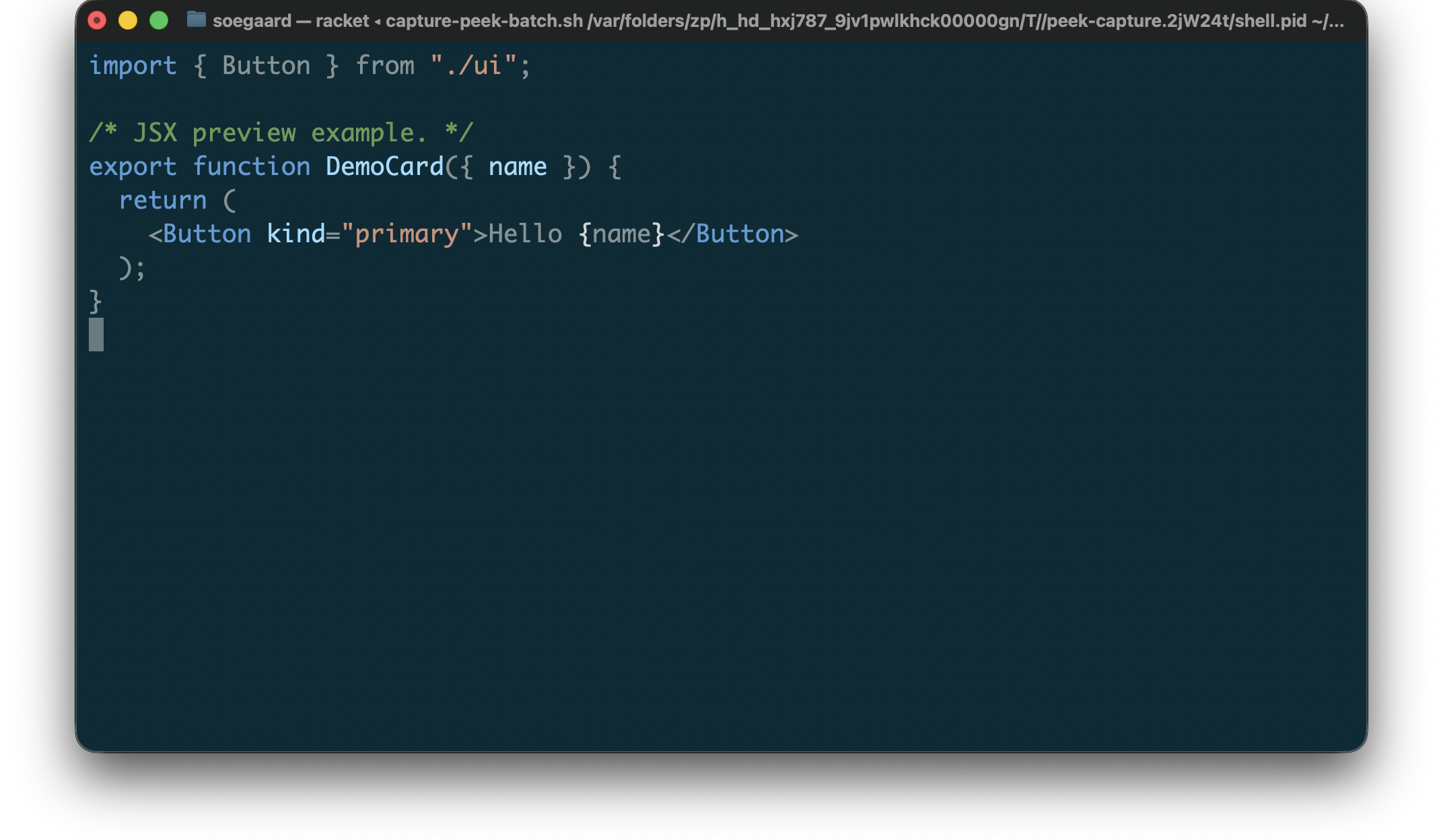
3.1.3 JavaScript And JSX
For JavaScript, peek currently supports:
syntax coloring for JavaScript files such as .js, .mjs, and .cjs
syntax coloring for JSX in .jsx files
derived-tag-driven rendering built on lexers/javascript
The first JavaScript pass focuses on syntax coloring only. It does not yet add preview widgets or framework-specific heuristics.
Example JavaScript preview input:
"example.jsx"
1 import { Button } from "./ui"; 2 3 /* JSX preview example. */ 4 export function DemoCard({ name }) { 5 return ( 6 <Button kind="primary">Hello {name}</Button> 7 ); 8 }
Rendered JavaScript / JSX preview:
3.2 Programming Languages
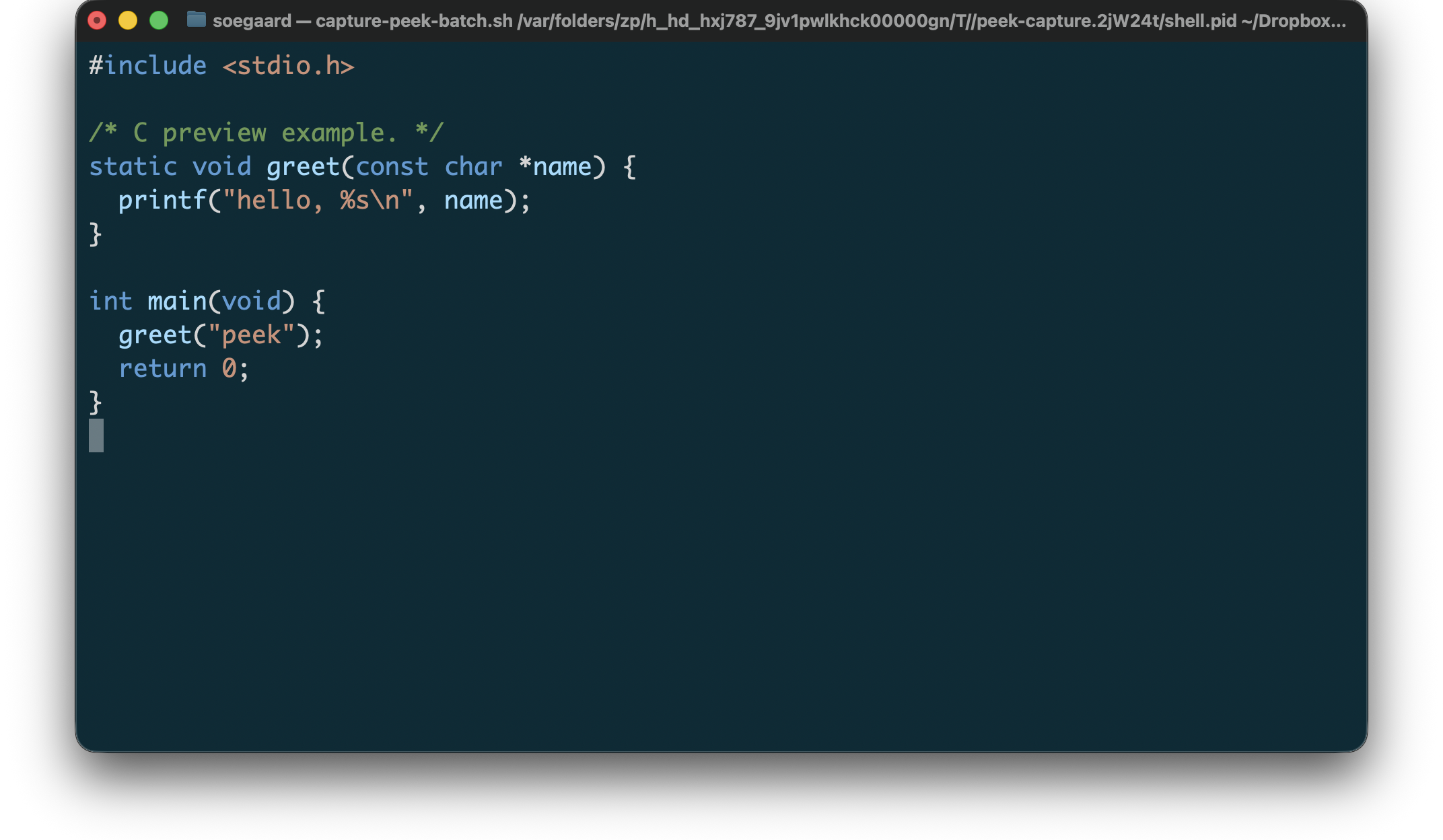
3.2.1 C
For C, peek currently supports:
syntax coloring for .c and .h files
best-effort previewing on malformed input
source-preserving, color-only terminal output
The C previewer is intentionally color-only. It does not add layout rewriting or alignment, and it preserves source text and line breaks after ANSI stripping.
Example C preview input:
"example.c"
1 #include <stdio.h> 2 3 /* C preview example. */ 4 static void greet(const char *name) { 5 printf("hello, %s\n", name); 6 } 7 8 int main(void) { 9 greet("peek"); 10 return 0; 11 }
Rendered C preview:
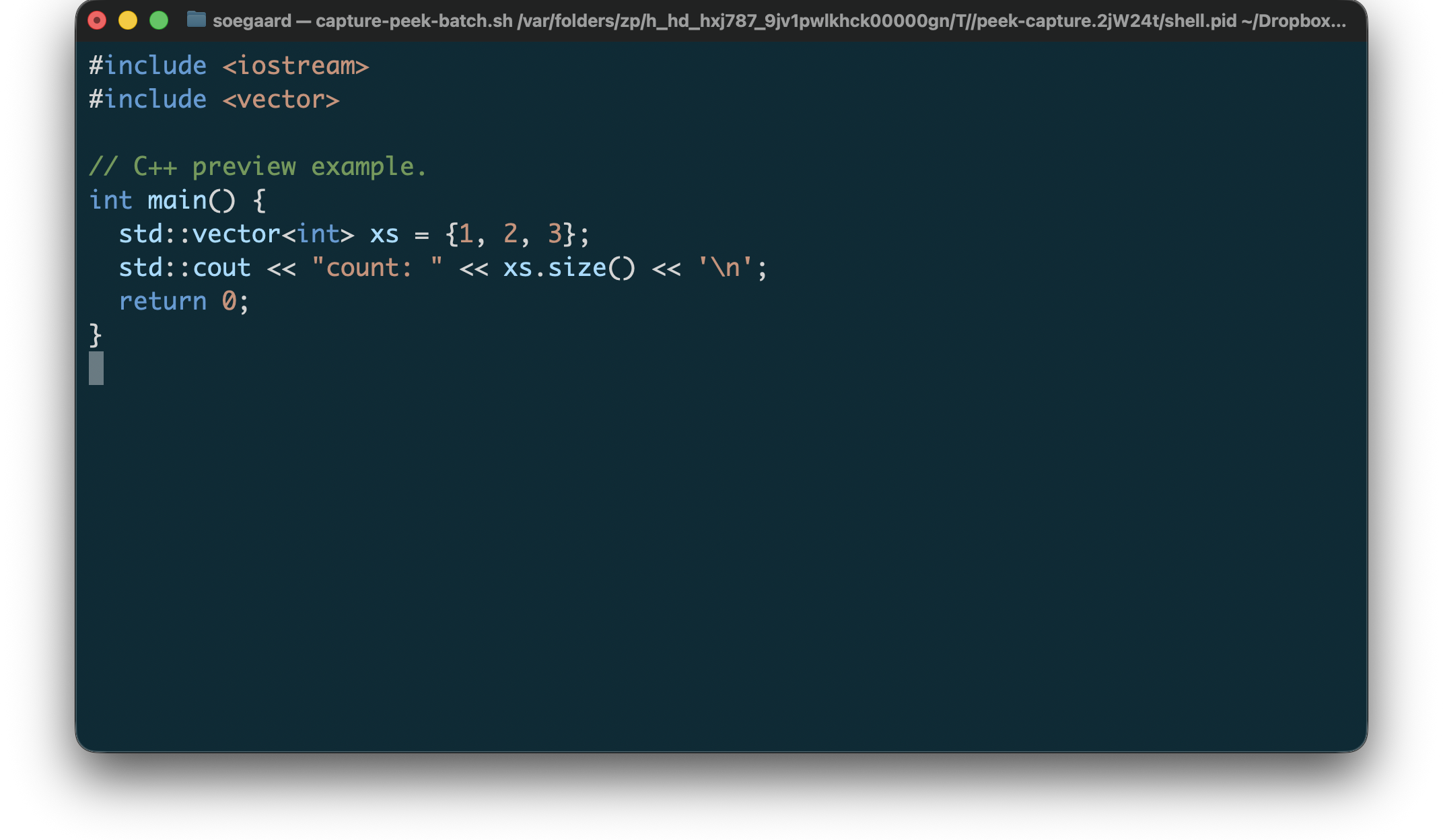
3.2.2 C++
For C++, peek currently supports:
syntax coloring for common C++ source and header extensions such as .cpp, .cc, .cxx, .cp, .c++, .cppm, .ixx, .hpp, .hh, .hxx, .h++, .ipp, and .tpp
best-effort previewing on malformed input
source-preserving, color-only terminal output
The C++ previewer is intentionally color-only. It does not add layout rewriting or alignment, and it preserves source text and line breaks after ANSI stripping.
Example C++ preview input:
"example.cpp"
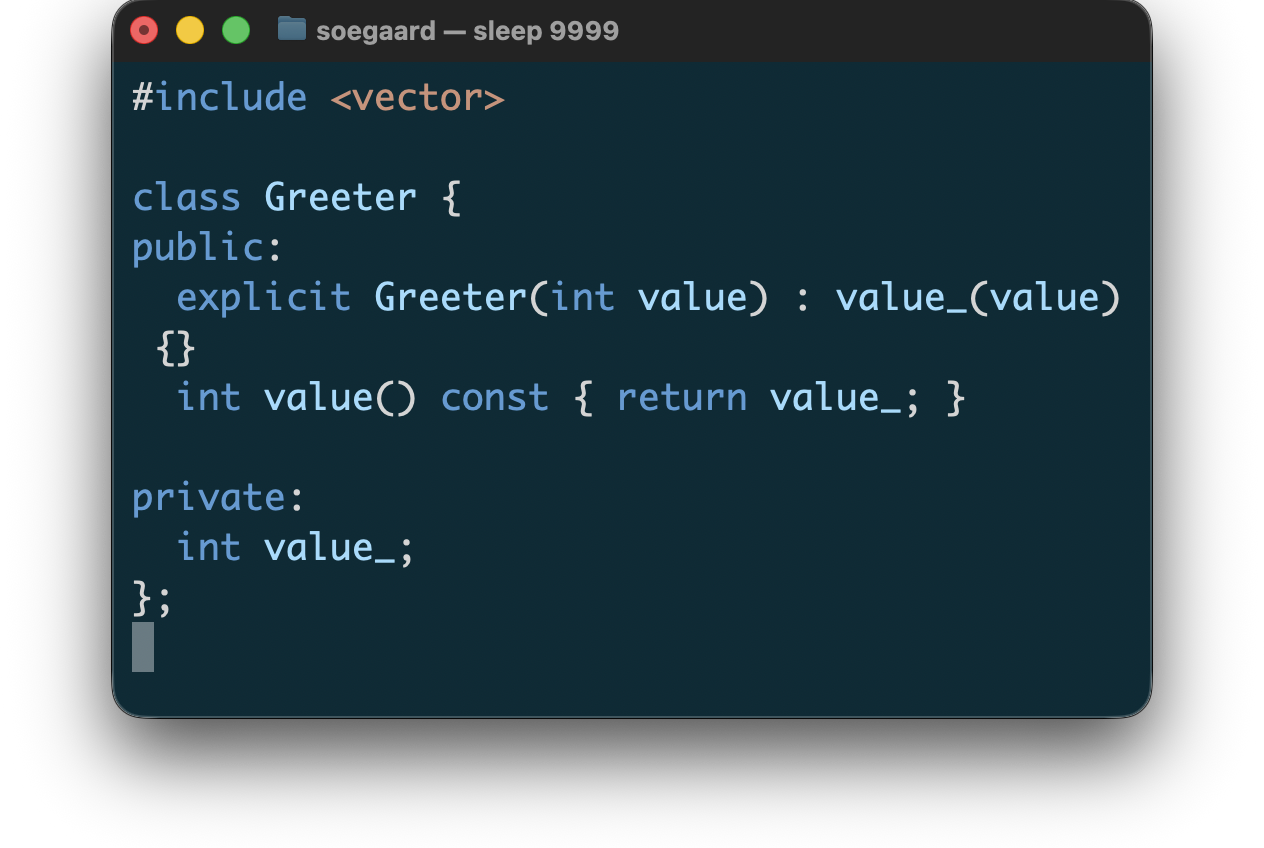
1 #include <iostream> 2 #include <vector> 3 4 // C++ preview example. 5 int main() { 6 std::vector<int> xs = {1, 2, 3}; 7 std::cout << "count: " << xs.size() << '\n'; 8 return 0; 9 }
Rendered C++ preview:
3.2.3 Objective-C
For Objective-C, peek currently supports:
syntax coloring for .m files
best-effort previewing on malformed input
source-preserving, color-only terminal output
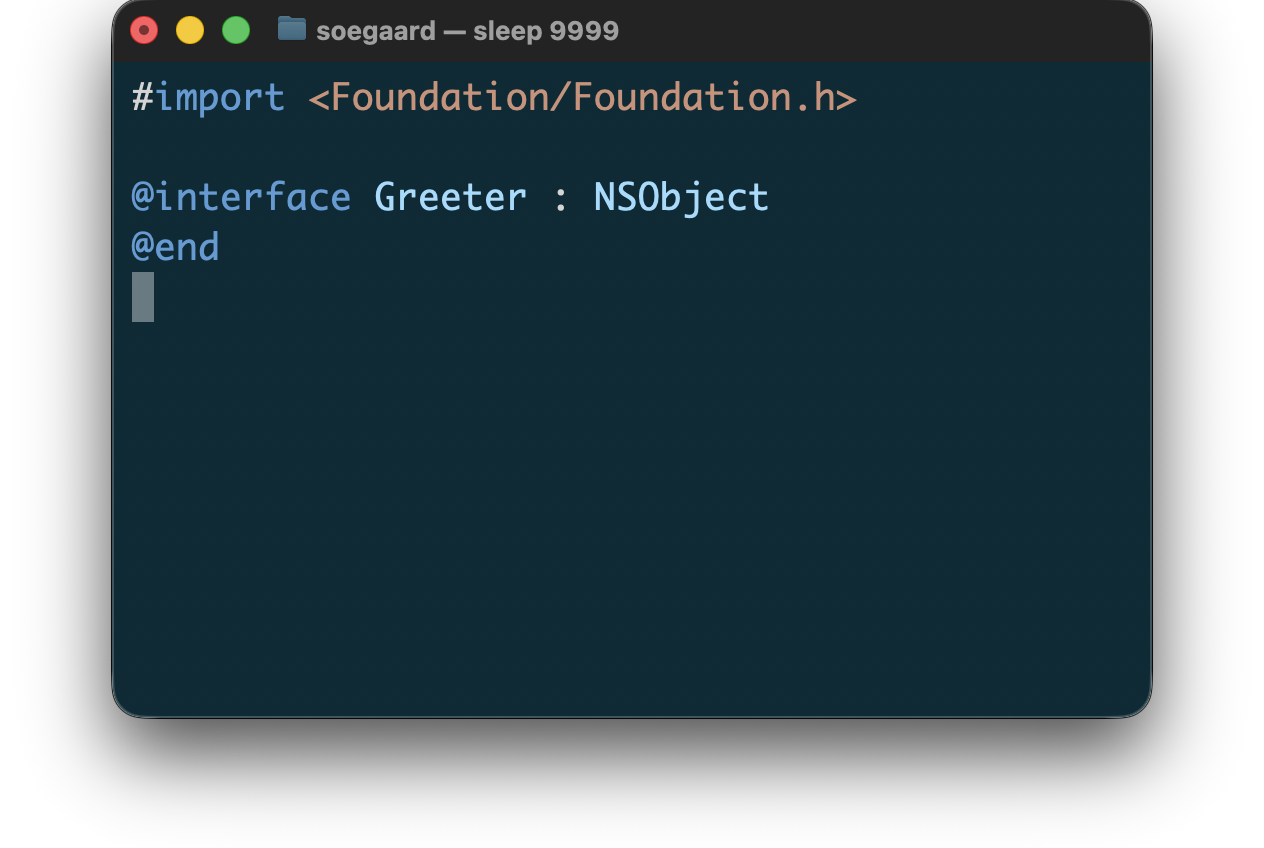
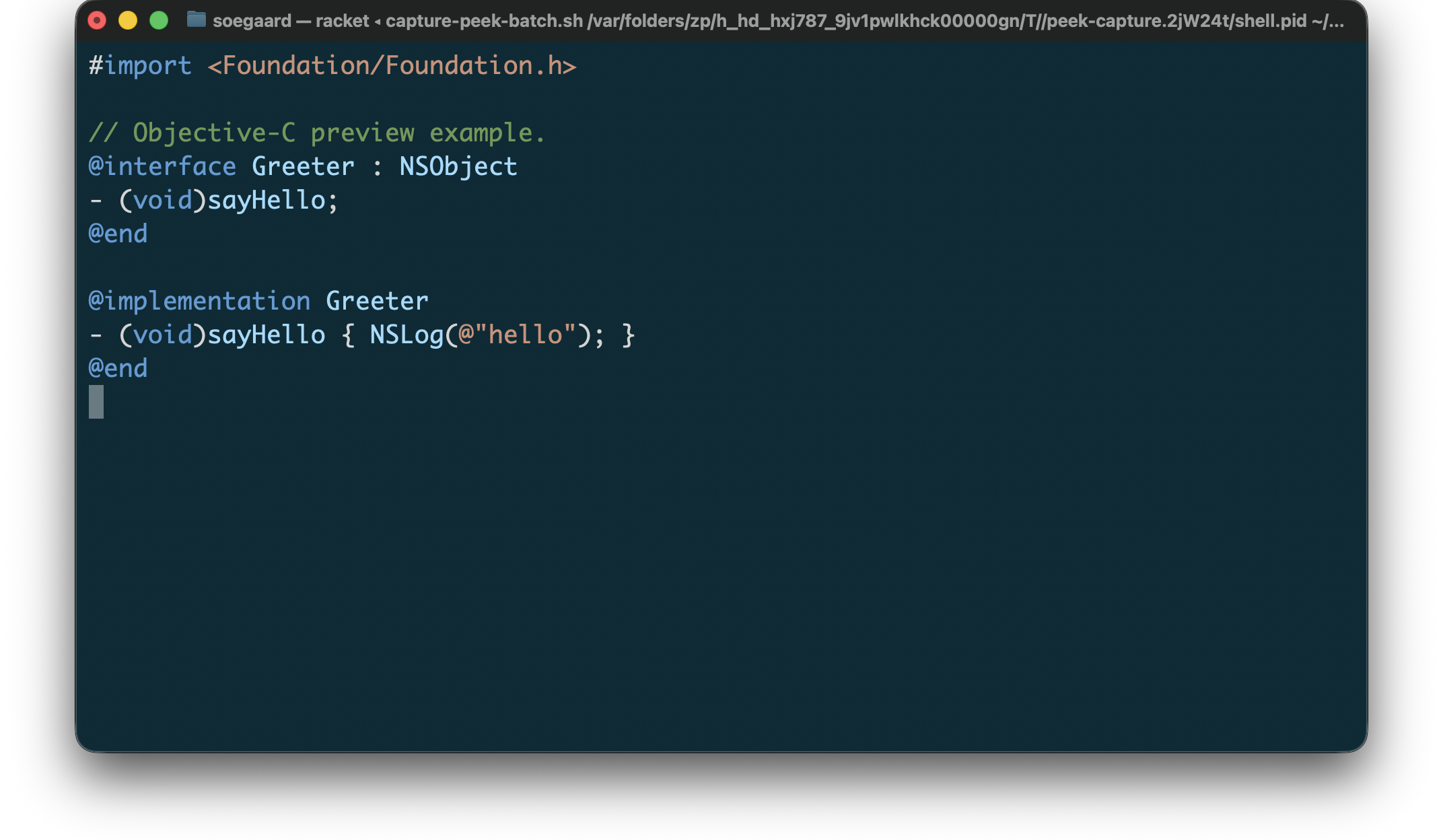
The Objective-C previewer is intentionally color-only. It does not add layout rewriting or alignment, and it preserves source text and line breaks after ANSI stripping.
Example Objective-C preview input:
"example.m"
1 #import <Foundation/Foundation.h> 2 3 // Objective-C preview example. 4 @interface Greeter : NSObject 5 - (void)sayHello; 6 @end 7 8 @implementation Greeter 9 - (void)sayHello { NSLog(@"hello"); } 10 @end
Rendered Objective-C preview:
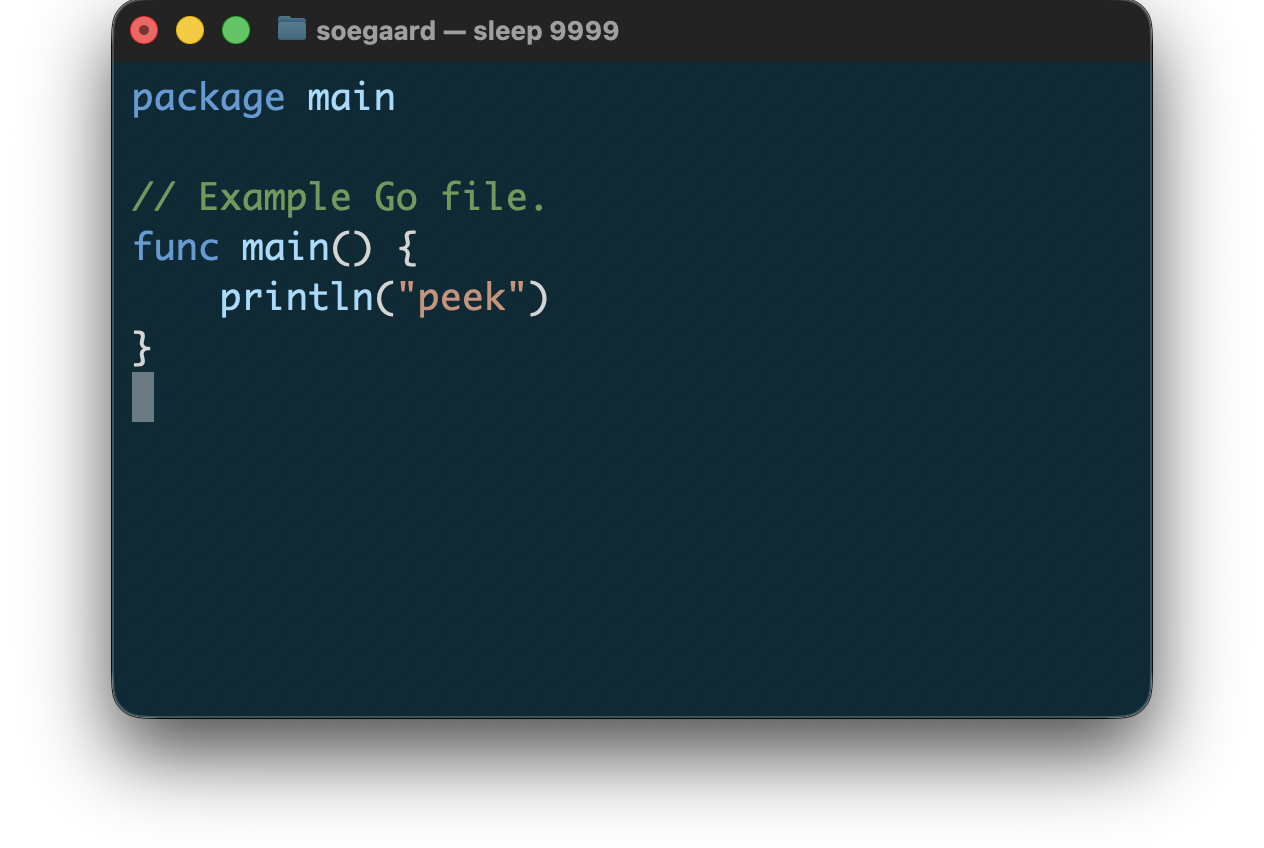
3.2.4 Go
For Go, peek currently supports:
syntax coloring for .go files and module files such as go.mod and go.work
best-effort previewing on malformed input
source-preserving, color-only terminal output
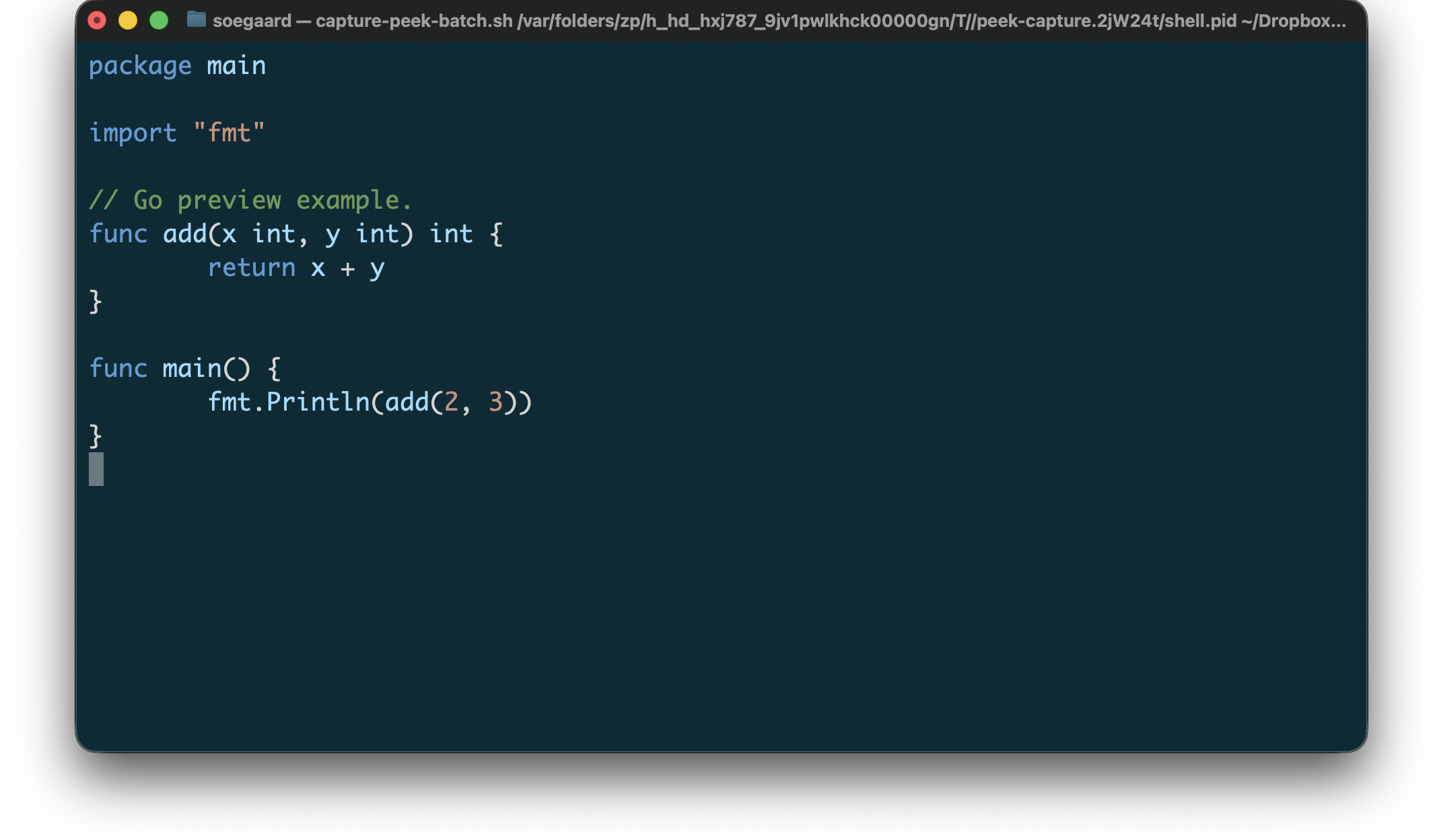
The Go previewer is intentionally color-only. It does not add layout rewriting or alignment, and it preserves source text and line breaks after ANSI stripping.
Example Go preview input:
"example.go"
1 package main 2 3 import "fmt" 4 5 // Go preview example. 6 func add(x int, y int) int { 7 return x + y 8 } 9 10 func main() { 11 fmt.Println(add(2, 3)) 12 }
Rendered Go preview:
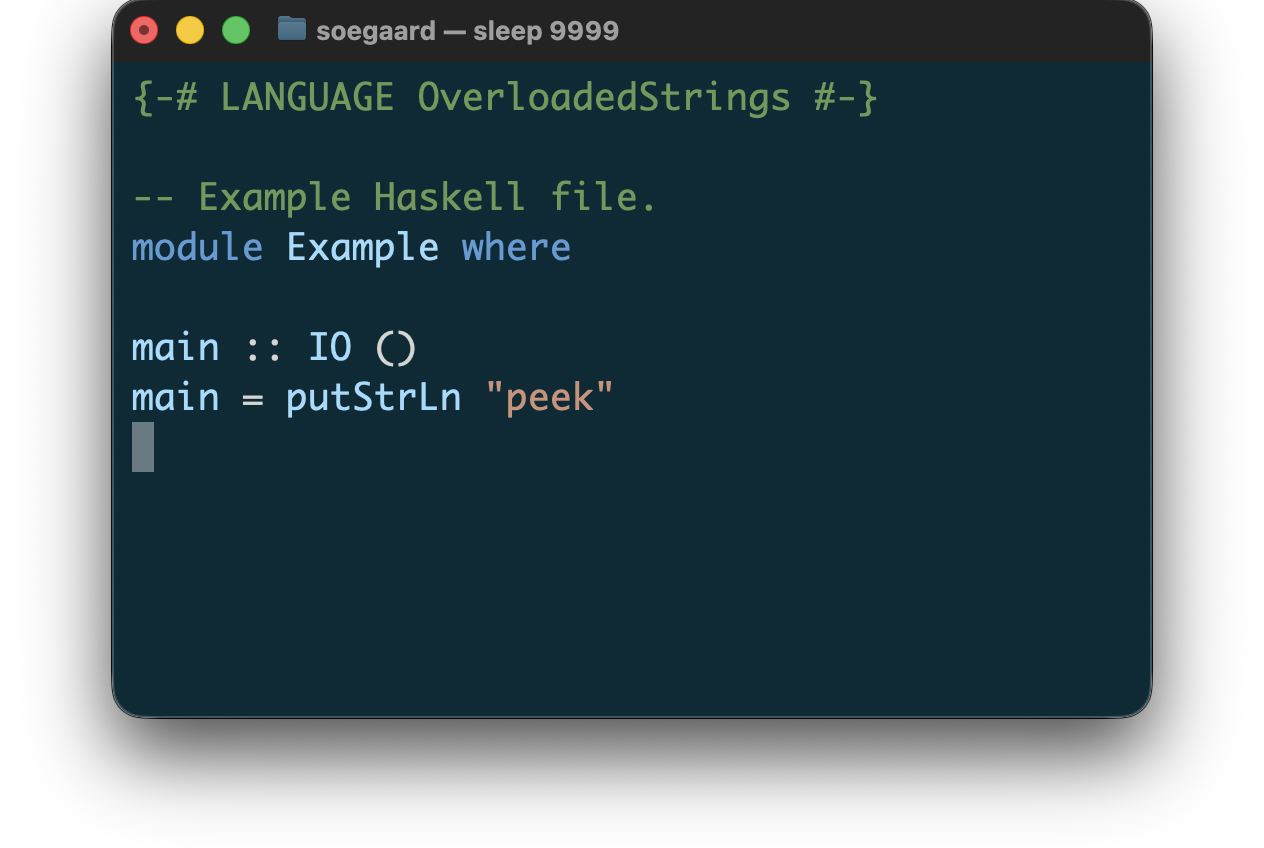
3.2.5 Haskell
For Haskell, peek currently supports:
syntax coloring for .hs, .lhs, .hs-boot, and .lhs-boot files
best-effort previewing on malformed input
source-preserving, color-only terminal output
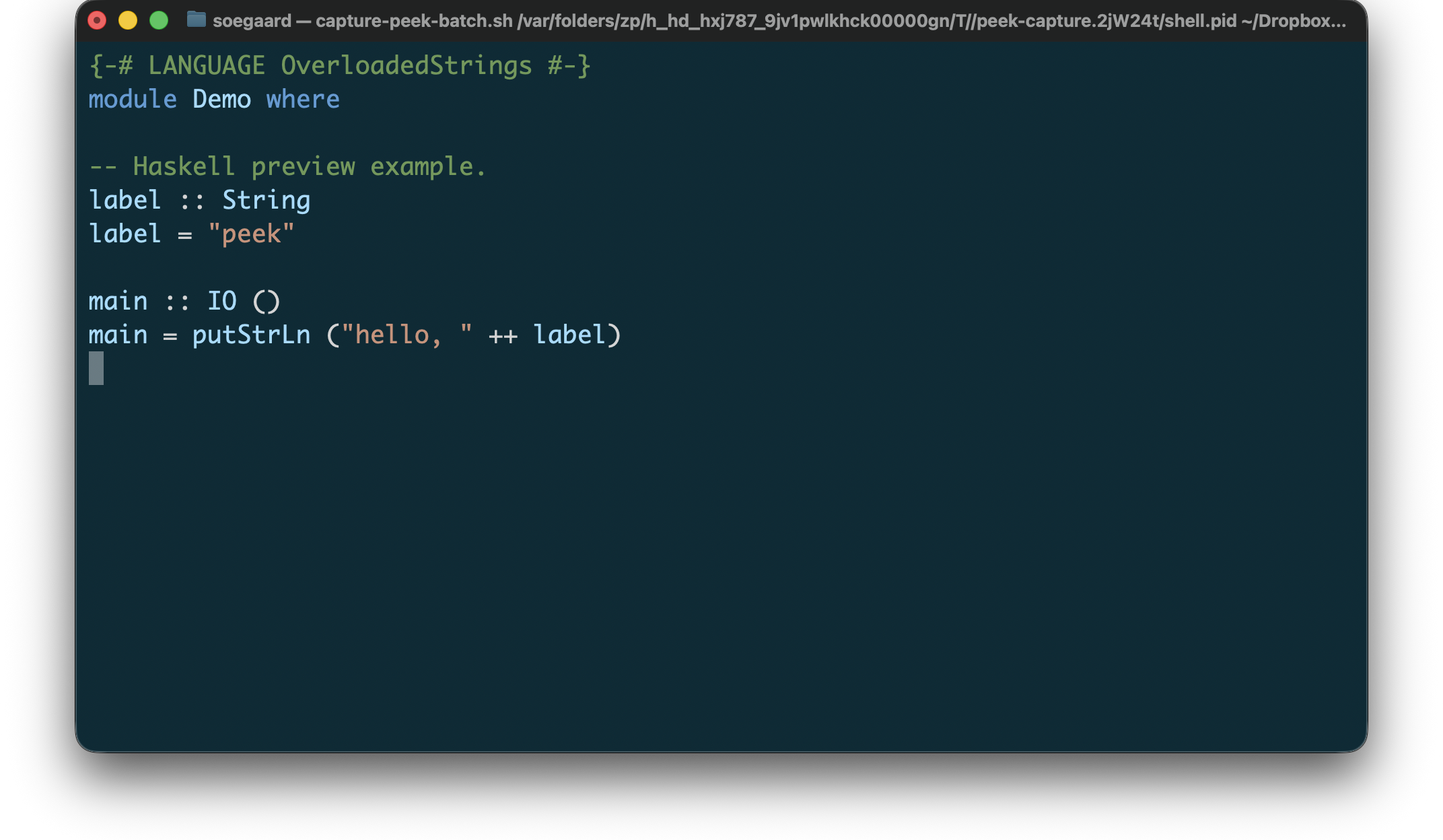
The Haskell previewer is intentionally color-only. It does not add layout rewriting or alignment, and it preserves source text and line breaks after ANSI stripping.
Example Haskell preview input:
"example.hs"
1 {-# LANGUAGE OverloadedStrings #-} 2 module Demo where 3 4 -- Haskell preview example. 5 label :: String 6 label = "peek" 7 8 main :: IO () 9 main = putStrLn ("hello, " ++ label)
Rendered Haskell preview:
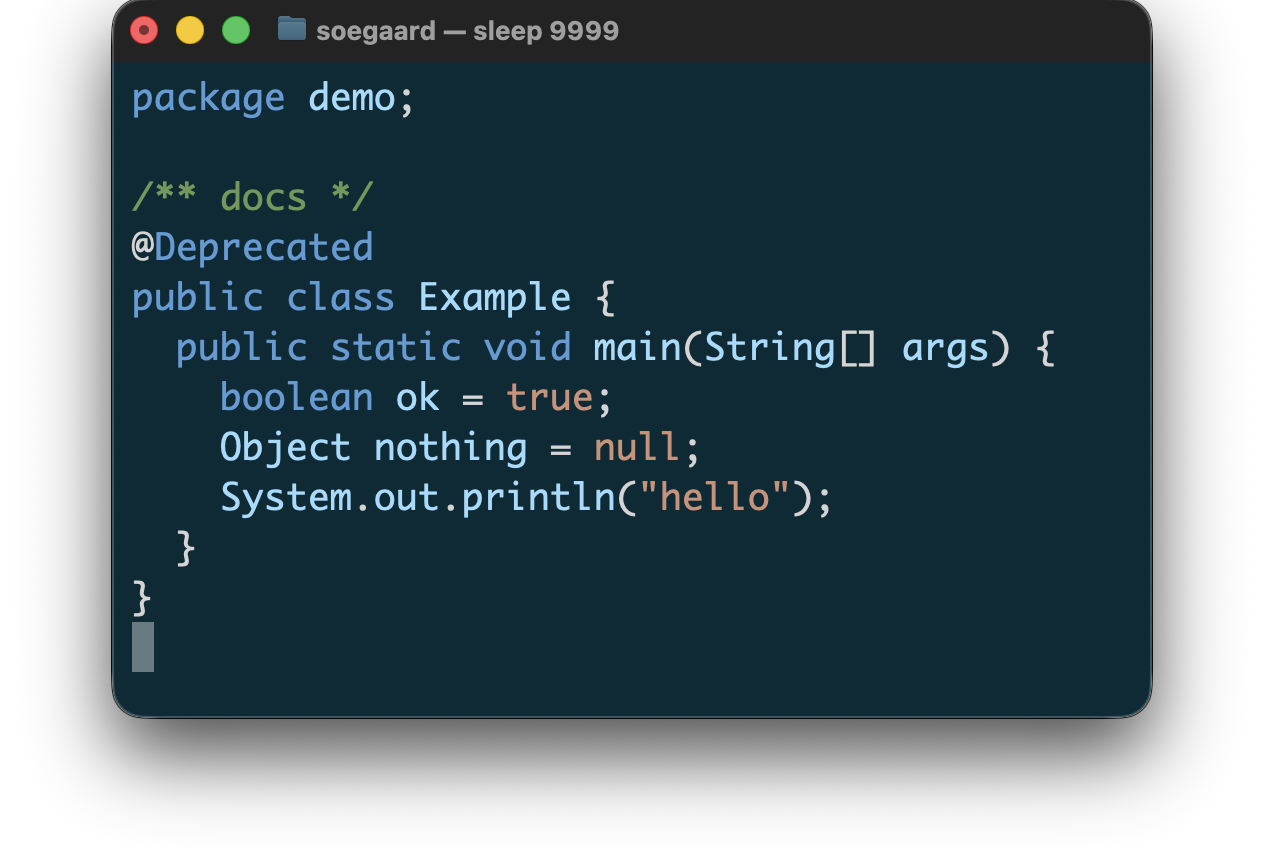
3.2.6 Java
For Java, peek currently supports:
syntax coloring for .java source files, including package-info.java and module-info.java
best-effort previewing on malformed input
source-preserving, color-only terminal output
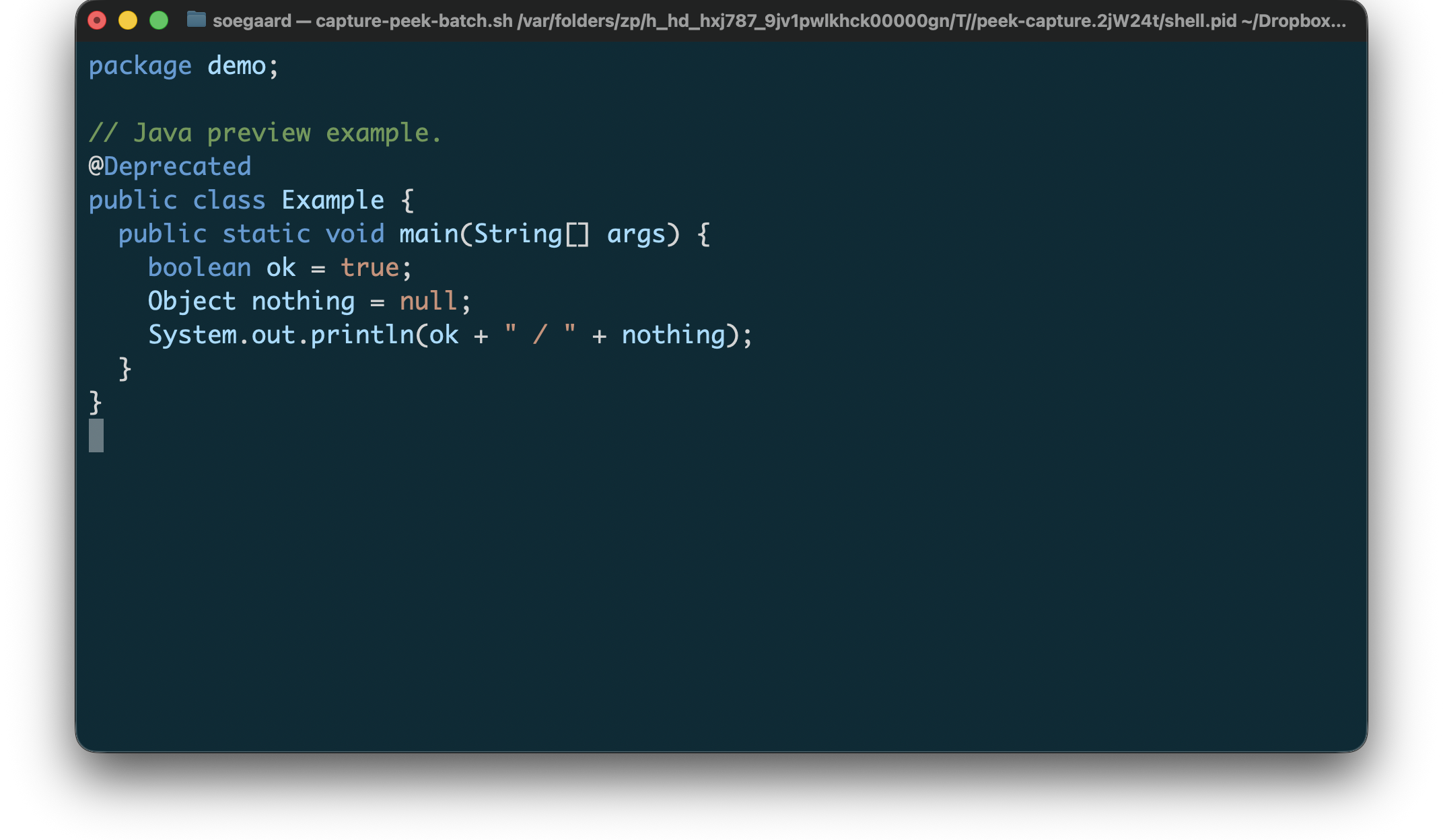
The Java previewer is intentionally color-only. It does not add layout rewriting or alignment, and it preserves source text and line breaks after ANSI stripping.
Example Java preview input:
"example.java"
1 package demo; 2 3 // Java preview example. 4 @Deprecated 5 public class Example { 6 public static void main(String[] args) { 7 boolean ok = true; 8 Object nothing = null; 9 System.out.println(ok + " / " + nothing); 10 } 11 }
Rendered Java preview:
3.2.7 Pascal
For Pascal, peek currently supports:
syntax coloring for common Pascal source files such as .pas, .pp, .dpr, .lpr, and .inc
best-effort previewing on malformed input
source-preserving, color-only terminal output
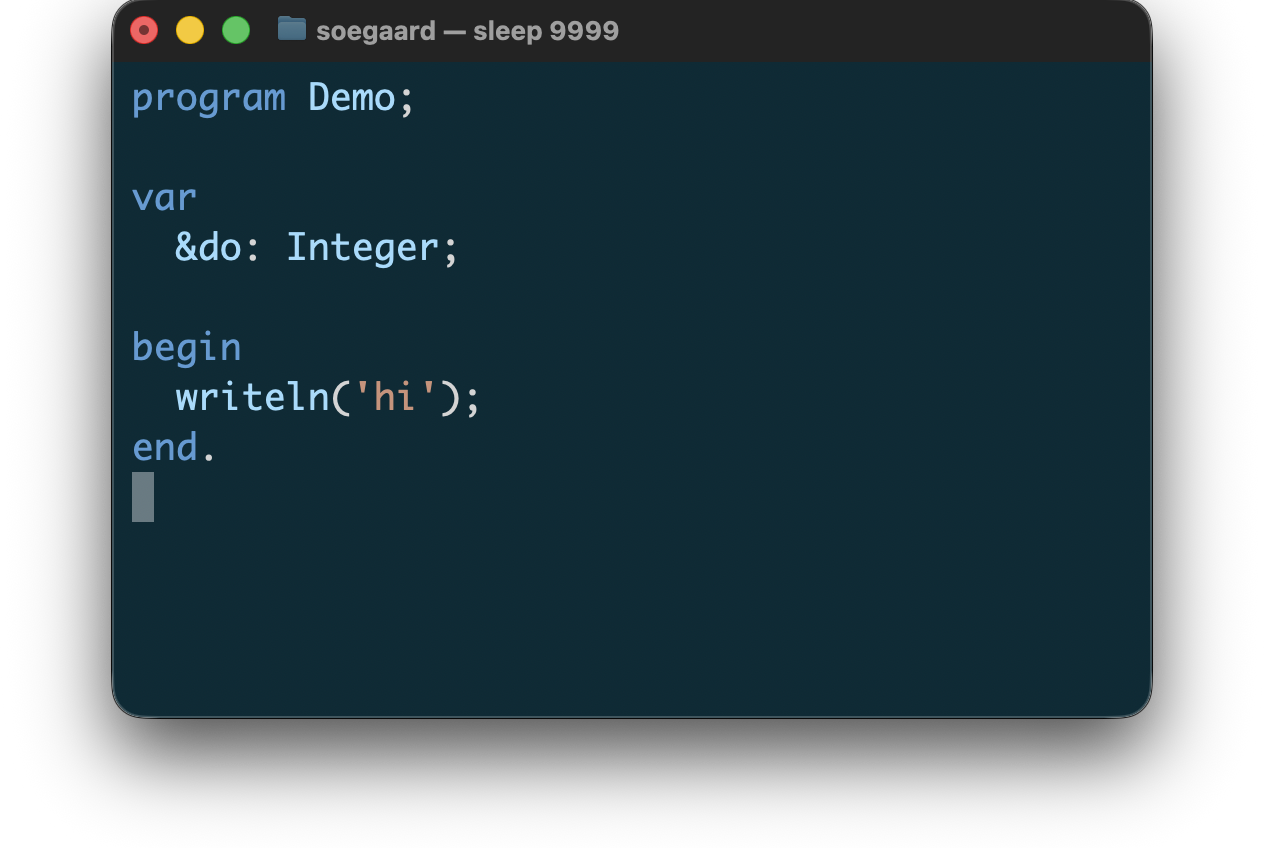
The Pascal previewer is intentionally color-only. It does not add layout rewriting or alignment, and it preserves source text and line breaks after ANSI stripping.
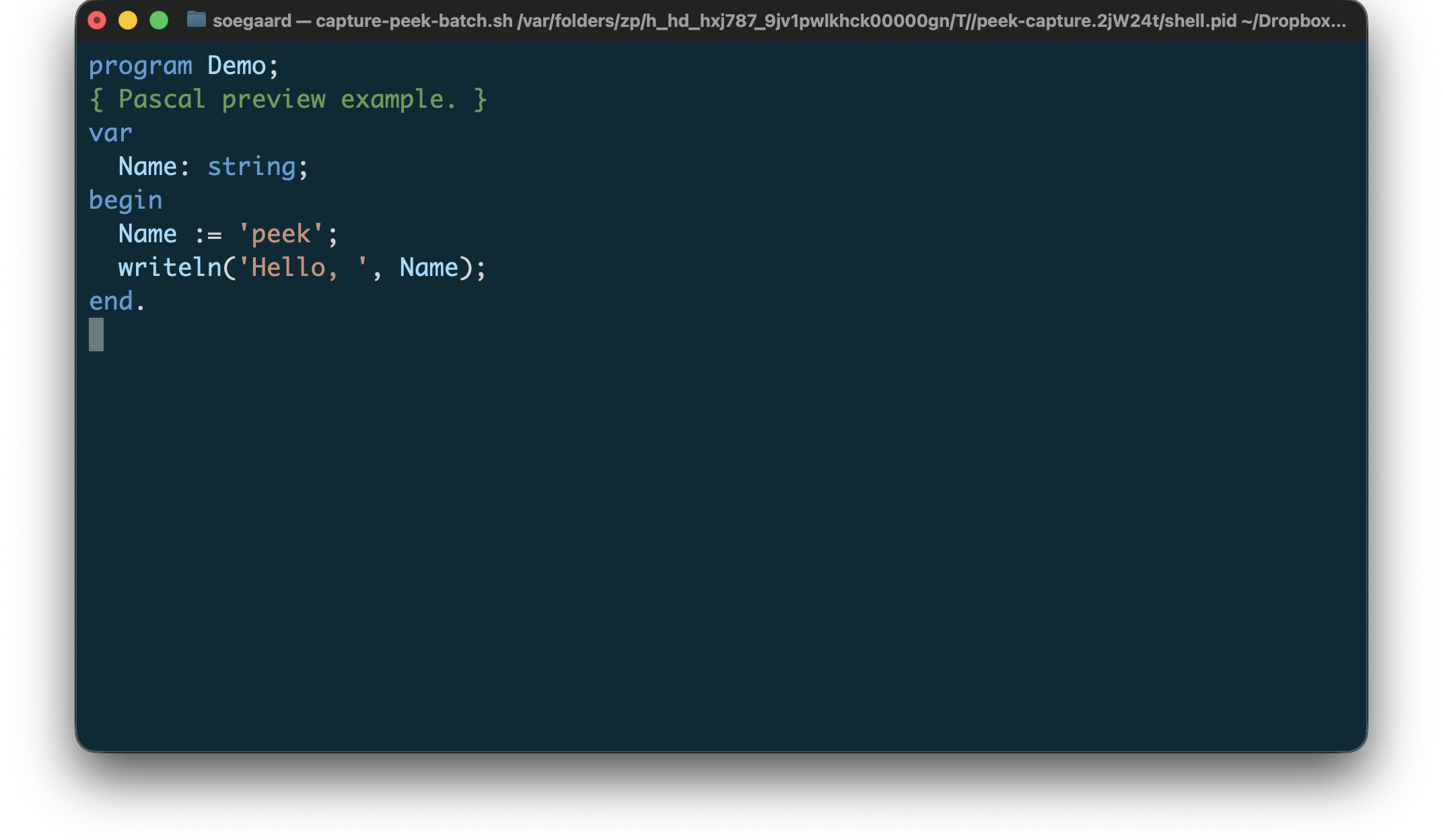
Example Pascal preview input:
"example.pas"
1 program Demo; 2 { Pascal preview example. } 3 var 4 Name: string; 5 begin 6 Name := 'peek'; 7 writeln('Hello, ', Name); 8 end.
Rendered Pascal preview:
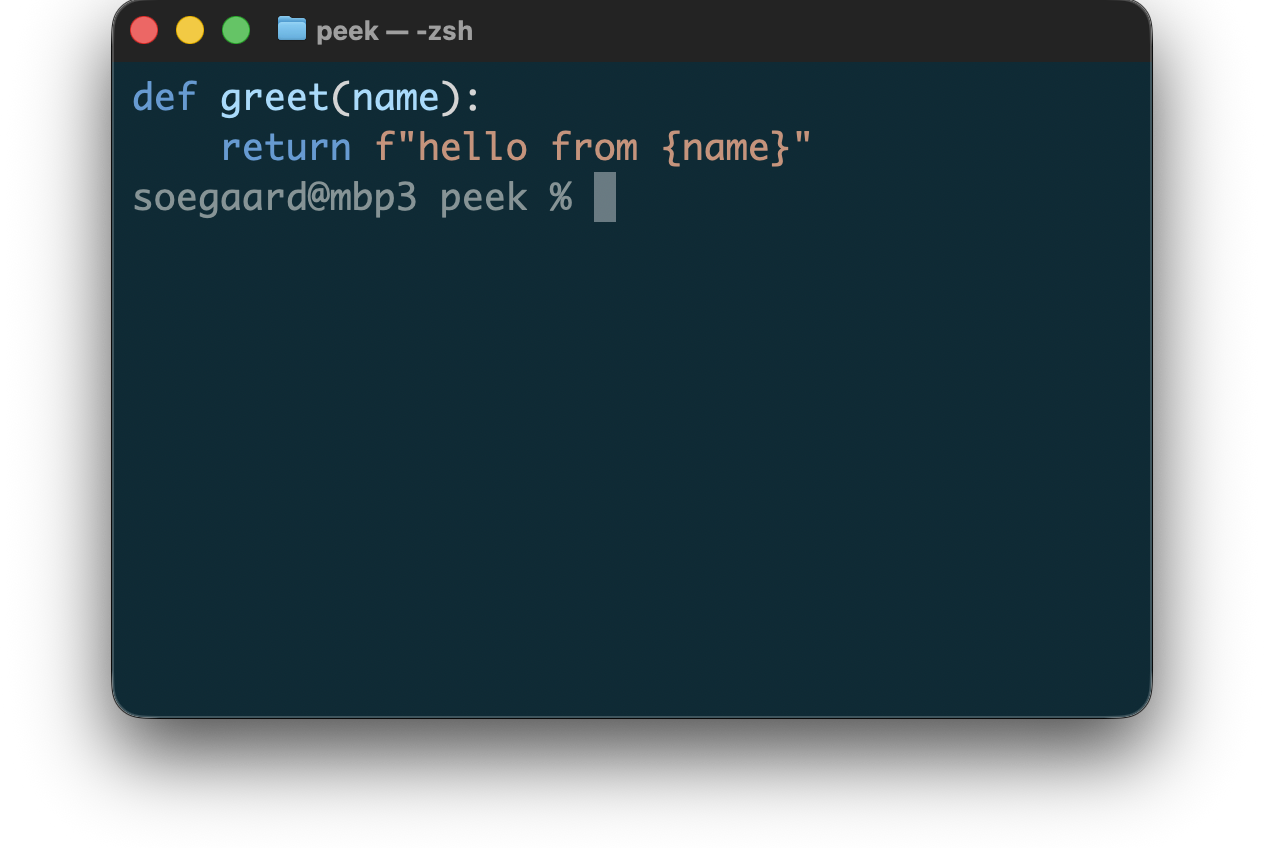
3.2.8 Python
For Python, peek currently supports:
syntax coloring for .py, .pyi, and .pyw files
best-effort previewing on malformed input
source-preserving, color-only terminal output
The Python previewer is intentionally color-only. It does not add layout rewriting or alignment, and it preserves source text and line breaks after ANSI stripping.
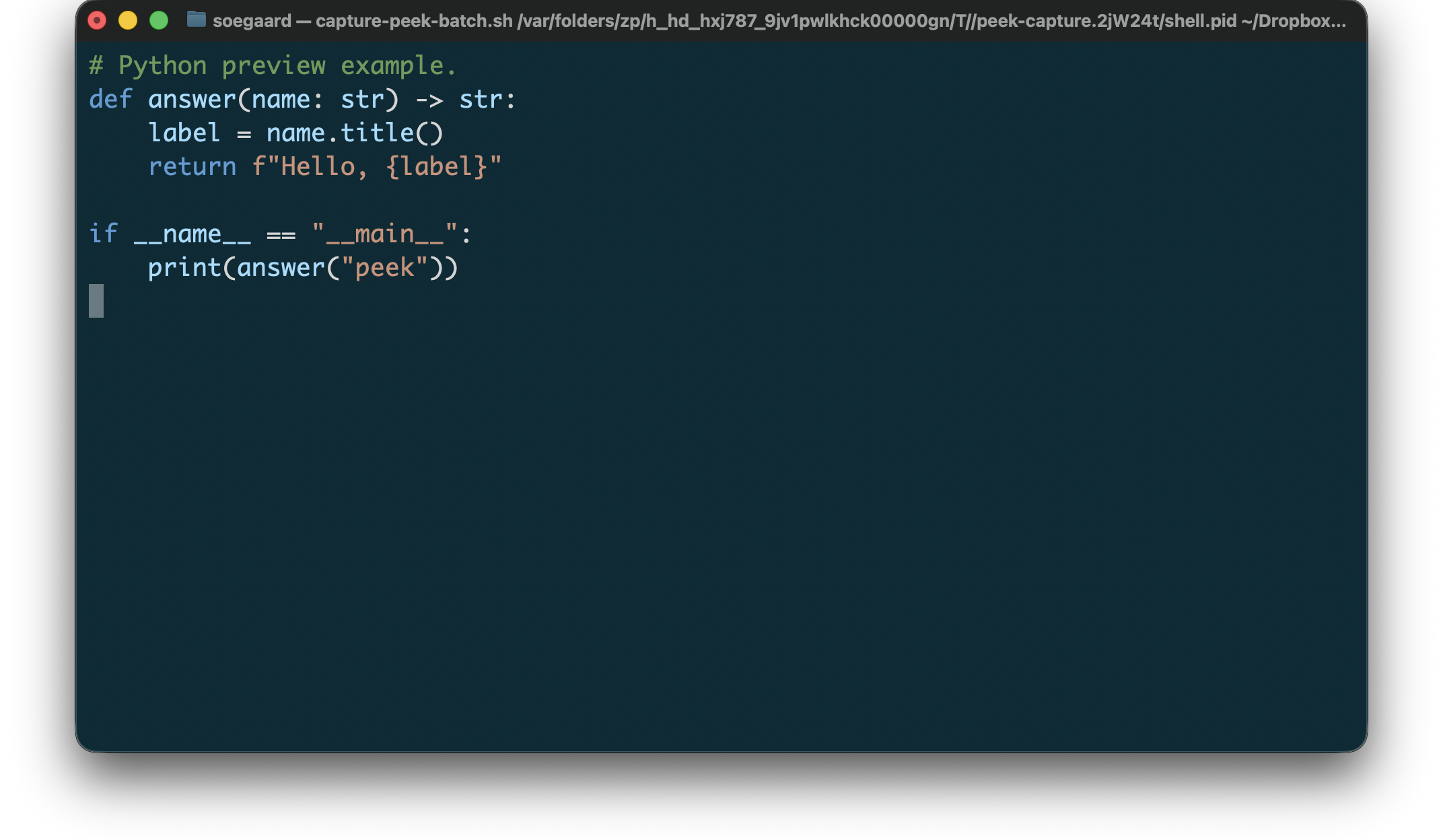
Example Python preview input:
"example.py"
1 # Python preview example. 2 def answer(name: str) -> str: 3 label = name.title() 4 return f"Hello, {label}" 5 6 if __name__ == "__main__": 7 print(answer("peek"))
Rendered Python preview:
3.2.9 Mathematica
For Mathematica / Wolfram Language, peek currently supports:
syntax coloring for .wl and .wls files
best-effort previewing on malformed input
source-preserving, color-only terminal output
The Mathematica previewer is intentionally color-only. It does not add layout rewriting or alignment, and it preserves source text and line breaks after ANSI stripping. The ambiguous .m extension stays with Objective-C, so the standalone Mathematica previewer currently uses .wl and .wls.
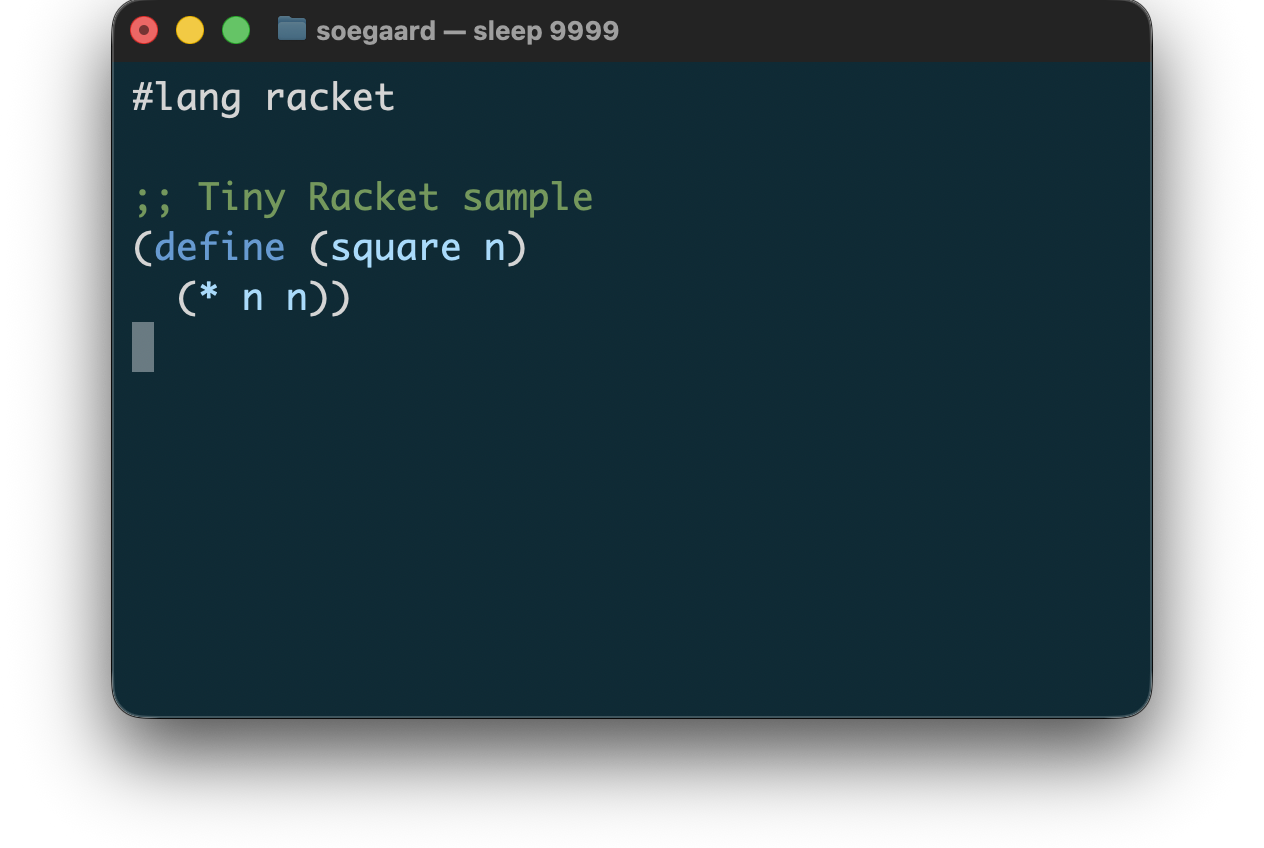
3.2.10 Racket
For Racket, peek currently supports:
syntax coloring for .rkt files
derived-tag-driven rendering built on lexers/racket
best-effort previewing in coloring mode
The first Racket pass is intentionally color-only. It does not yet add structure-aware formatting or separate support for nearby file types such as .rktl.
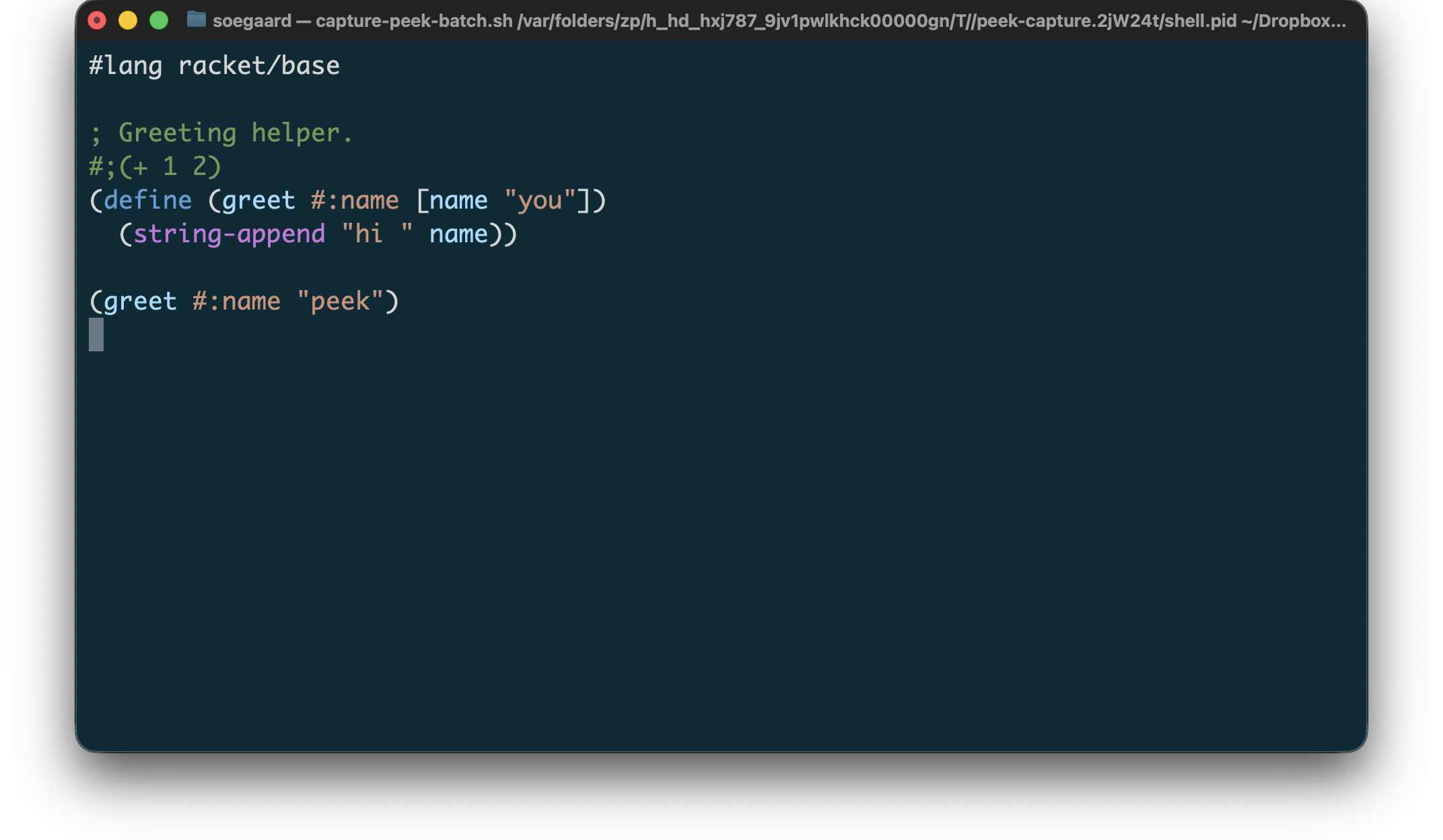
Example Racket preview input:
"example.rkt"
1 #lang racket/base 2 3 ; Greeting helper. 4 #;(+ 1 2) 5 (define (greet #:name [name "you"]) 6 (string-append "hi " name)) 7 8 (greet #:name "peek")
Rendered Racket preview:
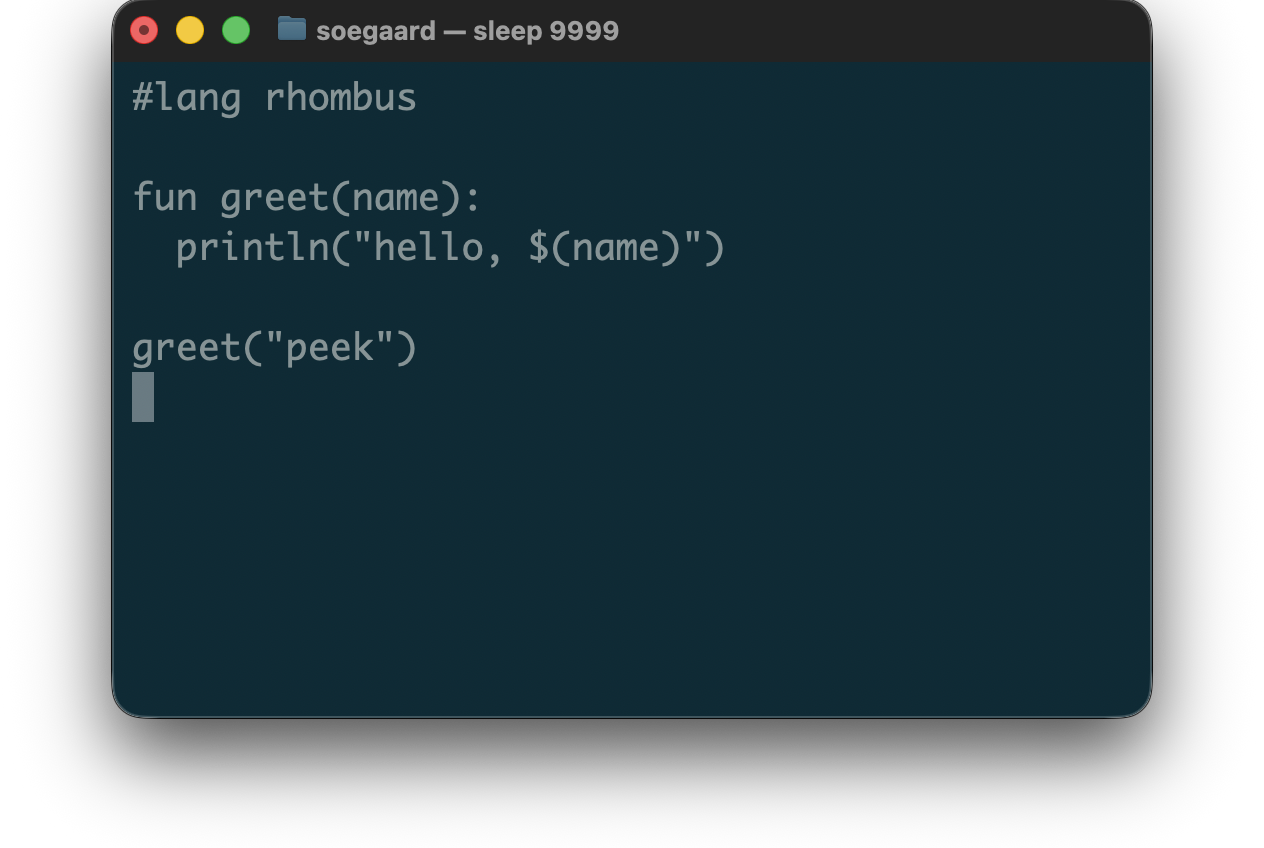
3.2.11 Rhombus
For Rhombus, peek currently supports:
syntax coloring for Rhombus source in .rhm files
best-effort previewing on malformed input
source-preserving, color-only terminal output
The Rhombus previewer is intentionally color-only. It does not add layout rewriting or alignment, and it preserves source text and line breaks after ANSI stripping.
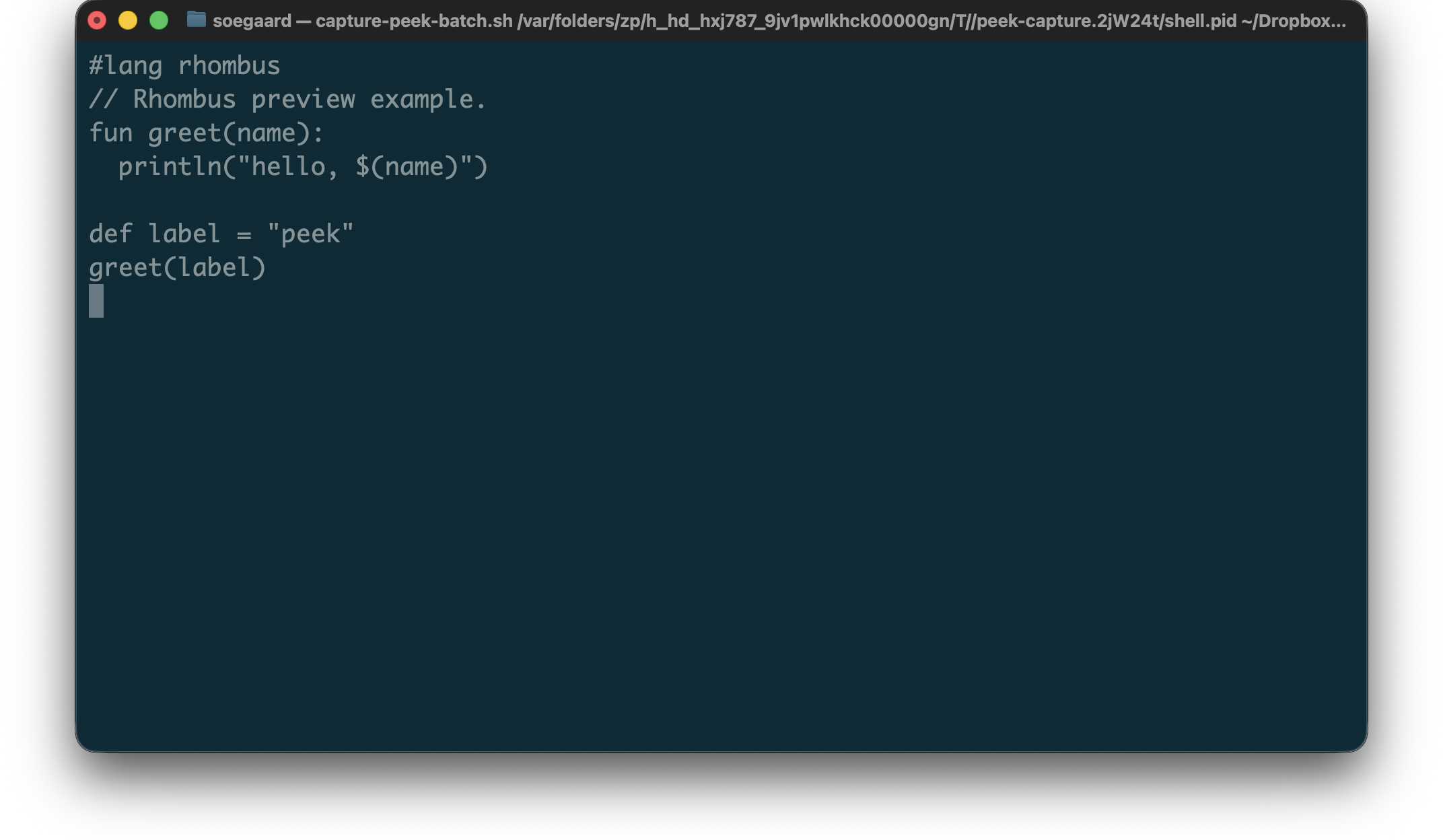
Example Rhombus preview input:
"example.rhm"
1 #lang rhombus 2 // Rhombus preview example. 3 fun greet(name): 4 println("hello, $(name)") 5 6 def label = "peek" 7 greet(label)
Rendered Rhombus preview:
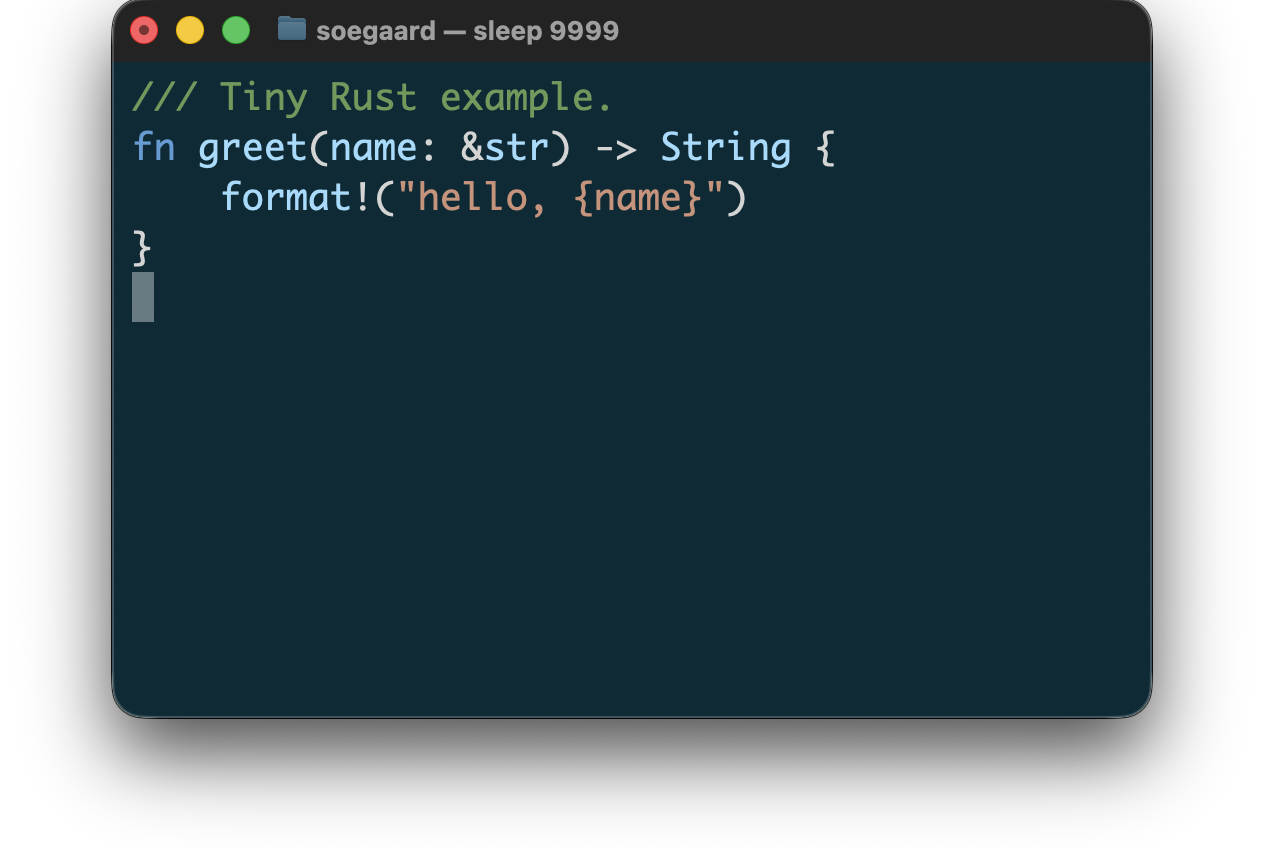
3.2.12 Rust
For Rust, peek currently supports:
syntax coloring for Rust source in .rs files
best-effort previewing on malformed input
source-preserving, color-only terminal output
The Rust previewer is intentionally color-only. It does not add layout rewriting or alignment, and it preserves source text and line breaks after ANSI stripping.
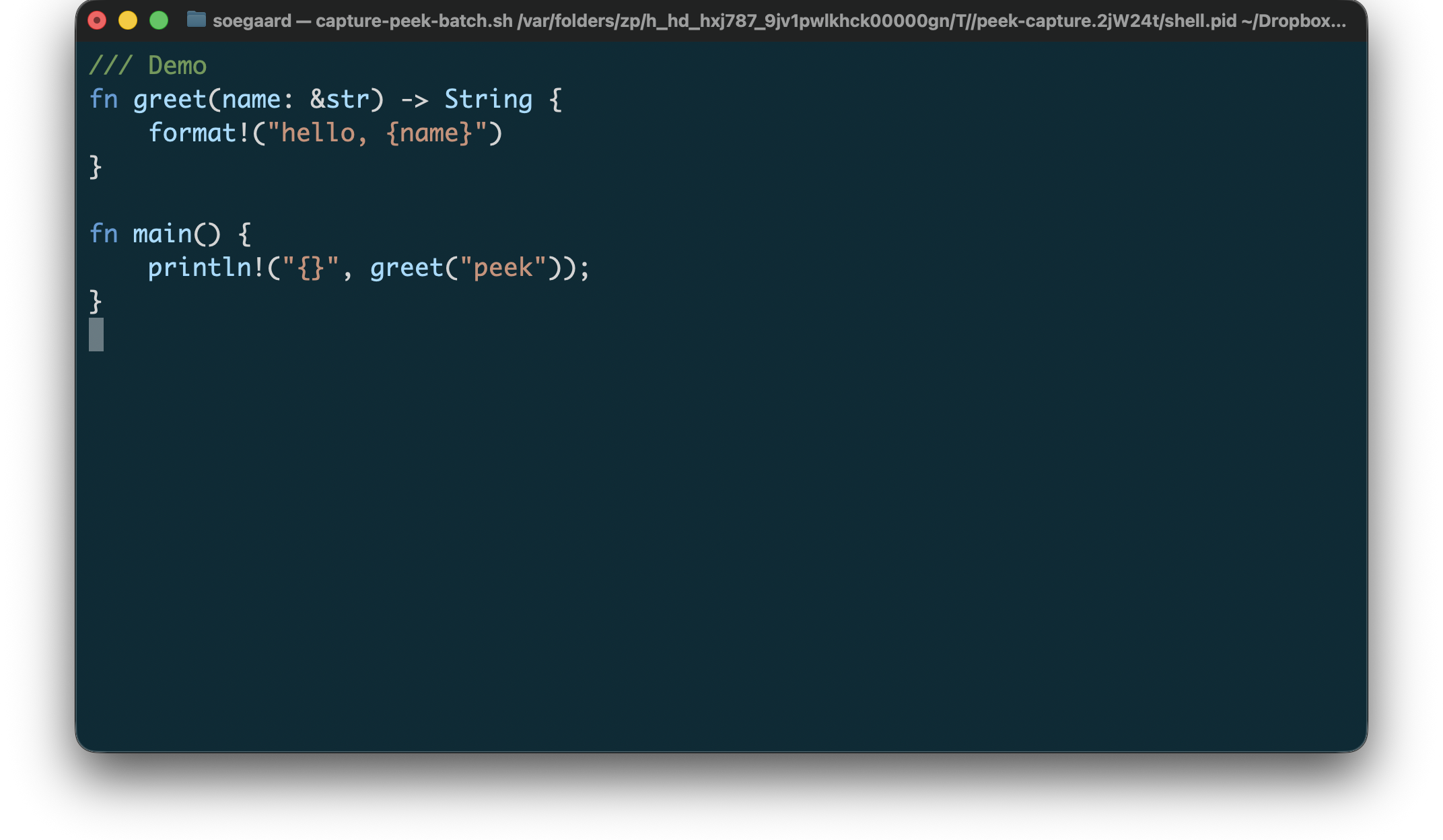
Example Rust preview input:
"example.rs"
1 /// Demo 2 fn greet(name: &str) -> String { 3 format!("hello, {name}") 4 } 5 6 fn main() { 7 println!("{}", greet("peek")); 8 }
Rendered Rust preview:
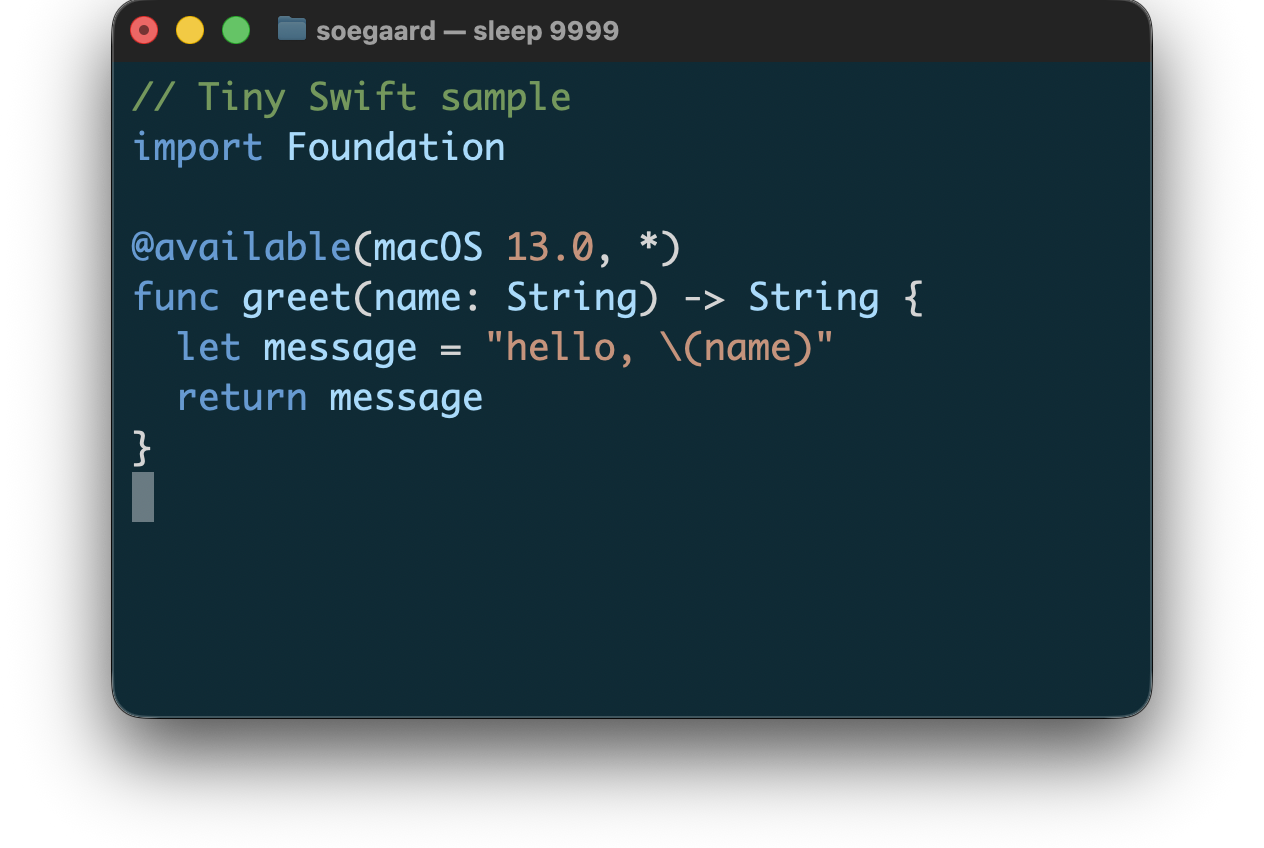
3.2.13 Swift
For Swift, peek currently supports:
syntax coloring for .swift files
best-effort previewing on malformed input
source-preserving, color-only terminal output
The Swift previewer is intentionally color-only. It does not add layout rewriting or alignment, and it preserves source text and line breaks after ANSI stripping.
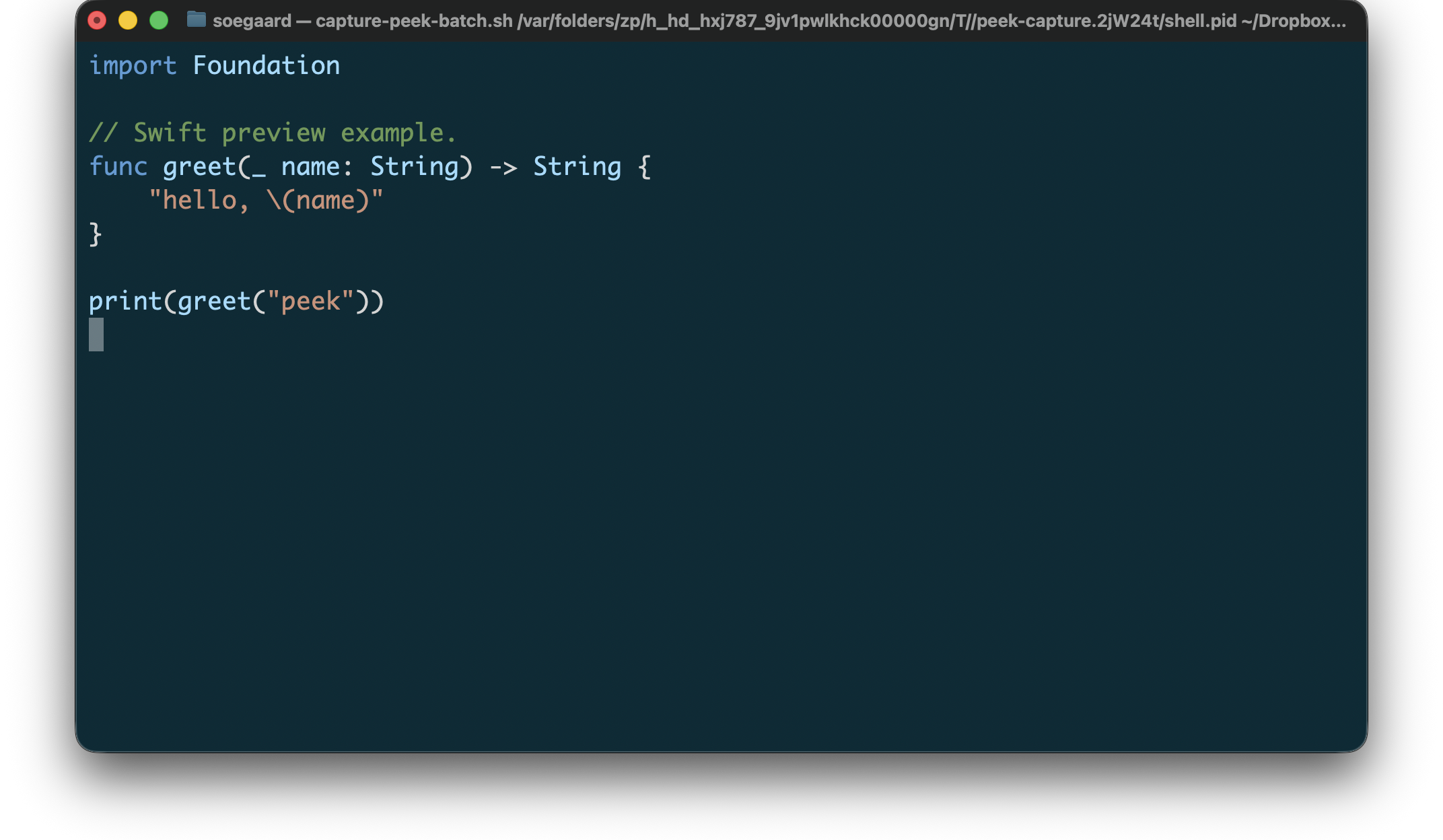
Example Swift preview input:
"example.swift"
1 import Foundation 2 3 // Swift preview example. 4 func greet(_ name: String) -> String { 5 "hello, \(name)" 6 } 7 8 print(greet("peek"))
Rendered Swift preview:
3.3 Document Languages
3.3.1 Markdown
For Markdown, peek currently supports:
syntax coloring for GitHub-Flavored Markdown structure in .md files
plain rendering for ordinary prose
embedded-language coloring for delegated raw HTML and recognized fenced code languages
best-effort previewing on malformed input
The first Markdown pass is intentionally color-only. It does not attempt to render Markdown as formatted documentation, and it does not rewrite table or list layout.
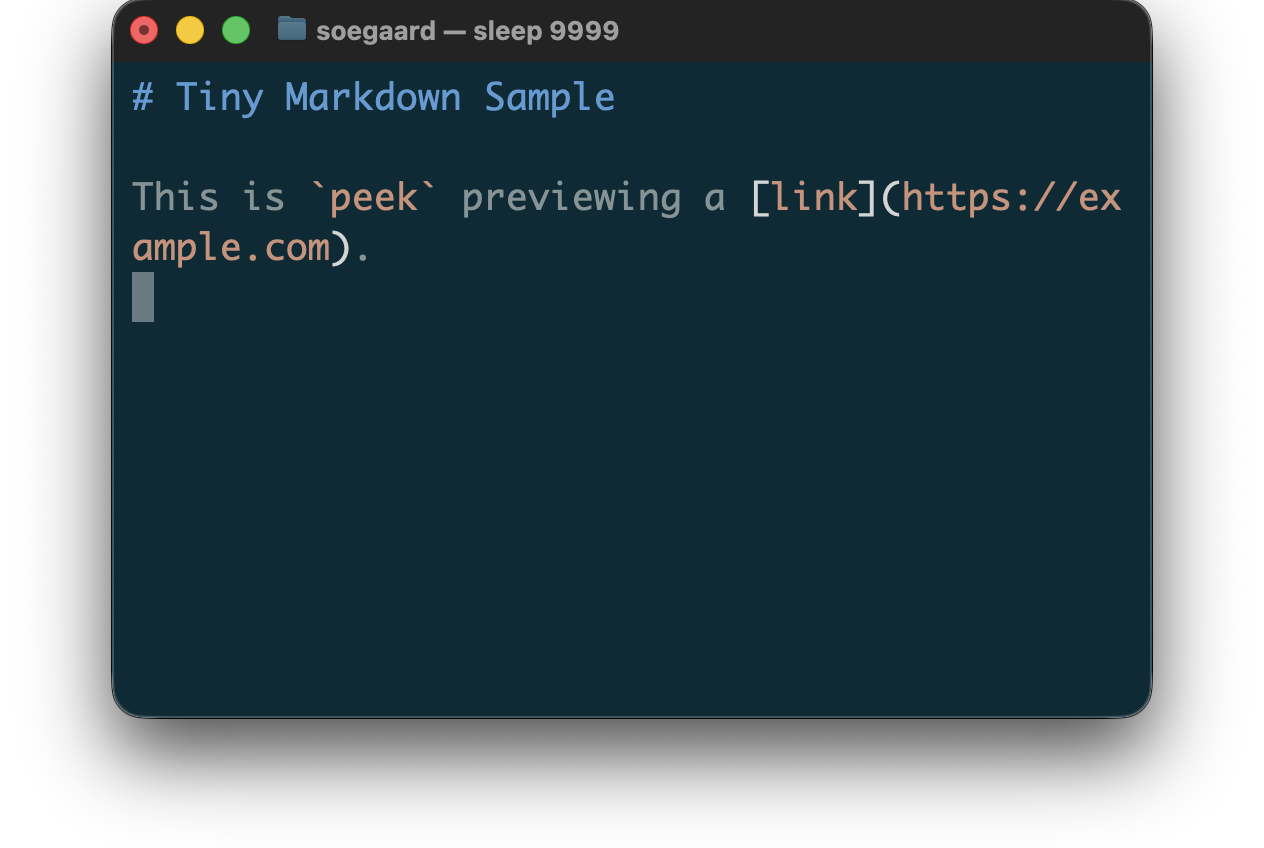
Markdown code fences can now delegate to more embedded file types, including C, JSON, Pascal, Python, Rust, shell, YAML, and CSV/TSV, when ‘lexers‘ exposes the corresponding embedded tags.
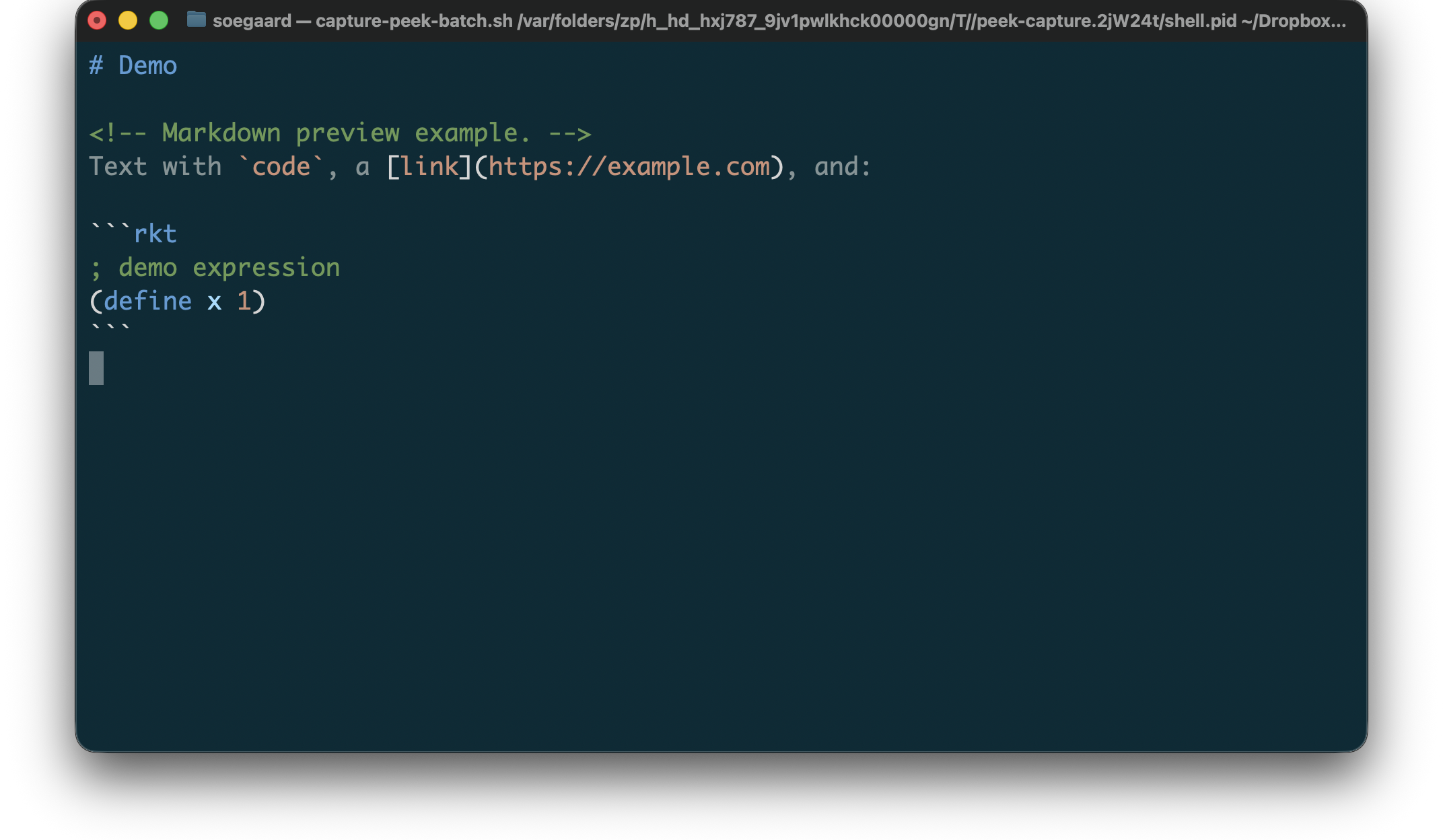
Example Markdown preview input:
"example.md"
1 # Demo 2 3 <!-- Markdown preview example. --> 4 Text with `code`, a [link](https://example.com), and: 5 6 ```rkt 7 ; demo expression 8 (define x 1) 9 ```
Rendered Markdown preview:
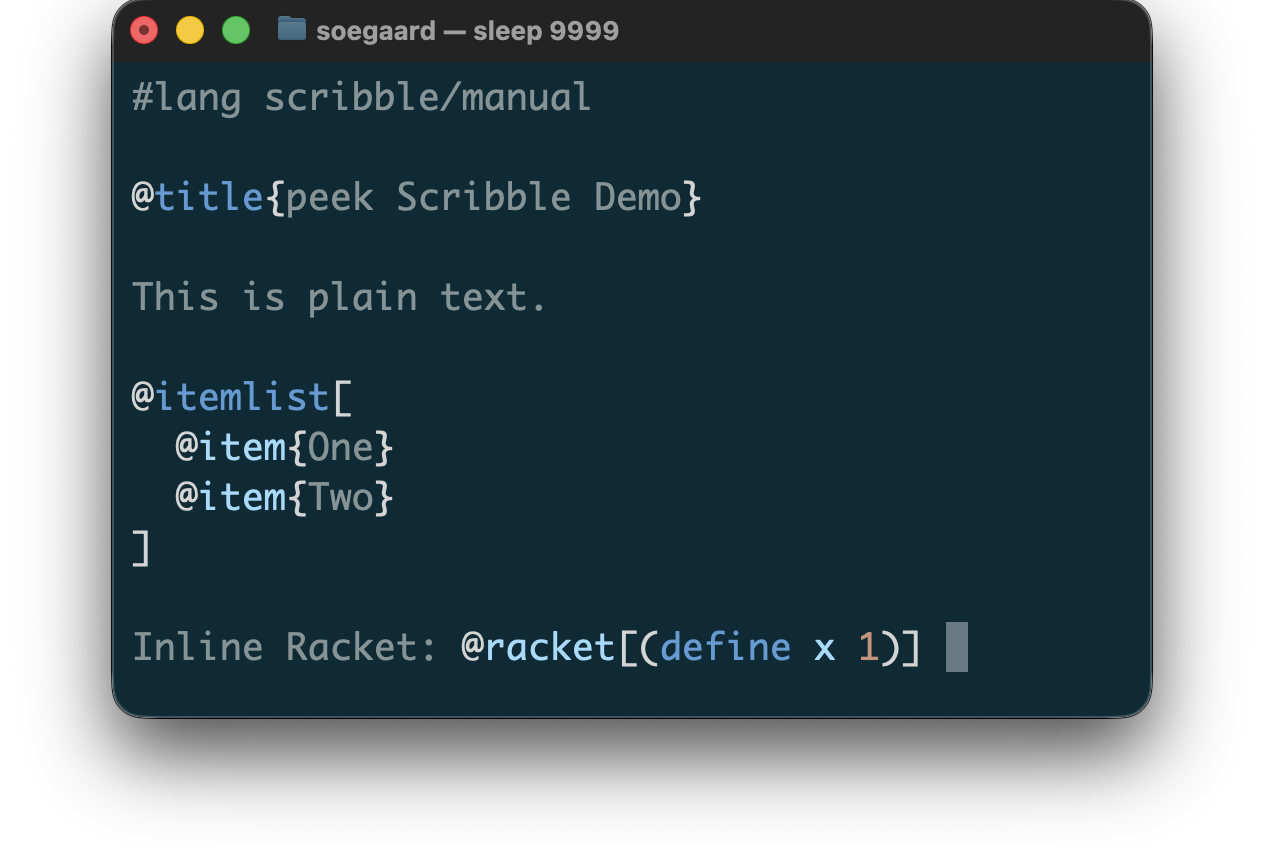
3.3.2 Scribble
For Scribble, peek currently supports:
syntax coloring for .scrbl files
derived-tag-driven rendering built on lexers/scribble
plain text left unstyled while command syntax is colored
Racket-like coloring for tokens inside Scribble Racket escapes
The first Scribble pass is intentionally color-only. It does not try to render Scribble as a document view; it stays a syntax-oriented terminal preview.
When you need a literal at-sign in Scribble prose, write @.
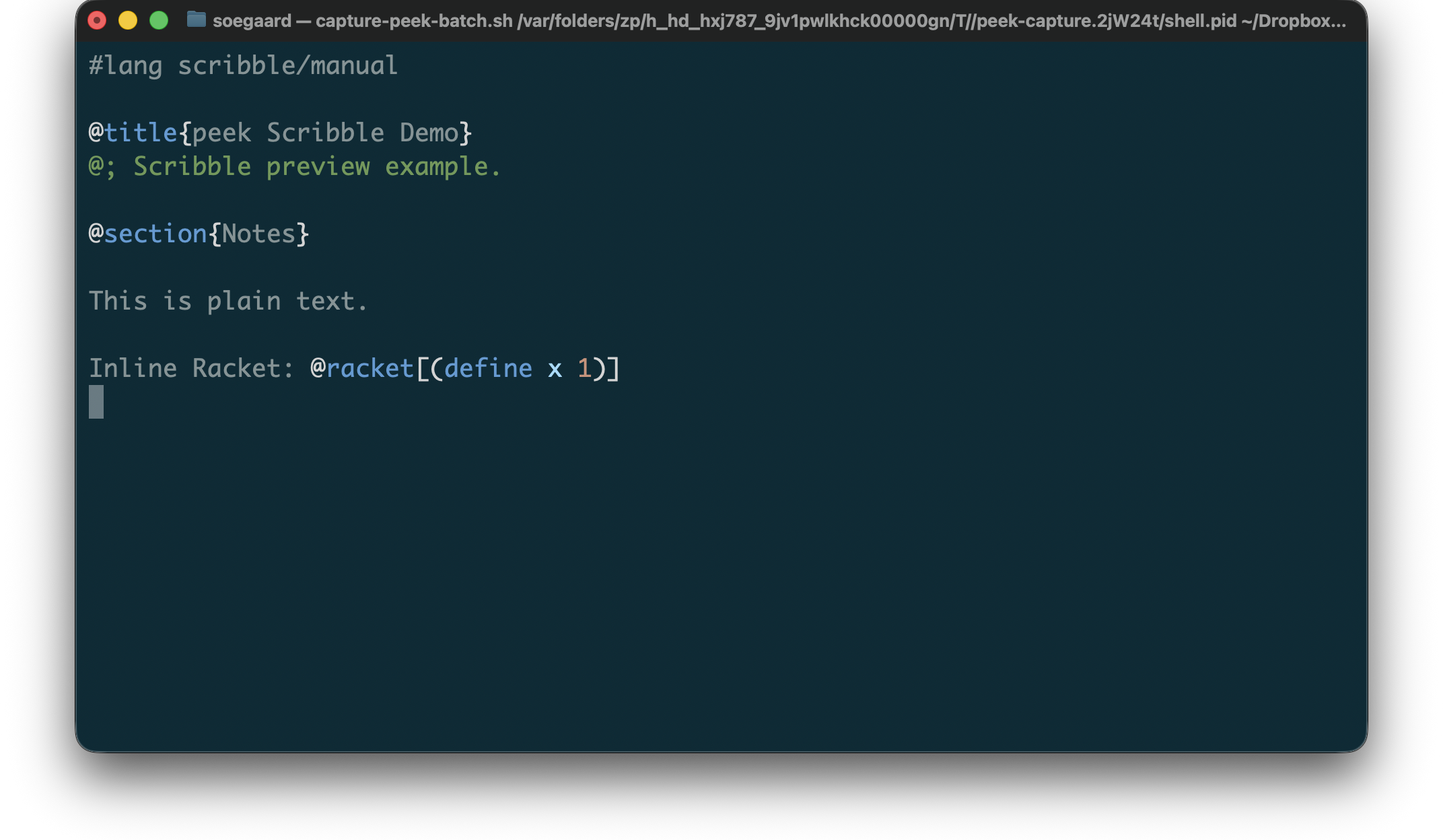
Example Scribble preview input:
"example.scrbl"
1 #lang scribble/manual 2 3 @title{peek Scribble Demo} 4 @; Scribble preview example. 5 6 @section{Notes} 7 8 This is plain text. 9 10 Inline Racket: @racket[(define x 1)]
Rendered Scribble preview:
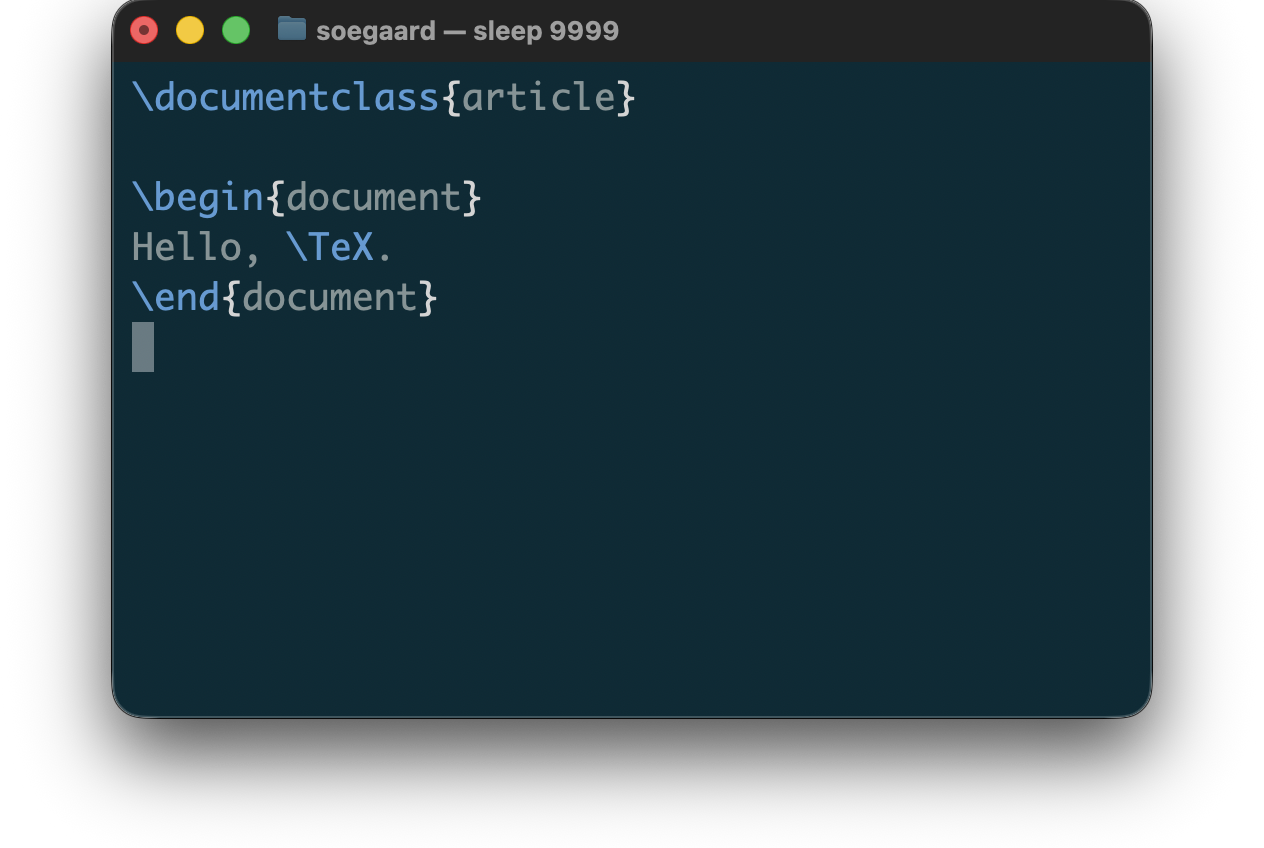
3.3.3 TeX
For TeX, peek currently supports:
syntax coloring for .tex source
best-effort previewing on malformed input
source-preserving, color-only terminal output
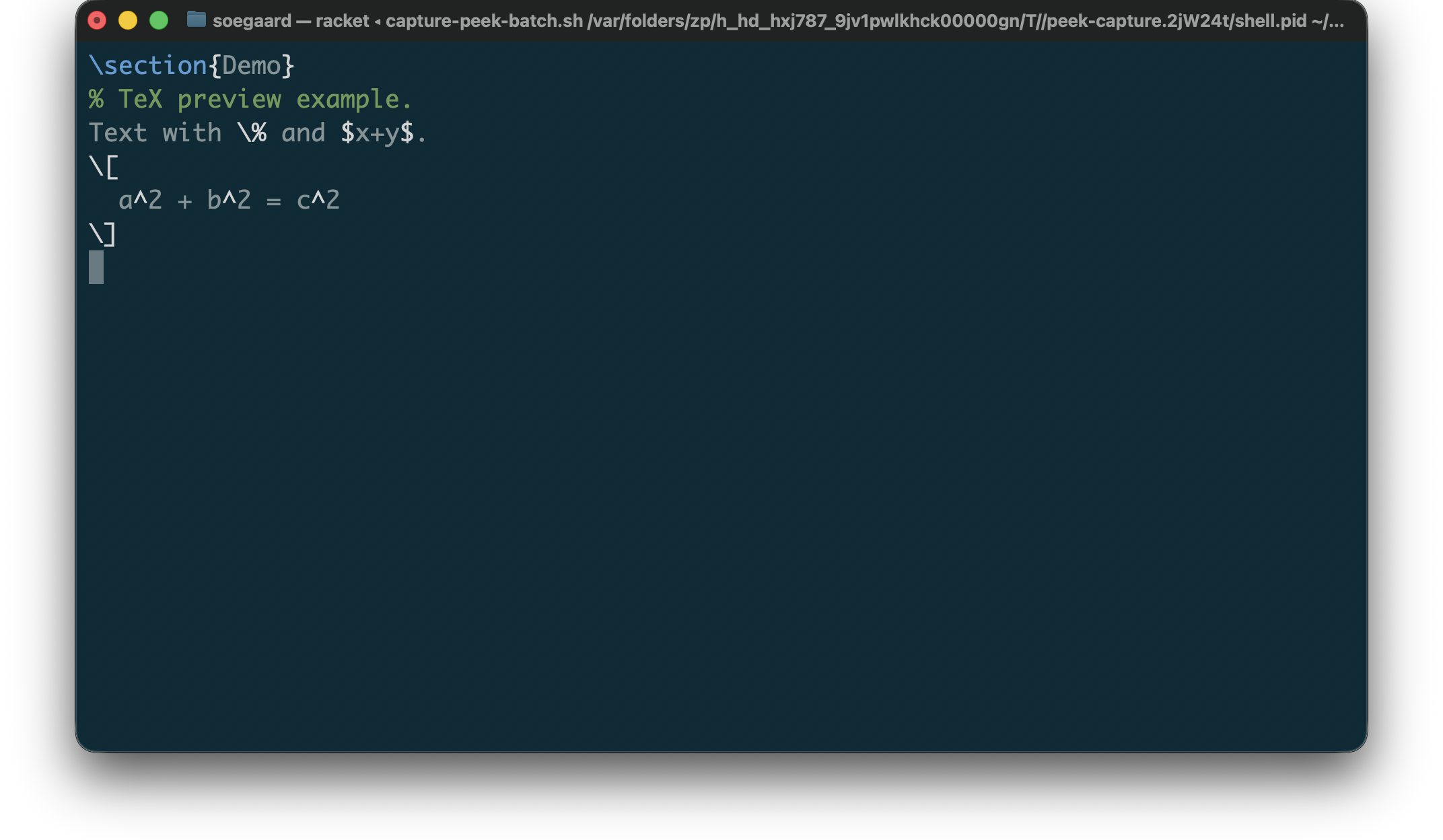
The TeX previewer is intentionally color-only. It does not add layout rewriting or alignment, and it preserves source text and line breaks after ANSI stripping. Its coloring now pays attention to math shifts, accent and spacing commands, parameters, and delimiters instead of flattening them all into one generic command class.
Example TeX preview input:
"example.tex"
1 \section{Demo} 2 % TeX preview example. 3 Text with \% and $x+y$. 4 \[ 5 a^2 + b^2 = c^2 6 \]
Rendered TeX preview:
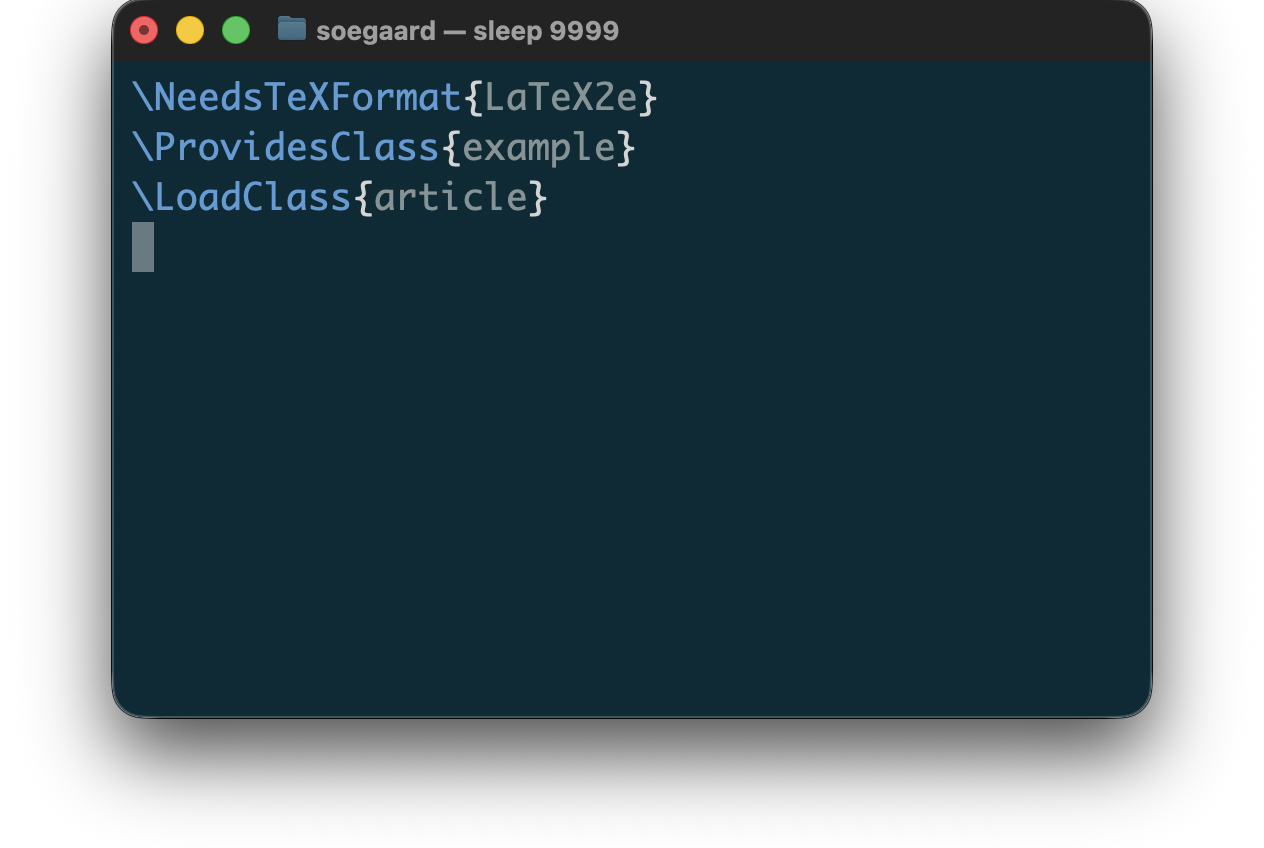
3.3.4 LaTeX
For LaTeX, peek currently supports:
syntax coloring for common LaTeX source files such as .cls, .sty, .latex, and .ltx
best-effort previewing on malformed input
source-preserving, color-only terminal output
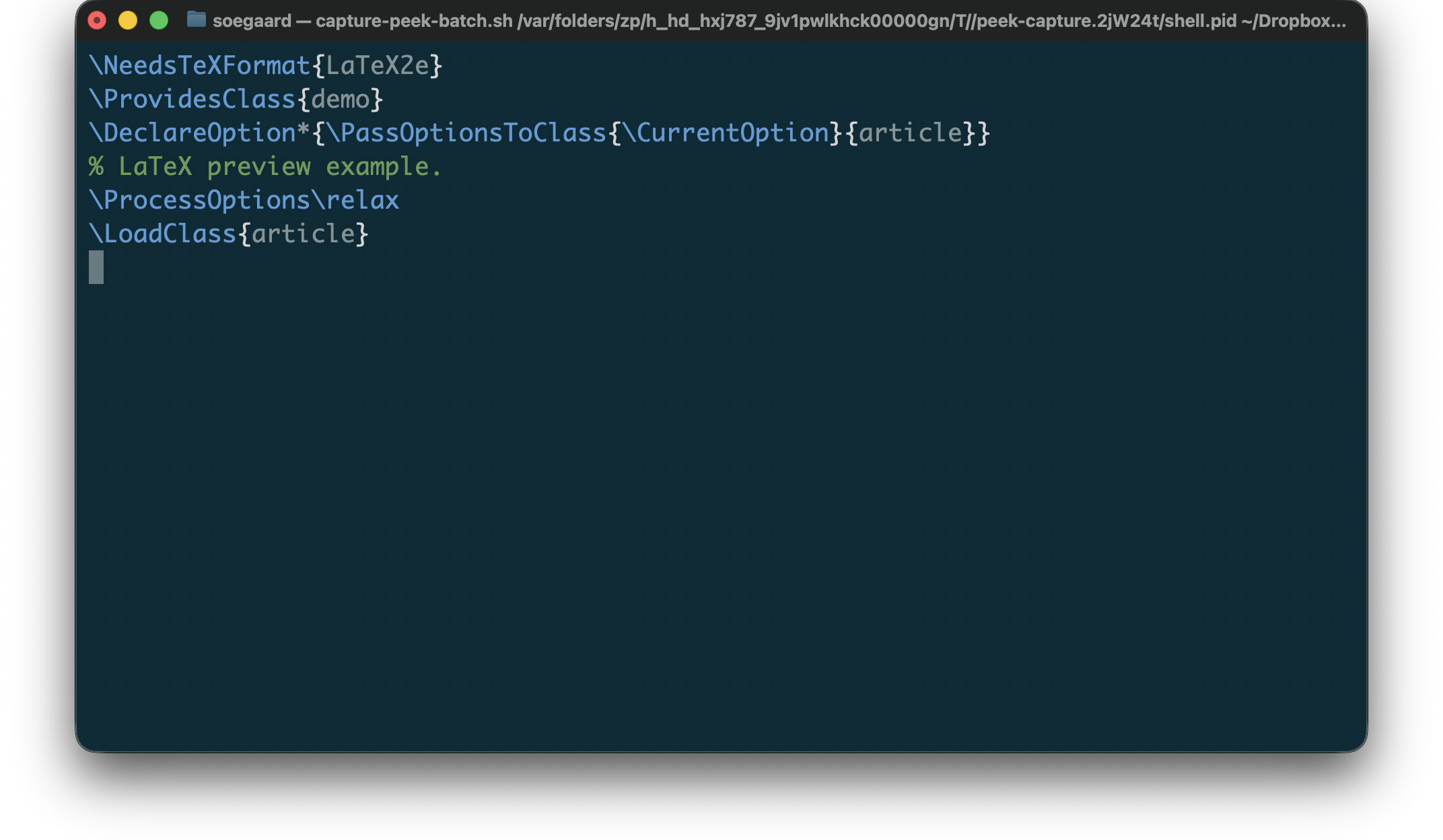
The LaTeX previewer is intentionally color-only. It does not add layout rewriting or alignment, and it preserves source text and line breaks after ANSI stripping. Its coloring keeps environment names, ‘\verb‘ spans, and line-break commands visible as distinct structure.
Example LaTeX preview input:
"example.cls"
1 \NeedsTeXFormat{LaTeX2e} 2 \ProvidesClass{demo} 3 \DeclareOption*{\PassOptionsToClass{\CurrentOption}{article}} 4 % LaTeX preview example. 5 \ProcessOptions\relax 6 \LoadClass{article}
Rendered LaTeX preview:
3.4 Tooling and Config
3.4.1 Makefile
For Makefiles, peek currently supports:
syntax coloring for ordinary Makefile, GNUmakefile, and .mk inputs
shell-aware recipe bodies with Makefile-specific variable references preserved
best-effort previewing on malformed input
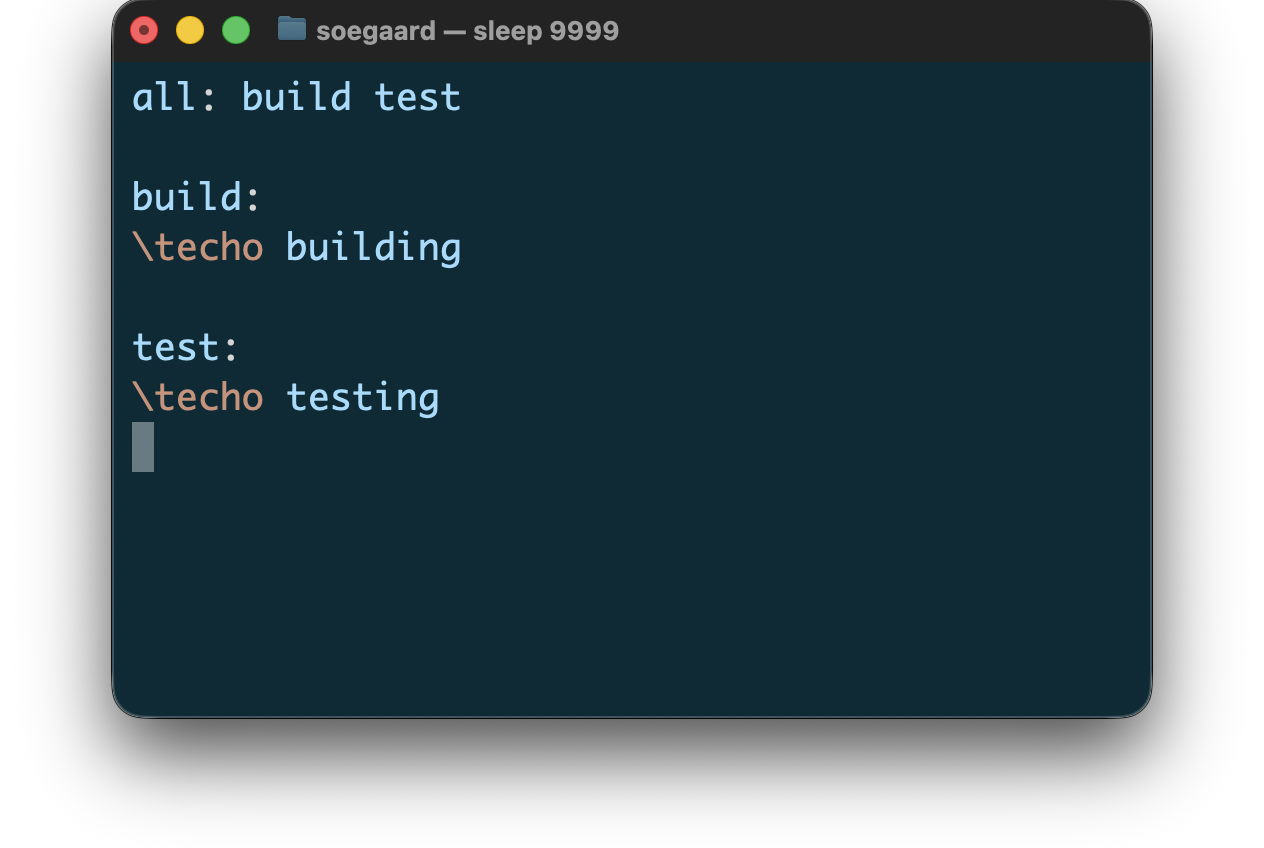
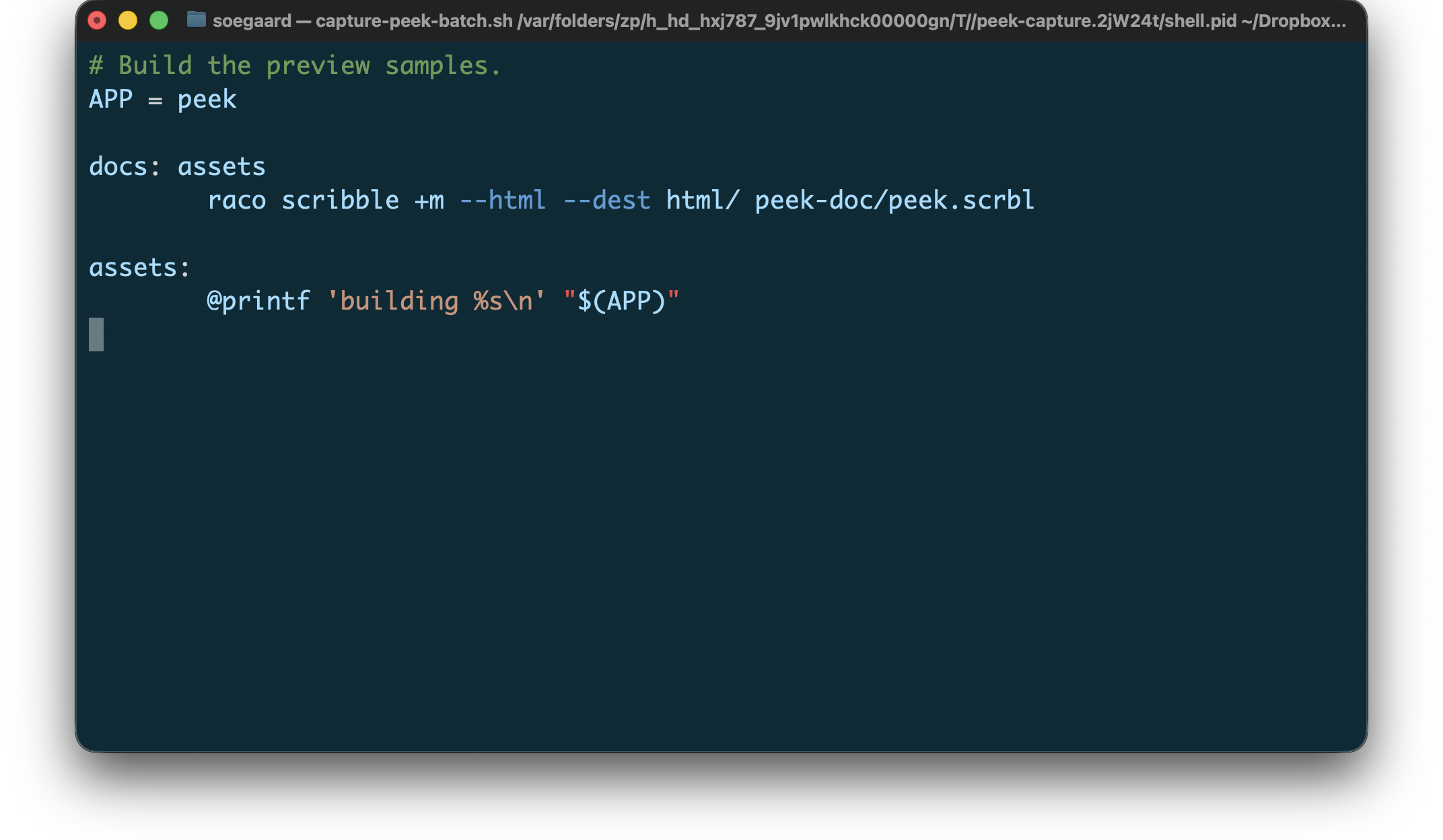
The Makefile previewer is intentionally color-only except for its shell-aware recipe handling. It preserves Makefile variable references and line breaks without layout rewriting.
Example Makefile preview input:
"Makefile"
1 # Build the preview samples. 2 APP = peek 3 4 docs: assets 5 raco scribble +m --html --dest html/ peek-doc/peek.scrbl 6 7 assets: 8 @printf 'building %s\n' "$(APP)"
Rendered Makefile preview:
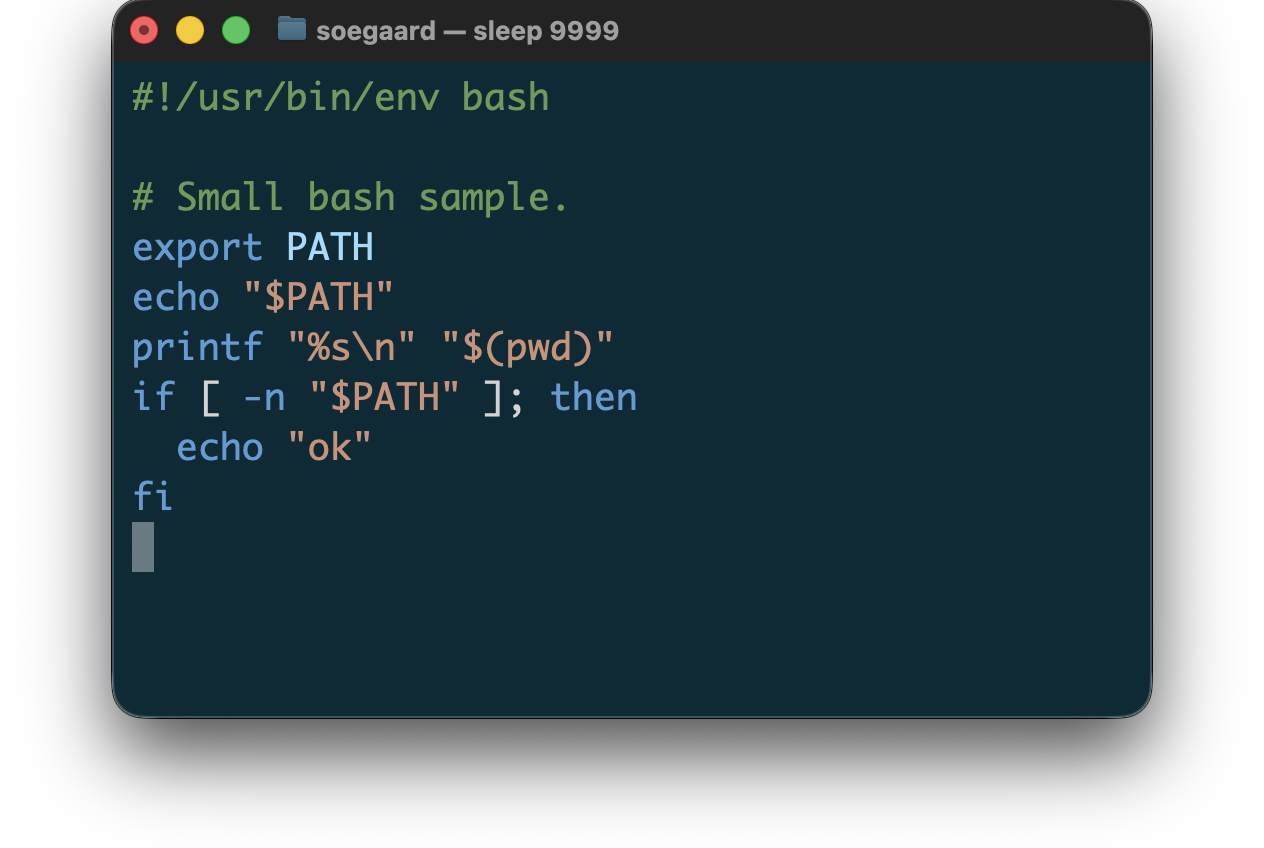
3.4.2 Shell
For Shell, peek currently supports:
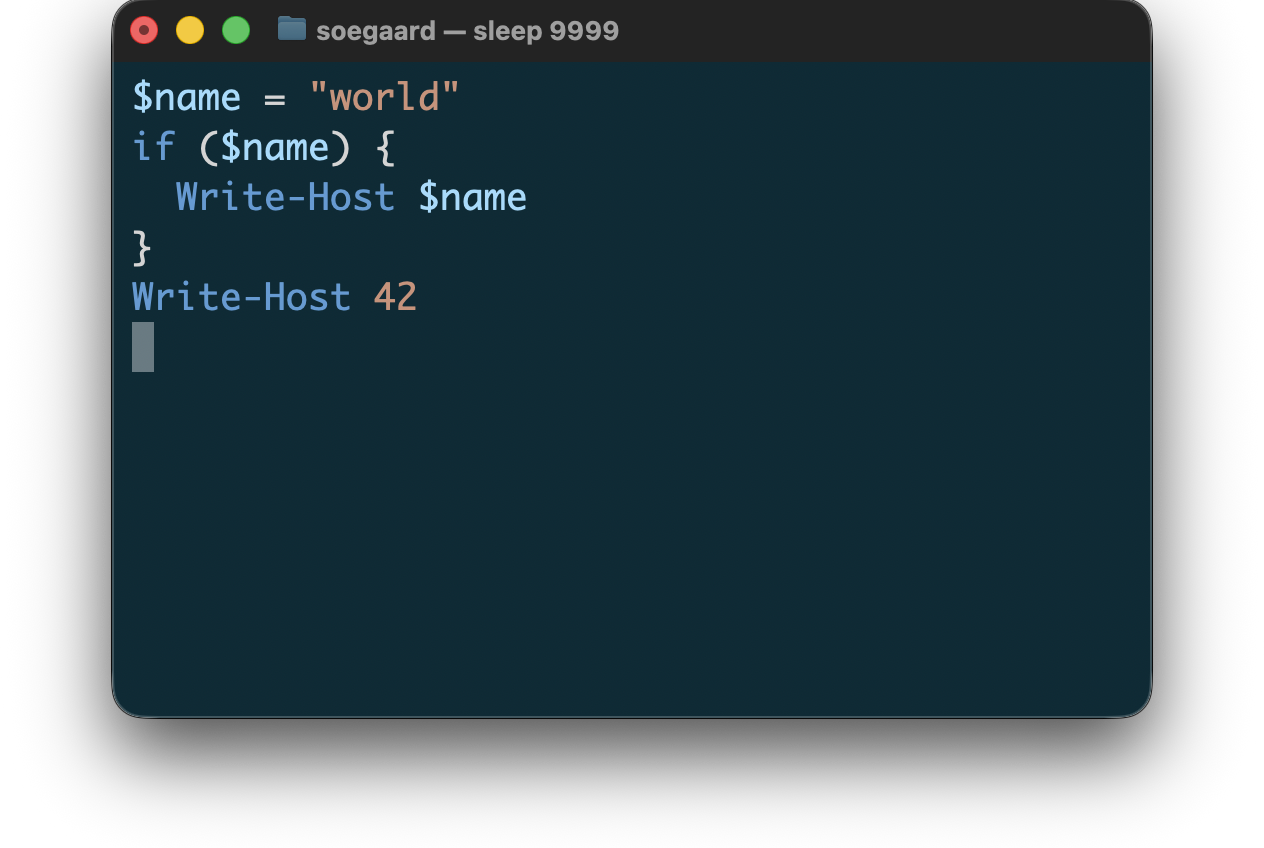
syntax coloring for Bash, Zsh, and PowerShell source
best-effort previewing on malformed input
source-preserving, color-only terminal output
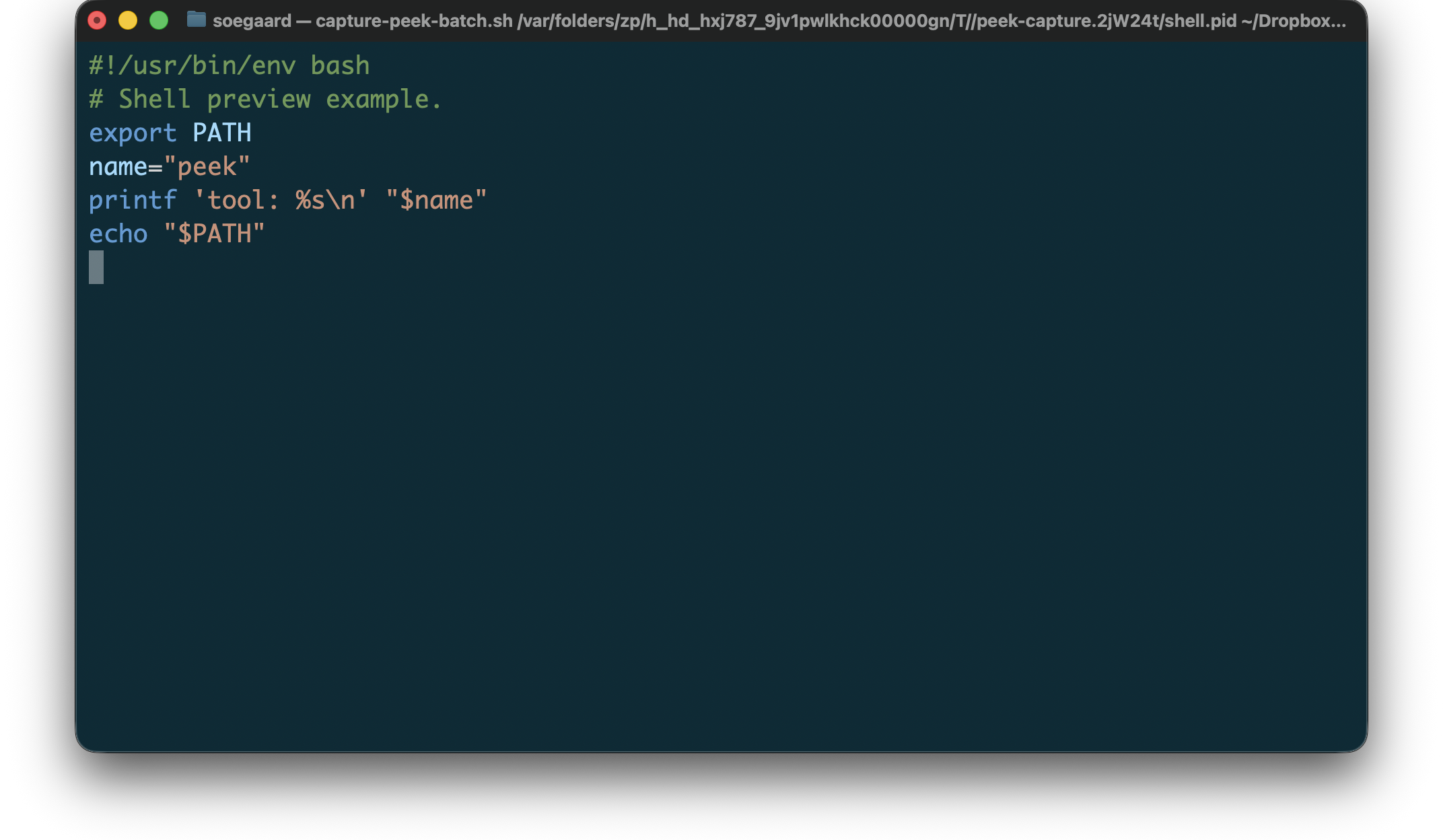
The shell previewers are intentionally color-only. They do not add layout rewriting or alignment, and they preserve source text and line breaks after ANSI stripping.
Example shell preview input:
"example.sh"
1 #!/usr/bin/env bash 2 # Shell preview example. 3 export PATH 4 name="peek" 5 printf 'tool: %s\n' "$name" 6 echo "$PATH"
Rendered shell preview:
3.5 Data Formats
3.5.1 CSV
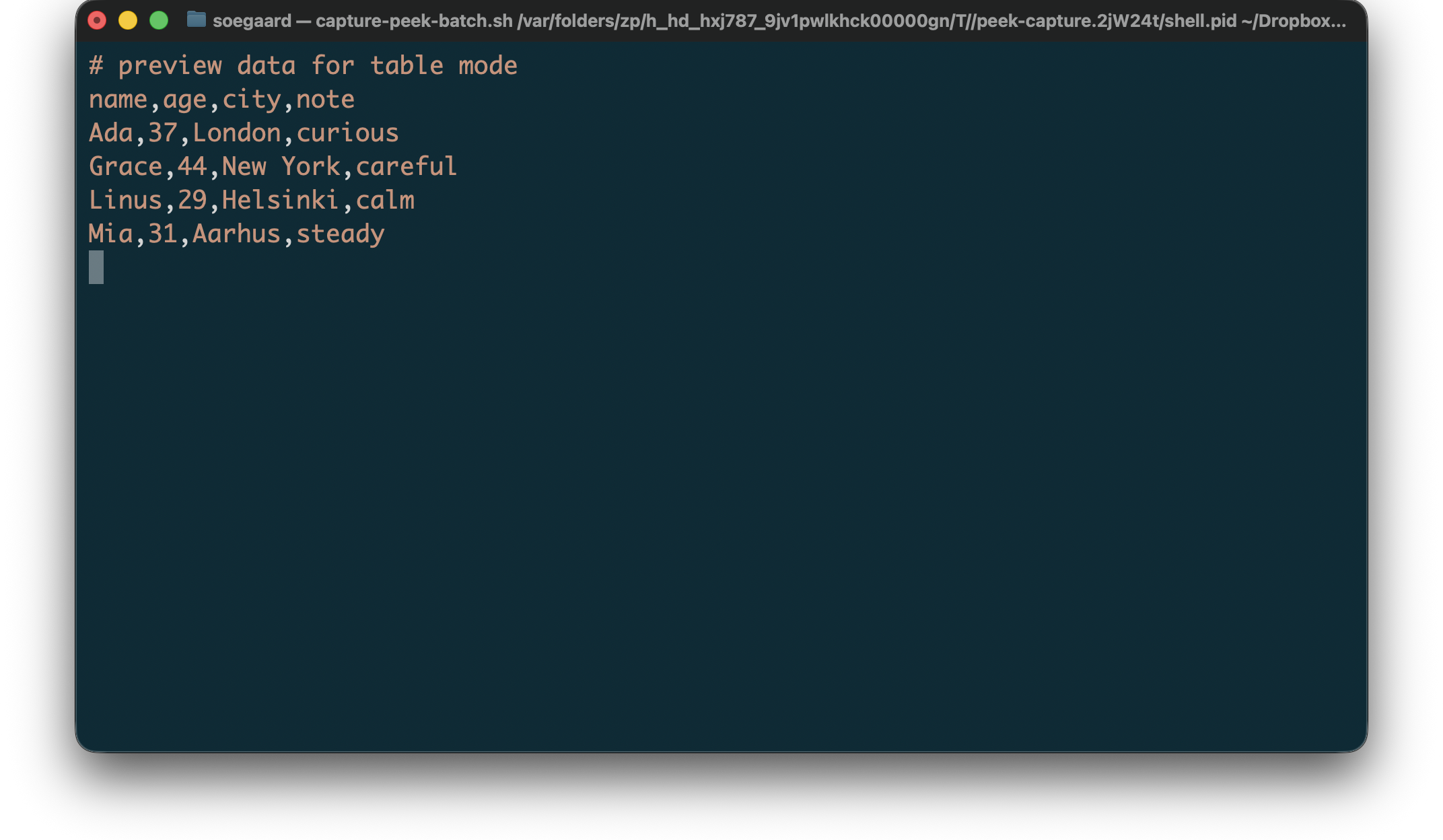
For CSV, peek currently supports:
syntax coloring for .csv files
best-effort previewing on malformed input
source-preserving, color-only terminal output
The CSV previewer is intentionally color-only. It does not add layout rewriting or alignment, and it preserves source text and line breaks after ANSI stripping.
Example CSV preview input:
"example.csv"
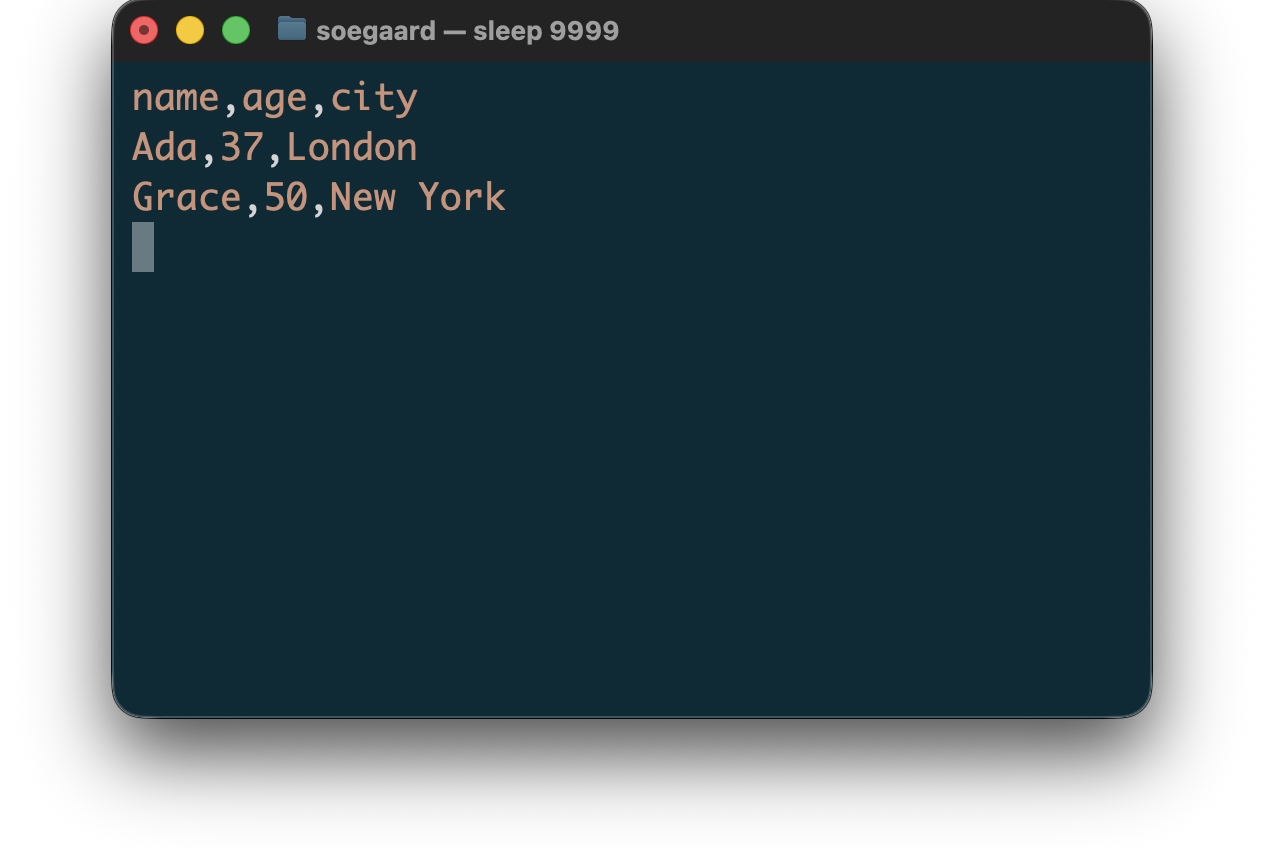
1 # preview data for table mode 2 name,age,city,note 3 Ada,37,London,curious 4 Grace,44,New York,careful 5 Linus,29,Helsinki,calm 6 Mia,31,Aarhus,steady
Rendered CSV preview:
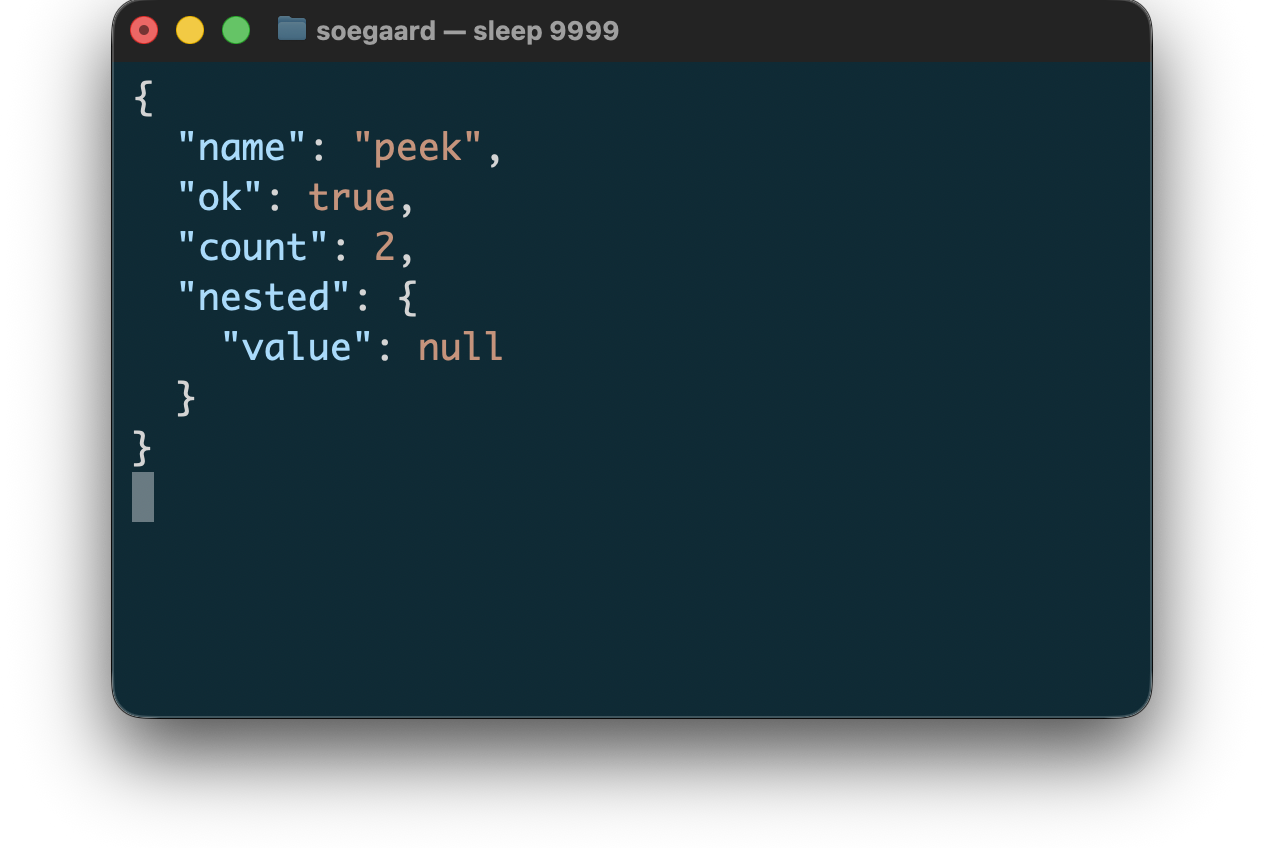
3.5.2 JSON
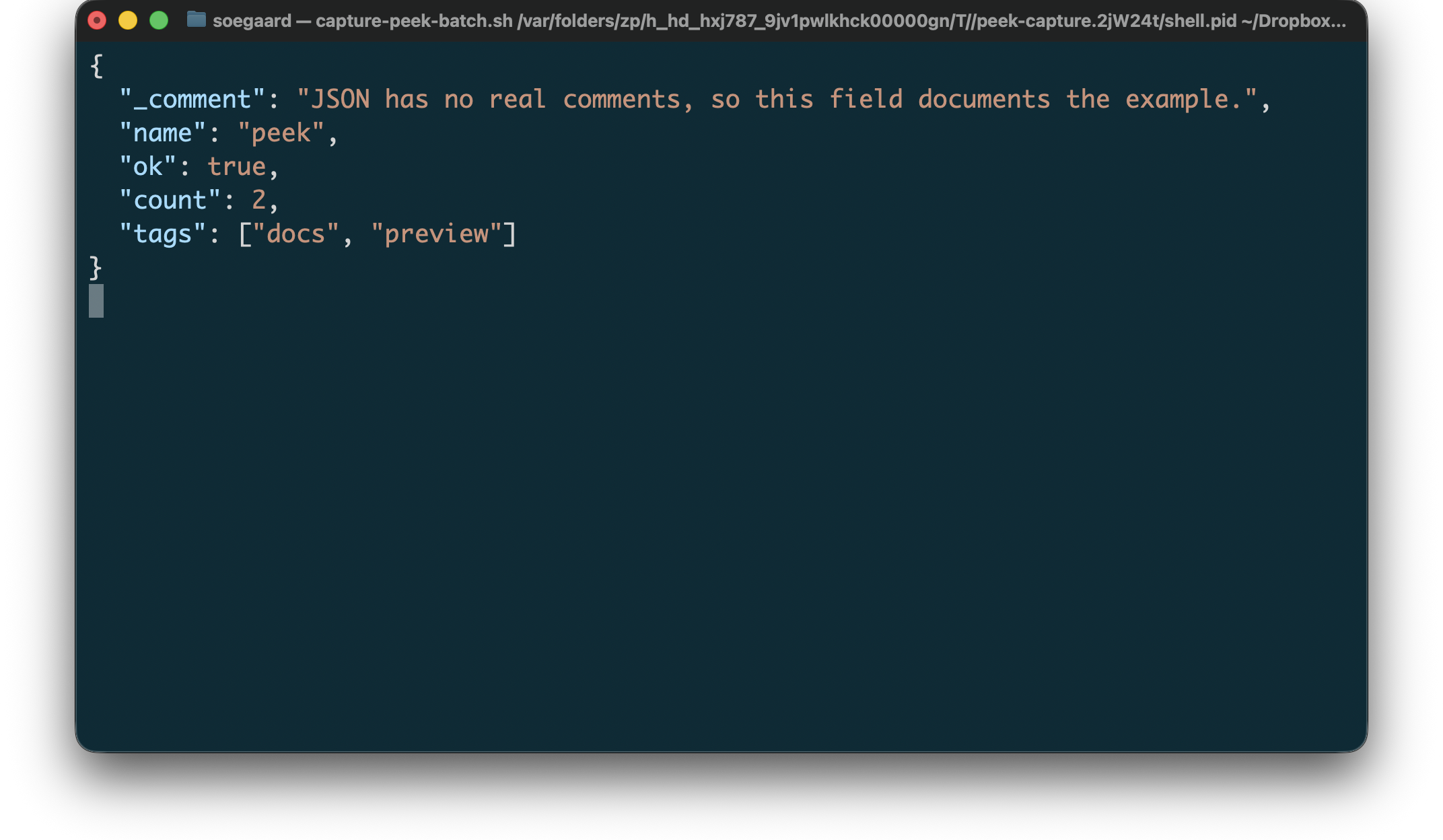
For JSON, peek currently supports:
syntax coloring for ordinary JSON source in .json and .webmanifest files
best-effort previewing on malformed input
source-preserving, color-only terminal output
The JSON previewer is intentionally color-only. It does not add layout rewriting or alignment, and it preserves source text and line breaks after ANSI stripping.
Example JSON preview input:
"example.json"
1 { 2 "_comment": "JSON has no real comments, so this field documents the example.", 3 "name": "peek", 4 "ok": true, 5 "count": 2, 6 "tags": ["docs", "preview"] 7 }
Rendered JSON preview:
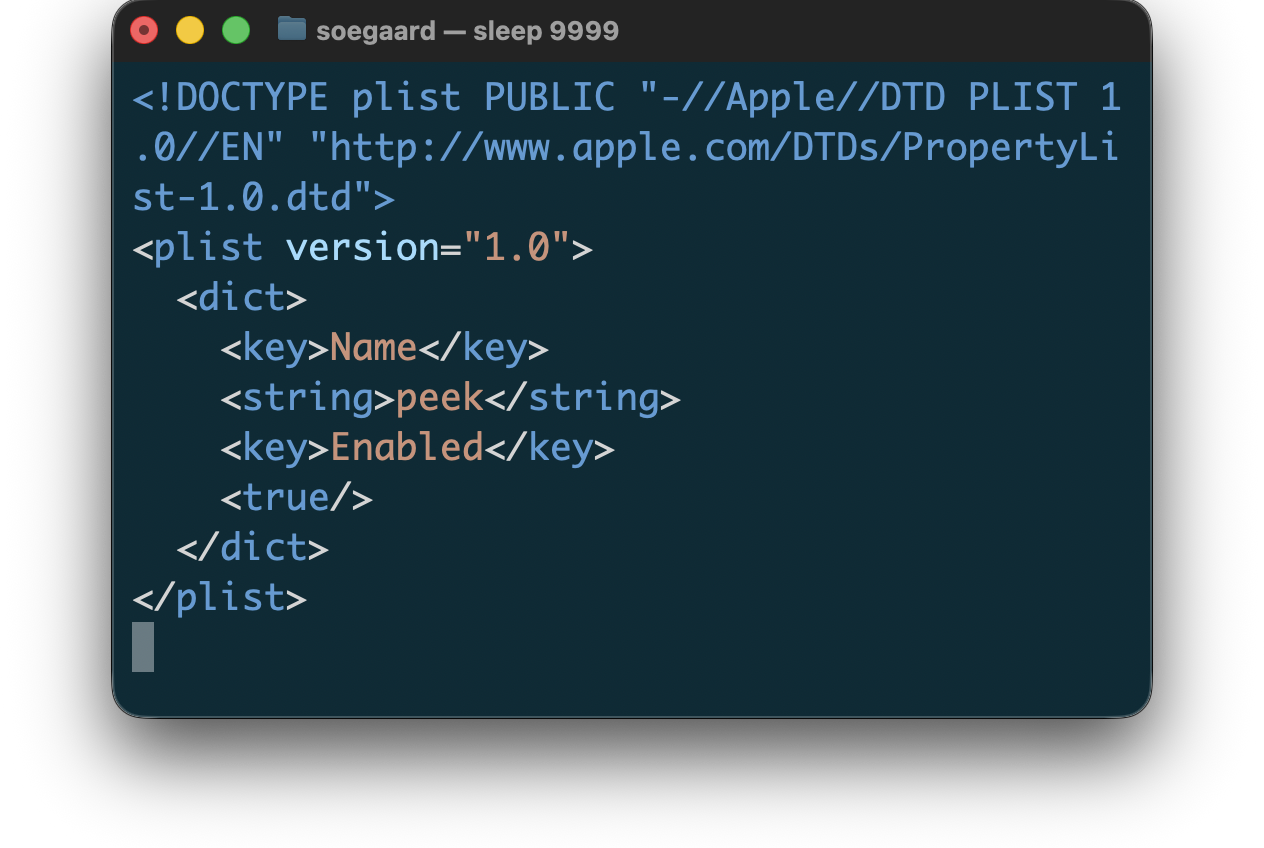
3.5.3 Plist
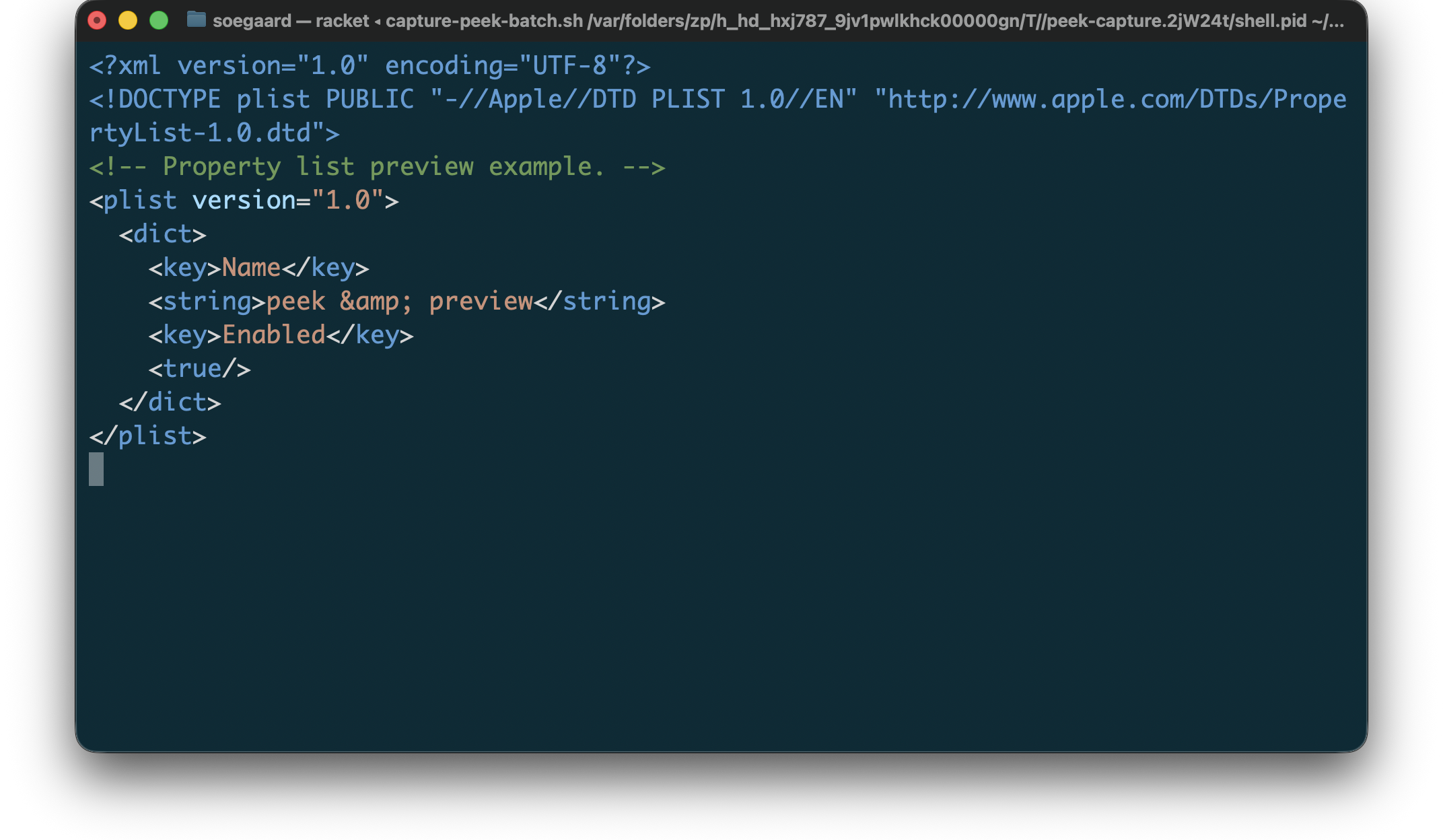
For Plist, peek currently supports:
syntax coloring for XML property-list files in .plist inputs
best-effort previewing on malformed input
source-preserving, color-only terminal output
The Plist previewer is intentionally color-only. It does not add layout rewriting or alignment, and it preserves source text and line breaks after ANSI stripping.
Example Plist preview input:
"example.plist"
1 <?xml version="1.0" encoding="UTF-8"?> 2 <!DOCTYPE plist PUBLIC "-//Apple//DTD PLIST 1.0//EN" "http://www.apple.com/DTDs/PropertyList-1.0.dtd"> 3 <!-- Property list preview example. --> 4 <plist version="1.0"> 5 <dict> 6 <key>Name</key> 7 <string>peek & preview</string> 8 <key>Enabled</key> 9 <true/> 10 </dict> 11 </plist>
Rendered Plist preview:
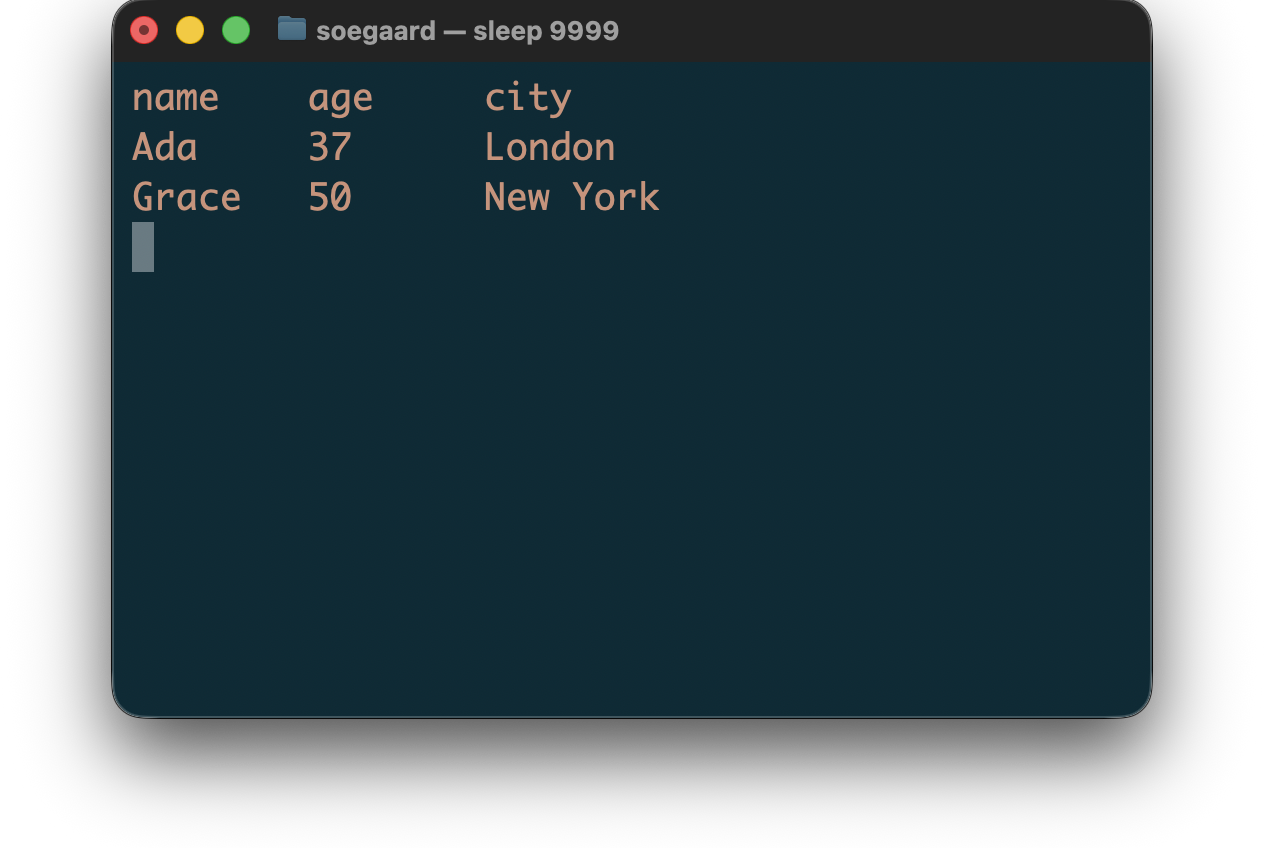
3.5.4 TSV
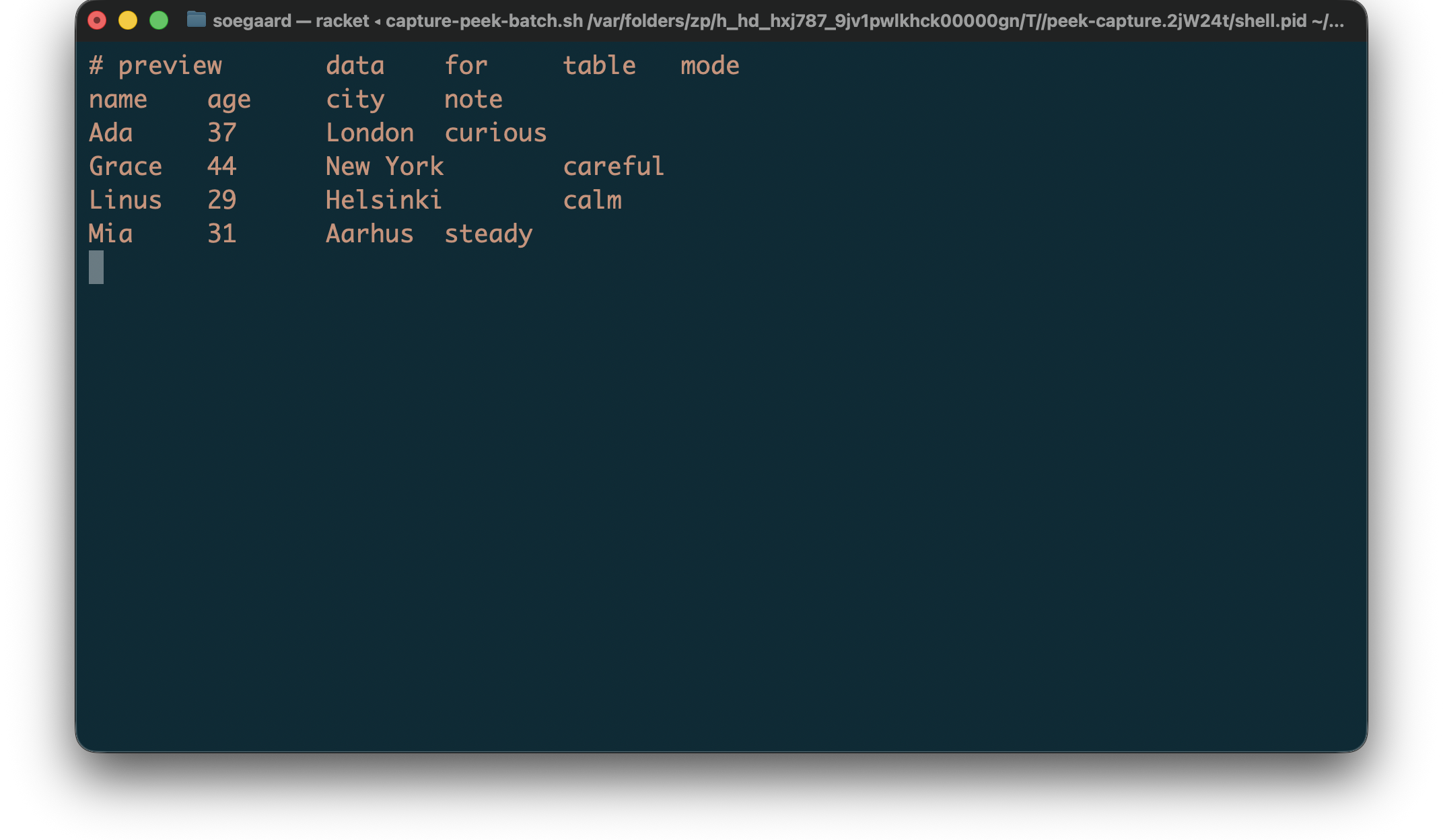
For TSV, peek currently supports:
syntax coloring for .tsv files
best-effort previewing on malformed input
source-preserving, color-only terminal output
The TSV previewer is intentionally color-only. It does not add layout rewriting or alignment, and it preserves source text and line breaks after ANSI stripping.
Example TSV preview input:
"example.tsv"
1 # preview data for table mode 2 name age city note 3 Ada 37 London curious 4 Grace 44 New York careful 5 Linus 29 Helsinki calm 6 Mia 31 Aarhus steady
Rendered TSV preview:
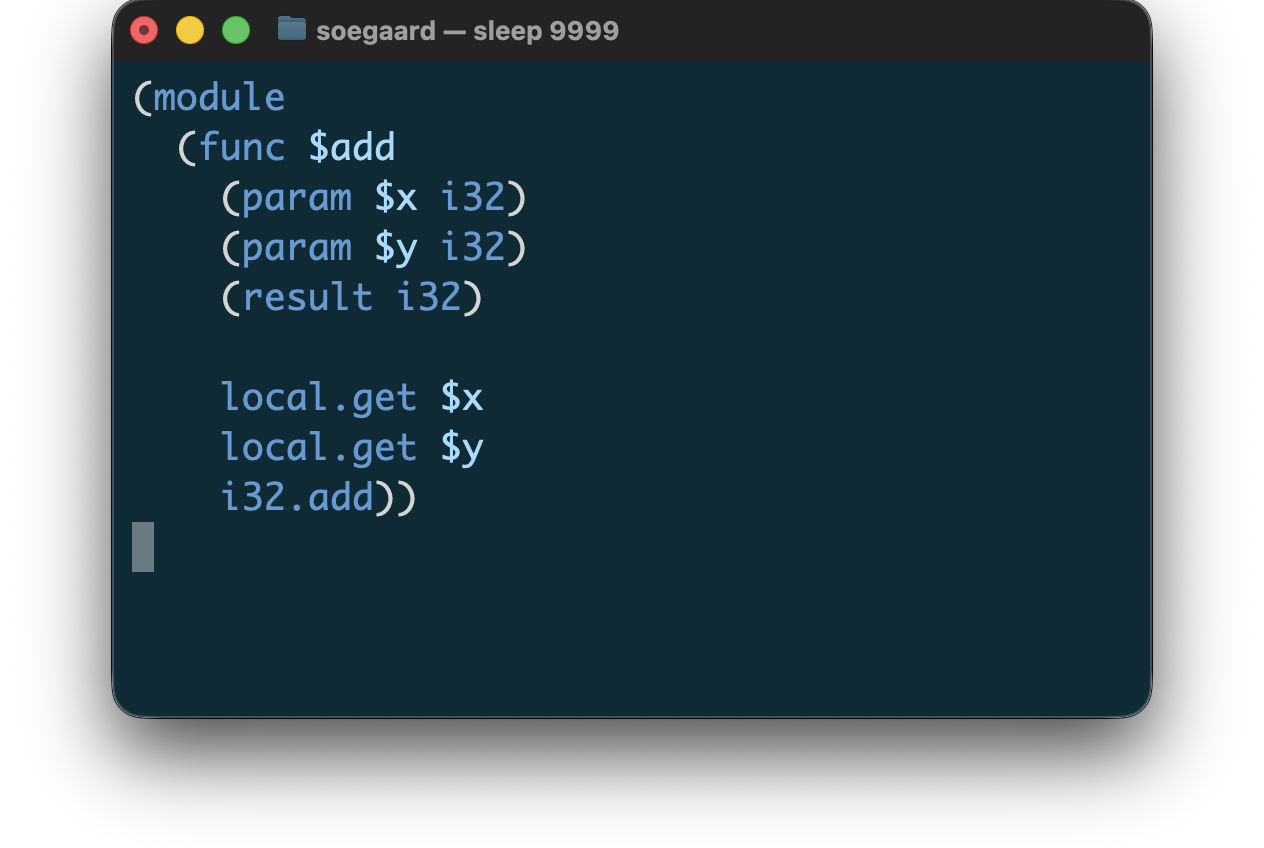
3.5.5 WAT
For WAT, peek currently supports:
syntax coloring for WebAssembly text-format files in .wat
best-effort previewing on malformed input
delegated WAT coloring in fenced Markdown code blocks when lexers/markdown exposes embedded-wat
The first WAT pass is intentionally color-only. It does not add indentation normalization, formatting, or spec-link behavior. Standalone WAT preview is one of the streaming render paths in peek; all current file types now use the port-oriented streaming path.
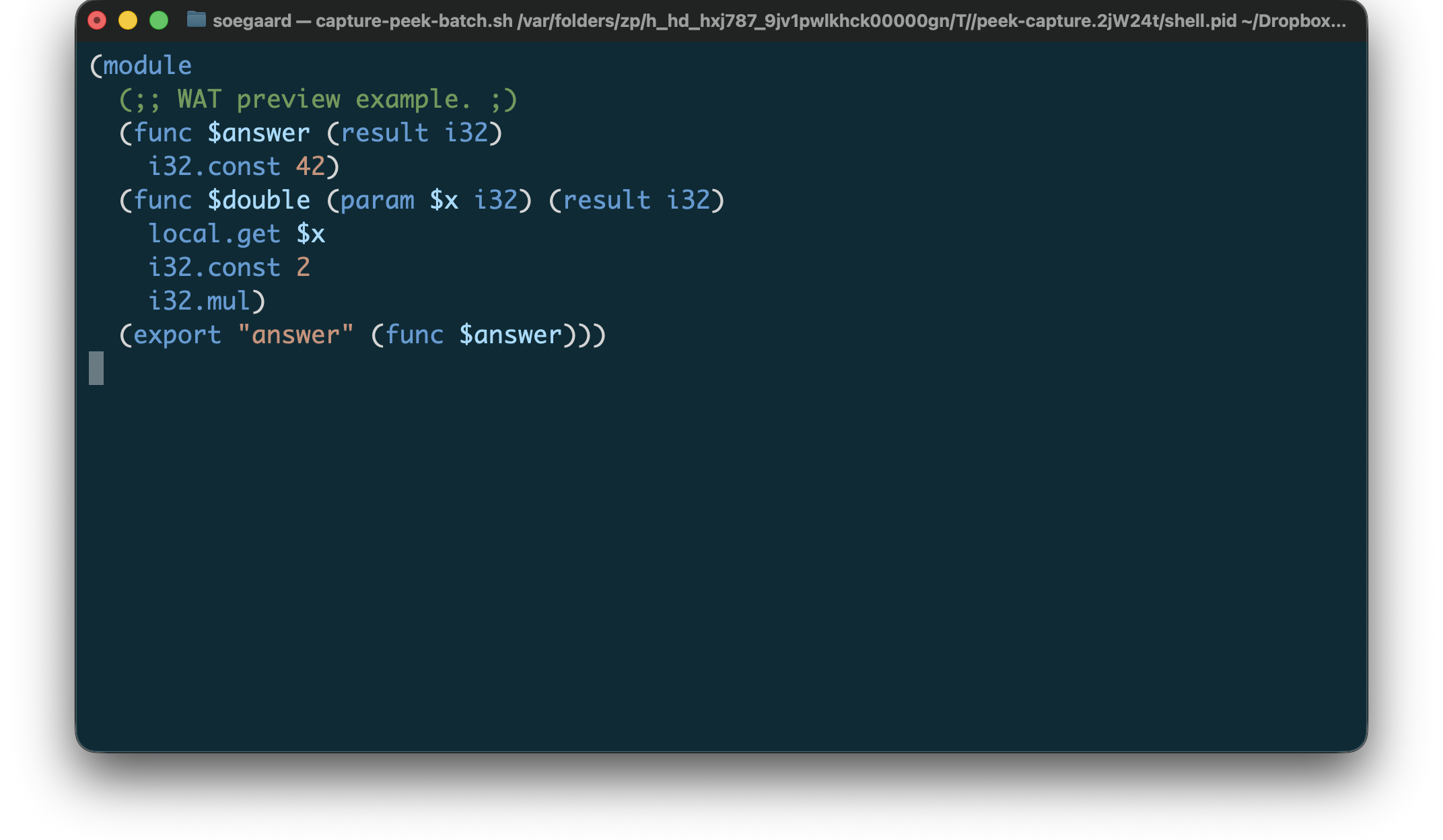
Example WAT preview input:
"example.wat"
1 (module 2 (;; WAT preview example. ;) 3 (func $answer (result i32) 4 i32.const 42) 5 (func $double (param $x i32) (result i32) 6 local.get $x 7 i32.const 2 8 i32.mul) 9 (export "answer" (func $answer)))
Rendered WAT preview:
3.5.6 YAML
For YAML, peek currently supports:
syntax coloring for .yaml and .yml files
best-effort previewing on malformed input
source-preserving, color-only terminal output
The YAML previewer is intentionally color-only. It does not add layout rewriting or alignment, and it preserves source text and line breaks after ANSI stripping.
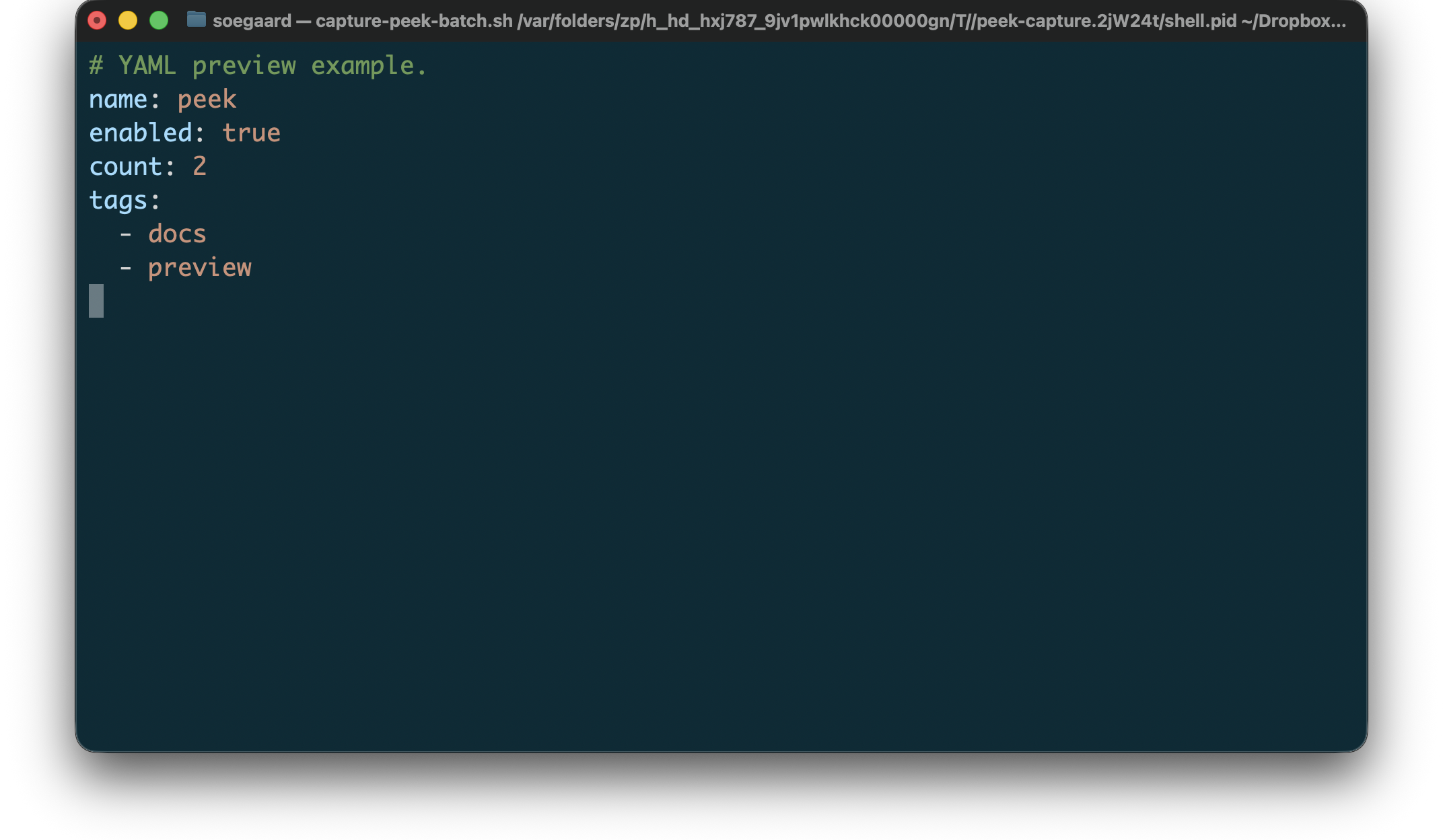
Example YAML preview input:
"example.yaml"
1 # YAML preview example. 2 name: peek 3 enabled: true 4 count: 2 5 tags: 6 - docs 7 - preview
Rendered YAML preview:
3.6 Directory Paths
For a directory path, peek supports:
automatic routing from the path itself
a flat, ls-like listing
directories first, followed by links, then regular files
simple kind-aware coloring
right-aligned size fields for regular files
blank-line dividers between major groups
–kind sorting by file kind and name
–size sorting by size inside the regular-file group
Directory preview is intentionally simple. It is not trying to mirror the full option surface of ls; it just gives a quick structural view of a folder from the terminal.
Example directory preview command:
peek path/to/folder/
Sorting by file kind:
peek --kind path/to/folder/
Sorting by size:
peek --size path/to/folder/
3.7 Archive Files
For Archive Files, peek currently supports:
tree previews for .zip, .tar, .tgz, and .tar.gz
automatic archive routing from those known extensions
explicit archive mode for stdin and files
an explicit escape hatch to raw bytes with binary mode
The archive previewer is intentionally structural. It renders the archive as a directory tree instead of raw bytes. ZIP previews use Racket’s file/unzip directory-reading support, while TAR and TGZ/TAR.GZ previews use the file/untar path/filter pipeline to collect entries without unpacking files to disk.
Example archive preview command:
peek archive.zip
3.8 Binary Files
For Binary, peek currently supports:
hex-style previewing for arbitrary binary data
explicit binary mode for stdin and files
--bits to show each byte as bits instead of hex digits
--search-bytes to highlight raw byte sequences in white
--search-text to highlight UTF-8 text sequences in white
automatic fallback to binary when unknown input looks non-textual
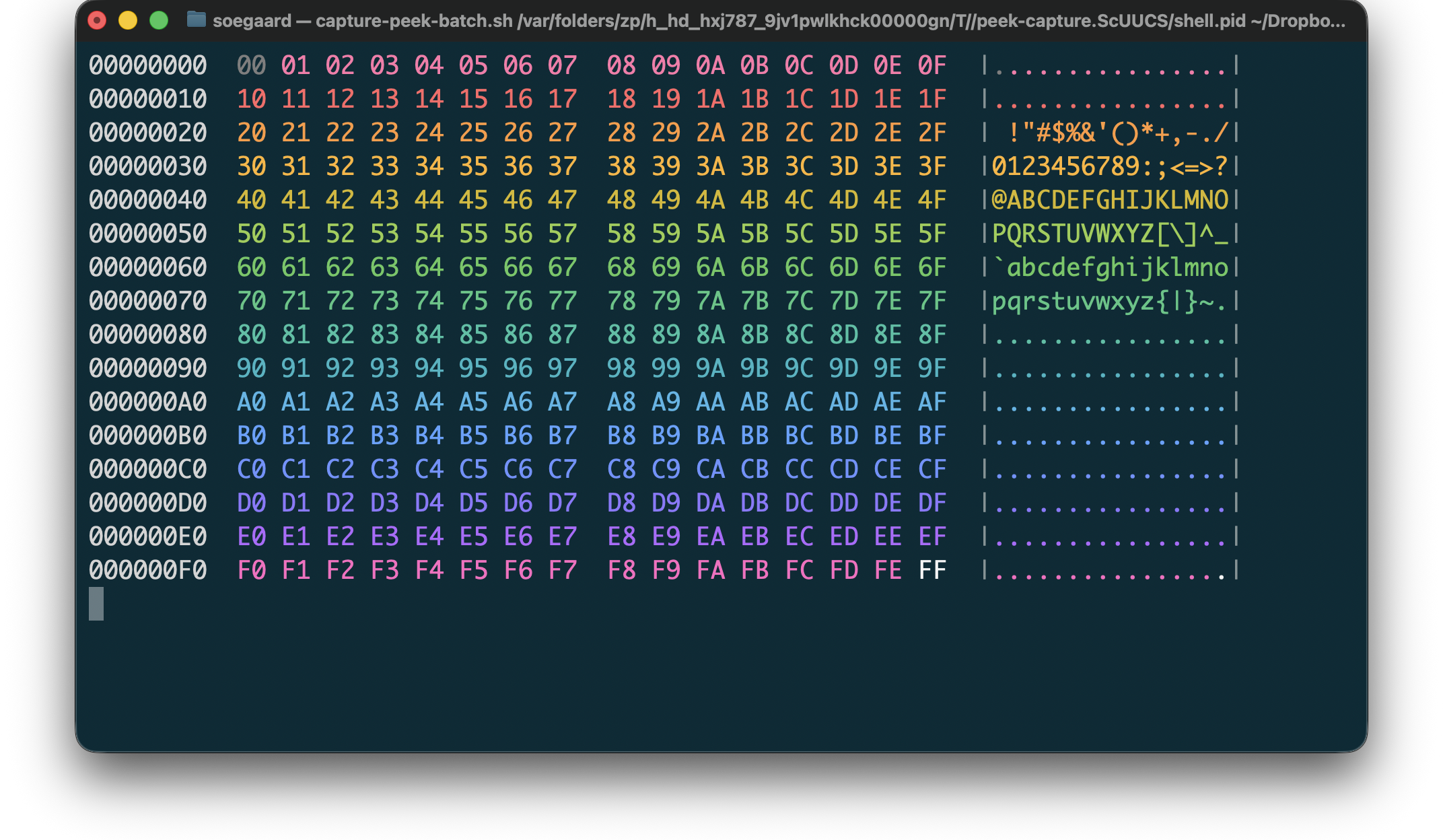
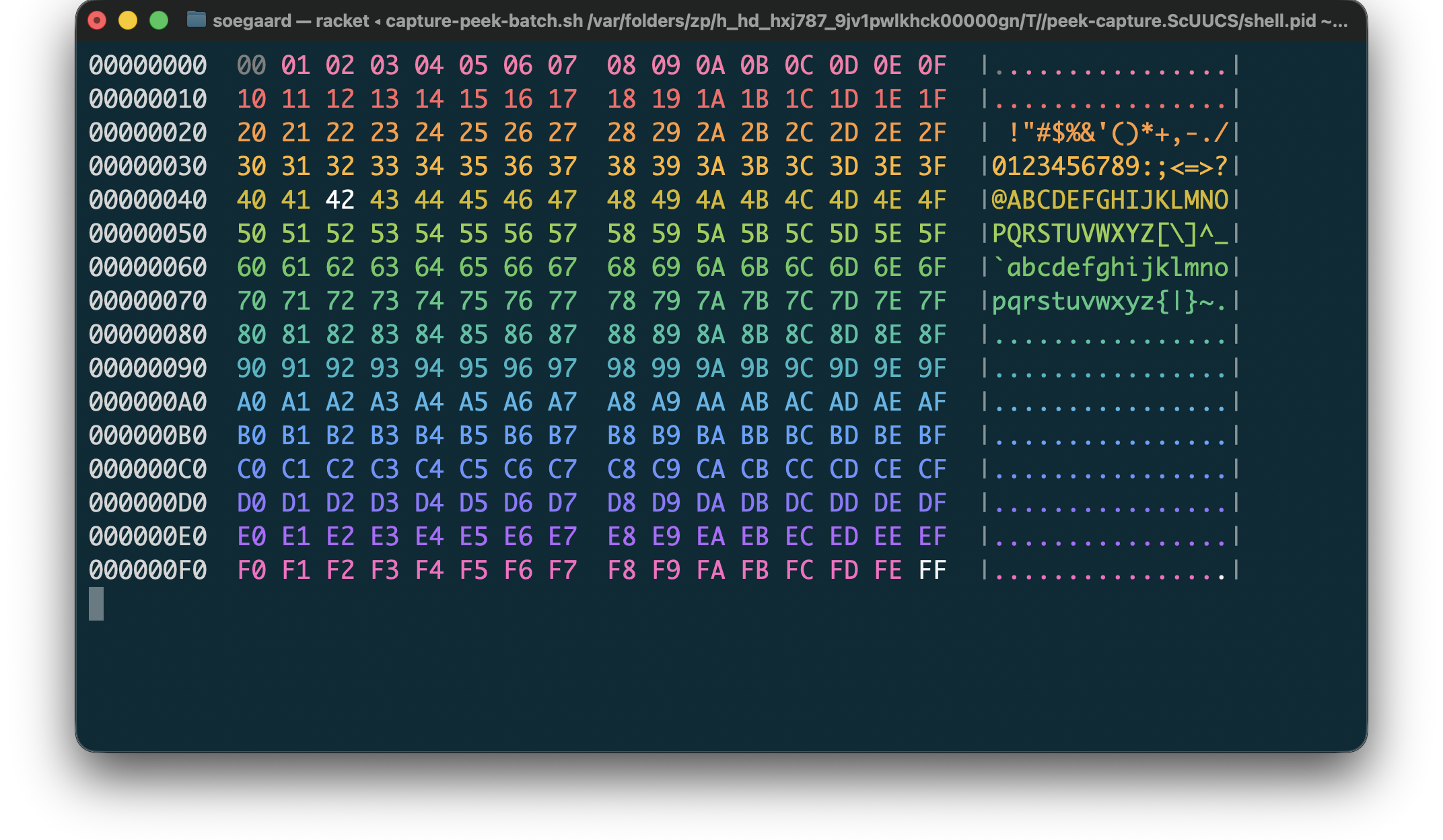
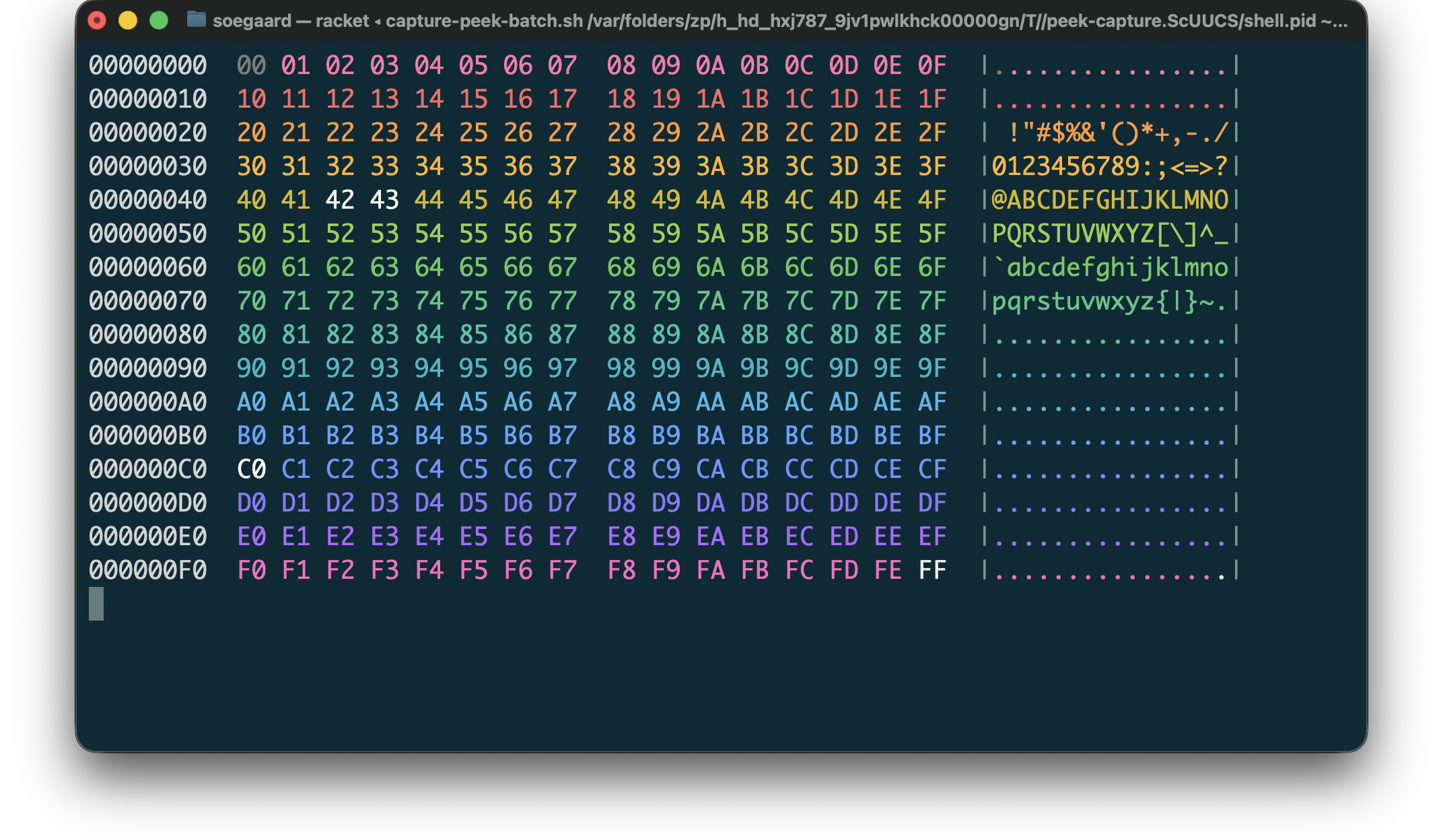
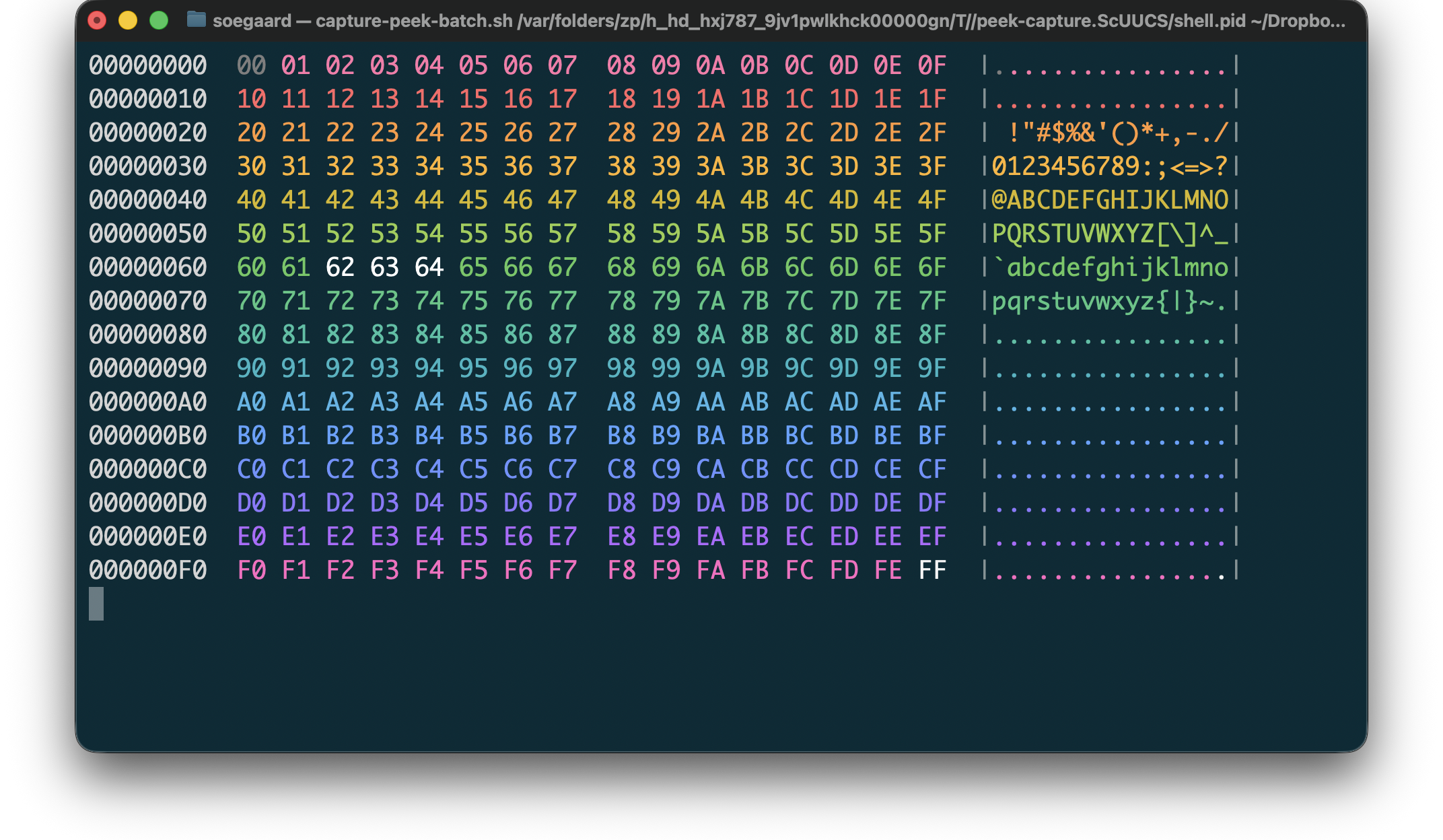
The binary previewer is intentionally hex-oriented by default. It shows offsets, color groups for bytes, and an ASCII gutter, and --bits swaps the byte cells to 8-bit binary strings. --search-bytes highlights the matched bytes in white, and each pattern can be expressed as one hex string such as 4243; repeat the flag to add more patterns. --search-text highlights UTF-8 text sequences in white, and each pattern is a normal text string; repeat the flag to add more patterns. The previewer does not try to interpret the bytes as structured text.
The file "all-bytes.bin" used below contains the byte values 00 through FF in order. peek can detect binary files automatically, which is why the first command omits an explicit type. When needed, you can still force binary rendering with --type binary.
Commands used for the binary preview examples:
"example.sh"
1 # Binary preview examples. 2 peek all-bytes.bin 3 peek --search-bytes 42 all-bytes.bin 4 peek --search-bytes 4243 --search-bytes c0 all-bytes.bin 5 peek --search-text bcd all-bytes.bin
Result of peek all-bytes.bin:
Result of peek --search-bytes 42 all-bytes.bin:
Result of peek --search-bytes 4243 --search-bytes c0 all-bytes.bin:
Result of peek --search-text bcd all-bytes.bin:
4 Library
The command-line tool is backed by a small library in (lib "peek/preview.rkt").
The initial library surface is intentionally small:
make-preview-options constructs a preview-options value with optional type, alignment, swatch, and color-mode settings.
preview-string previews a source string using the selected options.
preview-port previews from an input port to an output port. This is the lower-level entry point used by streaming previewers such as standalone WAT.
preview-file reads a file and previews it using the selected options.
The command-line entry point lives in (lib "peek/main.rkt") and is exported as main.
5 Notes
Unsupported file types currently fall back to plain text.
The current implementation focuses on CSS, HTML, Java, JavaScript, Markdown, Racket, Scribble, TeX, LaTeX, WAT, Shell, Makefile, and the data-format previewers. Most supported lexers use the port-oriented streaming path. CSS remains the special buffered renderer because it can add swatches and alignment. Future file types may add their own previewers without forcing all file types into the same rendering model.
6 Screenshots
6.1 Gallery
Representative previews, rendered by peek:
Bash |
|
|
C |
|
|
C++ |
|
|
CSS |
|
|
CSV |
|
|
Go |
|
|
Haskell |
|
|
HTML |
|
|
Java |
|
|
JavaScript |
|
|
JSX |
|
|
JSON |
|
|
LaTeX |
|
|
Markdown |
|
|
Makefile |
|
|
Objective-C |
|
|
Pascal |
|
|
Plist |
|
|
PowerShell |
|
|
Python |
|
|
Racket |
|
|
Rhombus |
|
|
Rust |
|
|
Scribble |
|
|
Shell |
|
|
Swift |
|
|
TeX |
|
|
TSV |
|
|
WAT |
|
|
YAML |
|
|
Zsh |
|
|