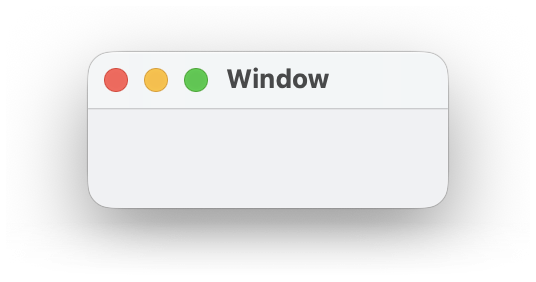
class | |||||||||||||||
|
The ~size argument supplies the window’s initial or current
size, while ~min_size, the window content, and
~stretch constrain the size that a user can choose when
resizing the window. The ~position argument similar provides
the window’s initial or current position, but a user can move the
window—
A menu bar supplied as the ~menu_bar argument is active when the window is active. Depending on the platform, the menu bar is either within the window or at the top of the screen when the window is frontmost.
When a window is disabled via ~enable, all content within the window is also disabled. Whether the menu bar is disabled along with a window depends on whether it is in the window or at the top of the screen.
The ~window_callbacks argument configures callbacks that are common to all WindowChildViews. See WindowCallbacks for more information.
enumeration | ||||||||
|
#'no_resize_border: Disables window resizing by a user.
#'no_title: Omits a title bar for the window.
#'no_system_menu: Omits the system menu (Windows).
#'hide_menu_bar: Hides the menu bar and dock when the window is active (Mac OS) or asks the window manager to make the window fullscreen (Unix).
#'float: Causes the window to stay in front of all other non-floating windows. On Mac OS, a floating window shares the focus with an active non-floating window. When this style is combined with #'no_caption, then showing the frame does not cause the keyboard focus to shift to the window, and on Unix, clicking the frame does not move the focus. on Windows, a floating window has no taskbar button.
#'fullscreen_button: Includes a button on the window’s title bar to put the window in fullscreen mode (Mac OS 10.7 and later).
#'fullscreen_aux: Allows the window to accompany another that is in fullscreen mode (Mac OS 10.7 and later).